Connecting and configuring UniTalk IP telephony integration with Keruj CRM
Keruj CRM is a tool for improving communication, increasing the efficiency of workflows, organizing lead management, and increasing business conversion. Keruj helps to organize work chaos.
To configure the integration of UniTalk IP telephony with Keruj CRM, follow these steps.
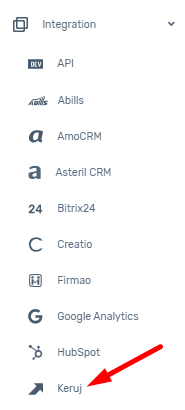
- Log in to your UniTalk account and follow the link. Click the “Create key” button.
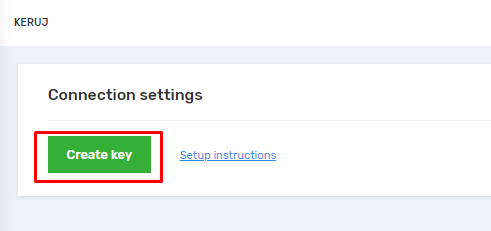
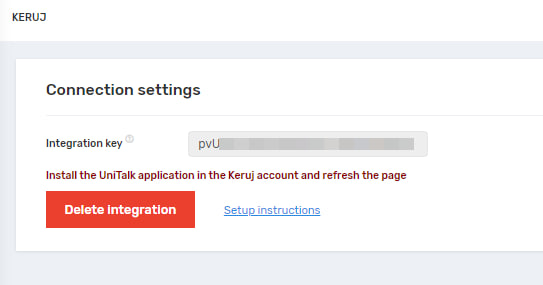
2. The integration key will appear in the window that you need to copy. To do this, click on the field or select the text.
3. Go to your Keruj CRM personal account, go to the Settings tab – Applications, where all possible integrations are displayed.


4. Click on UniTalk, in the settings menu you will see the extensions required for integration and the field where you need to paste the copied key. Paste the one specified in the UniTalk account.

Important! When updating or disabling the integration in the UniTalk personal account, you must disconnect it and reconnect it in the Keruj CRM personal account. The key is not updated.
- After you insert the key, save it, reload the UniTalk personal account page. If the integration is successful, the page will display the available functionality of working with the integration.
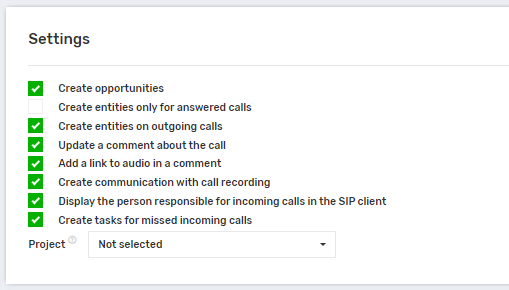
Setting up information transfer in Keruj CRM
The main feature of Keruj CRM is that it individually addresses the needs of each client. Currently, the main customers of CRM are construction businesses.
Thus, the integration works with two entities:
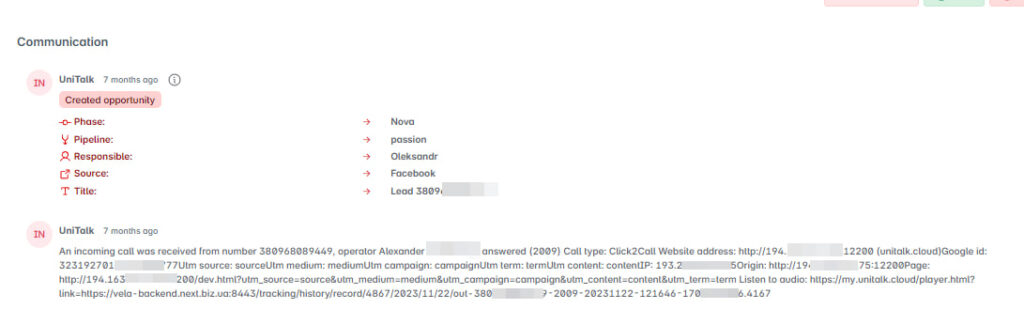
“Opportunity” is an analog of a lead that contains a contact with a phone number assigned to it. To the right of the contact, there is a block with information about communications and calls that are transmitted. There are also additional settings:
- “transmit comment” – allows you to transmit a text description of the call (status, number, utm tags);
- “link to audio in the comment” – transmitting a link to a player with an audio recording of a phone call;
- “communication with call recording” allows you to send a link to the built-in Keruj CRM player to listen to the call directly from the card.

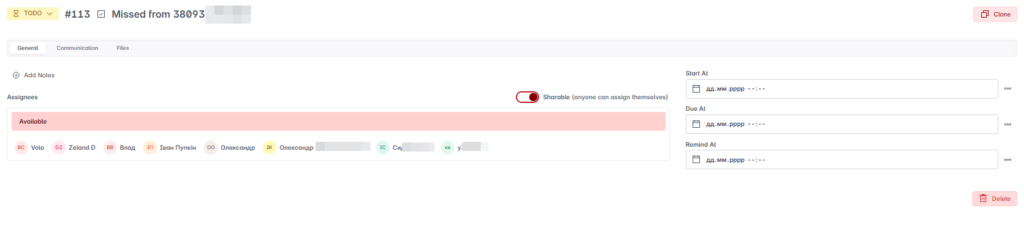
2. “Tasks is an entity that is created only for missed calls. Here, you can configure which internal project tasks will be assigned to, since there are several areas and projects that you communicate with the client about. The task is created from the UniTalk integration application and can be performed by one or more employees who can be assigned.