UNITALK Blog
A blog where UniTalk specialists share real experience: how modern IP telephony works, how processes are automated, and how service is improved. Case studies, useful tips, and step-by-step guides for business — simplifying the complex.
Our latest posts
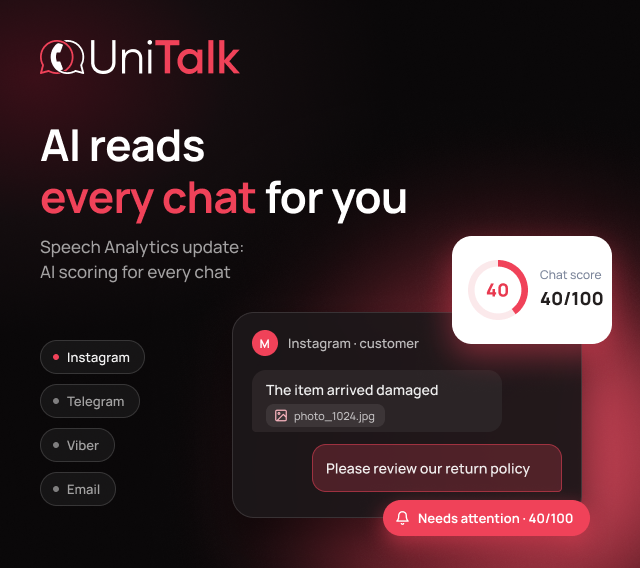
AI chat analytics in UniTalk Chat: quality control for customer conversations without manual reviews
On a Friday evening, a customer messages you on Instagram: the item arrived damaged, and here's a photo. The agent replies with a template about the
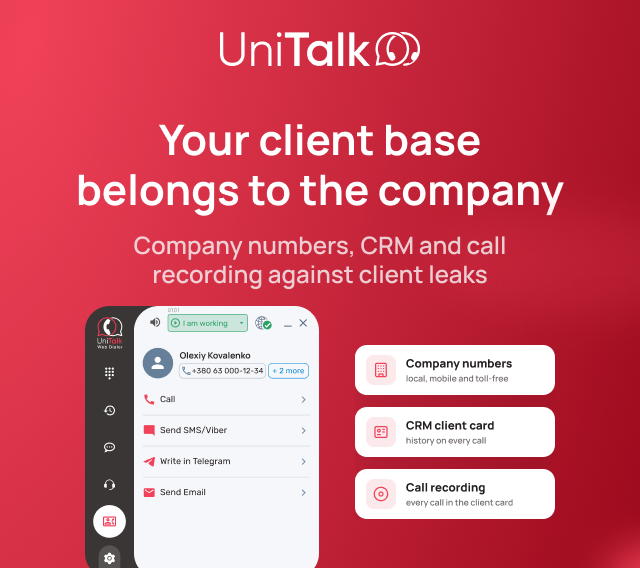
How to protect your client base: CRM telephony integration, number masking and recording every call
A manager quits, and within a month some of their clients are buying from a competitor. A new hire photographs the phone numbers in your CRM. A
Client Cases and Experience
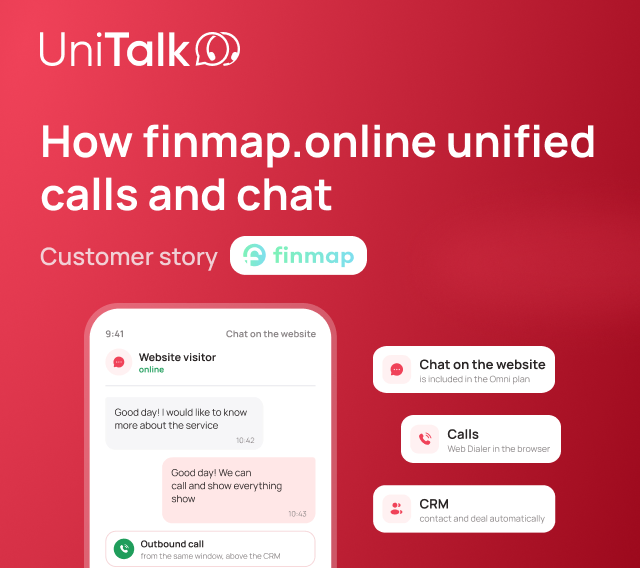
How finmap.online brought calls and chat together in UniTalk Omni, optimized costs and started seeing lost calls
In B2B sales of a complex product, everything hinges on the conversation, and every inquiry that never reaches a manager is a lost one. A manager has
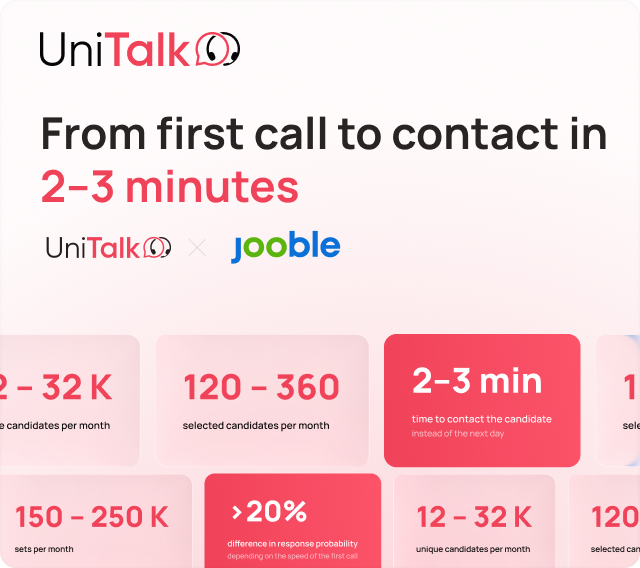
How Jooble Cut Time to First Contact with Candidates to 2–3 Minutes with UniTalk
UniTalk's Voice AI Agent automated initial candidate communication: from the first call and screening to logging the outcome of each conversation. In

How UniTalk’s Voice AI Agent Sped Up Initial Candidate Contact 15x and Relieved the HR Team Without Expanding Headcount
How a company with a high volume of applicants automated primary screening, accelerated hiring, and reduced recruiter workload – with the UniTalk
Insights for Business
How to protect your client base: CRM telephony integration, number masking and recording every call
A manager quits, and within a month some of their clients are buying from a competitor. A new hire photographs the phone numbers in your CRM. A

Geofencing: What It Is and How to Use It in Marketing
Geofencing means an action starts automatically when a person enters or leaves a set geographic area. You draw a virtual boundary around a store, a
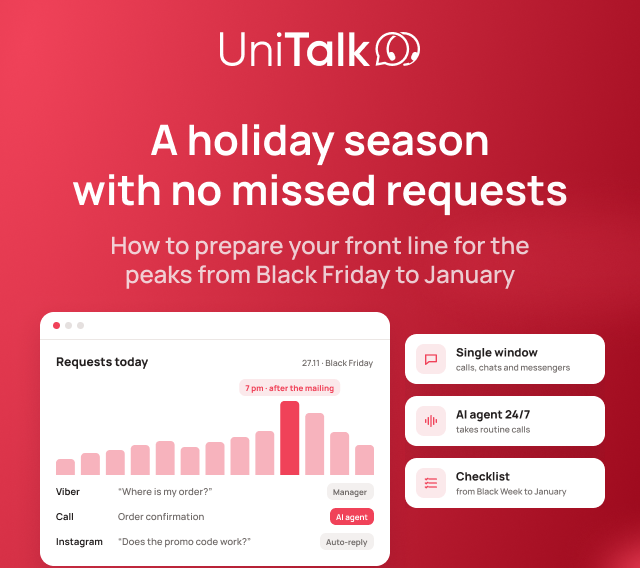
Holiday season 2026: how an online store can answer every customer from Black Friday to January
The holiday season lasts about 10 weeks, and in 2026 the busiest stretch falls between November 27 and December 6. At peak times, orders are often
Knowledge Base
Instructions for Setting Up Omni Integration for Zoho CRM
What Is Omni-Integration In traditional integrations, the workflow with the CRM is predetermined. As long as your process fits within it, everything
Setup Guide for the Omni Integration with KeyCRM
What Is Omni-Integration In traditional integrations, the workflow with the CRM is predetermined. As long as your process fits within it, everything
Instructions for Setting Up Omni Integration for Bitrix24
What Is Omni-Integration In traditional integrations, the workflow with the CRM is predetermined. As long as your process fits within it, everything
Products and Solutions
AI chat analytics in UniTalk Chat: quality control for customer conversations without manual reviews
On a Friday evening, a customer messages you on Instagram: the item arrived damaged, and here's a photo. The agent replies with a template about the
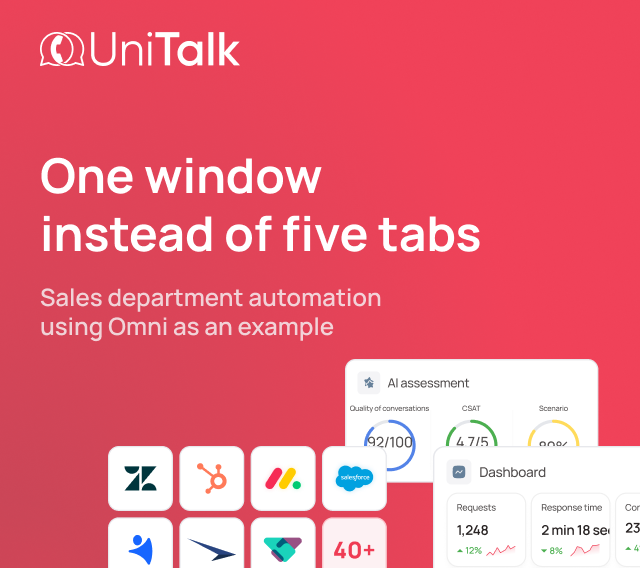
Sales Team Automation: What It Is and How It Works in Practice with Omni
Sales team automation means the system takes over your reps' routine work: it collects requests from every channel, routes them, logs calls and
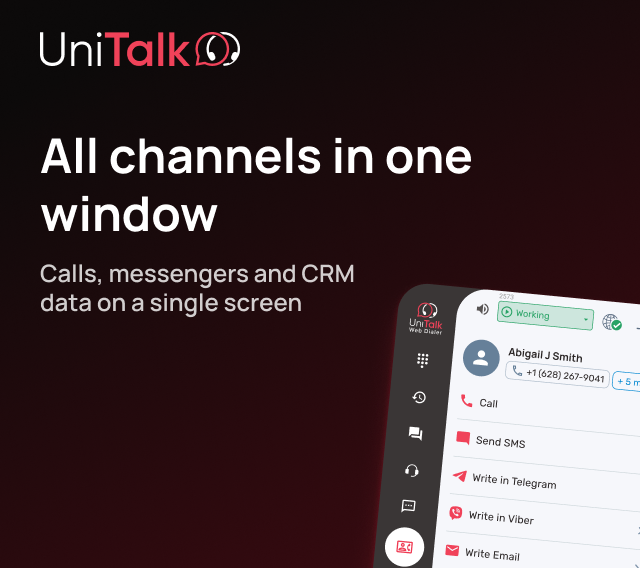
One client, five tabs: what changes when reps work in a single window
A rep copies a number from the CRM, calls from a separate app, and after the call looks for the same client in Telegram. Then it's back to the CRM to
Updates and News
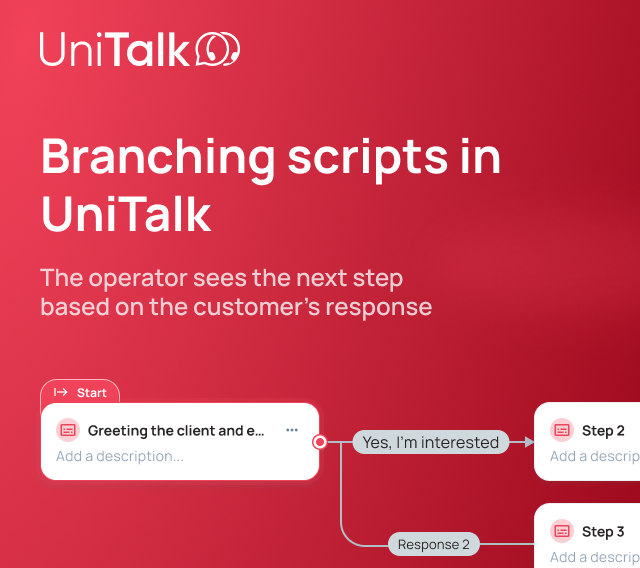
Branching Scripts in UniTalk Contact Center: Operators See the Right Step at the Right Time
Customer conversations rarely go exactly as planned. The same question can get very different responses: a customer may agree, refuse, ask a

What “CRM integrated with telephony” actually means, and why that’s often not enough without Omni integration
Companies almost always answer "yes" when asked whether their CRM is integrated with telephony and chats. Technically, that's true: a call lands in
You’ve Built a Voice Agent. What’s Next?
You built a voice agent on a no-code platform: set up the prompt and knowledge base, chose a voice, and tested conversations in the web interface. In


Need
help
choosing?
help
choosing?