


IT Phone SETUP GUIDE
IT Phone is a convenient app that turns your smartphone into a full-featured business phone. By using it with UniTalk, you can receive customer calls and call colleagues from anywhere using mobile data or Wi-Fi.
How to Set Up IT Phone for UniTalk: A Step-by-Step Guide
Your business telephony is now truly mobile. With the IT Phone app, you can handle business calls directly from your smartphone. It’s a simple way to keep your team connected, whether you’re in the office or working remotely.
Step 1. Download
Find IT Phone in the App Store or Google Play, or download it via this link.
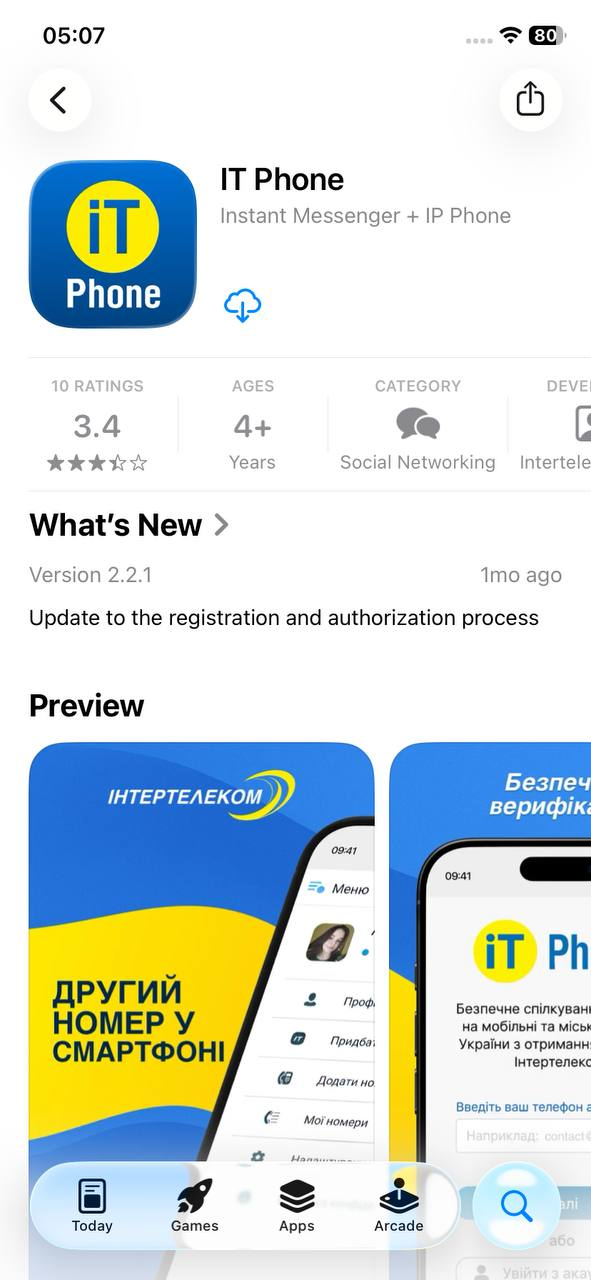
Step 2. Basic Setup
- Open the app and grant access to the microphone to ensure clear audio.
- Enter your email or phone number to receive a 4-digit activation code. Enter the code and tap “Next”.
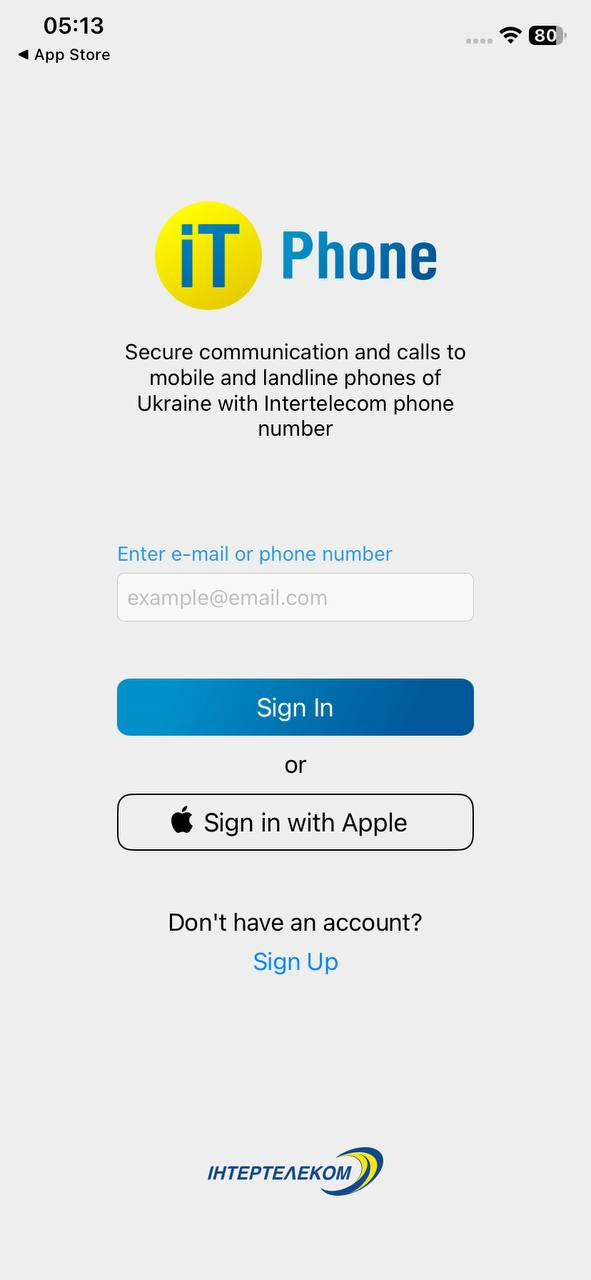
Step 3. Profile and Number
- Enter your name or internal extension number.
- When prompted “Would you like to connect a number?”, select “Later”. We will manually link your UniTalk line.
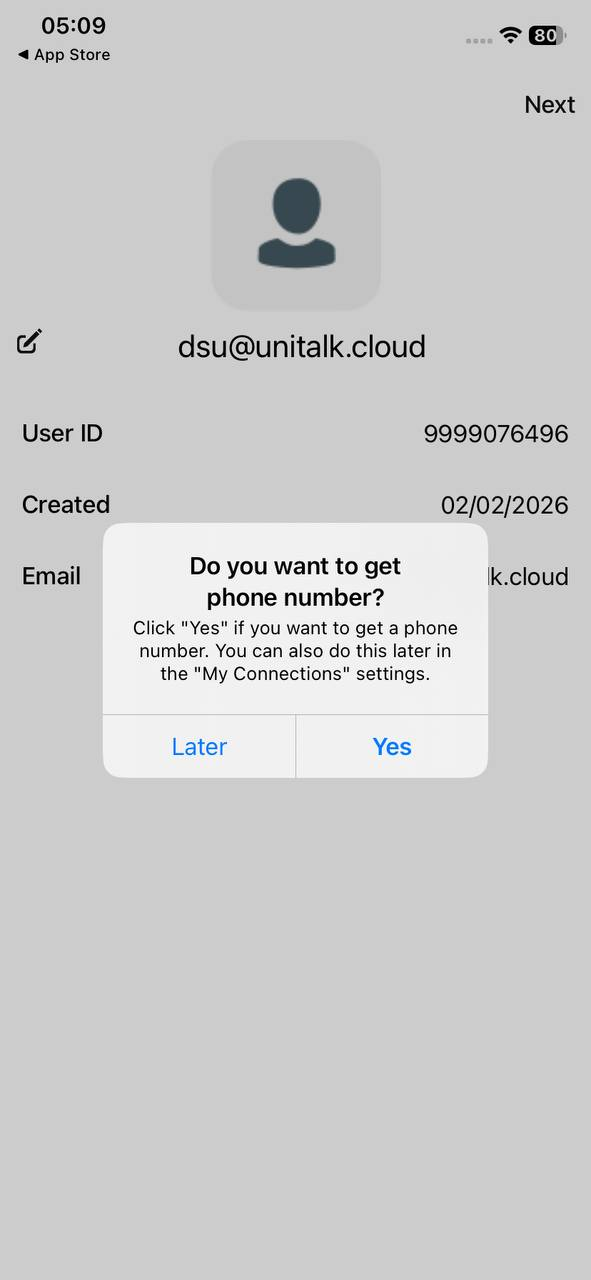
Step 4. Connecting your UniTalk SIP Line
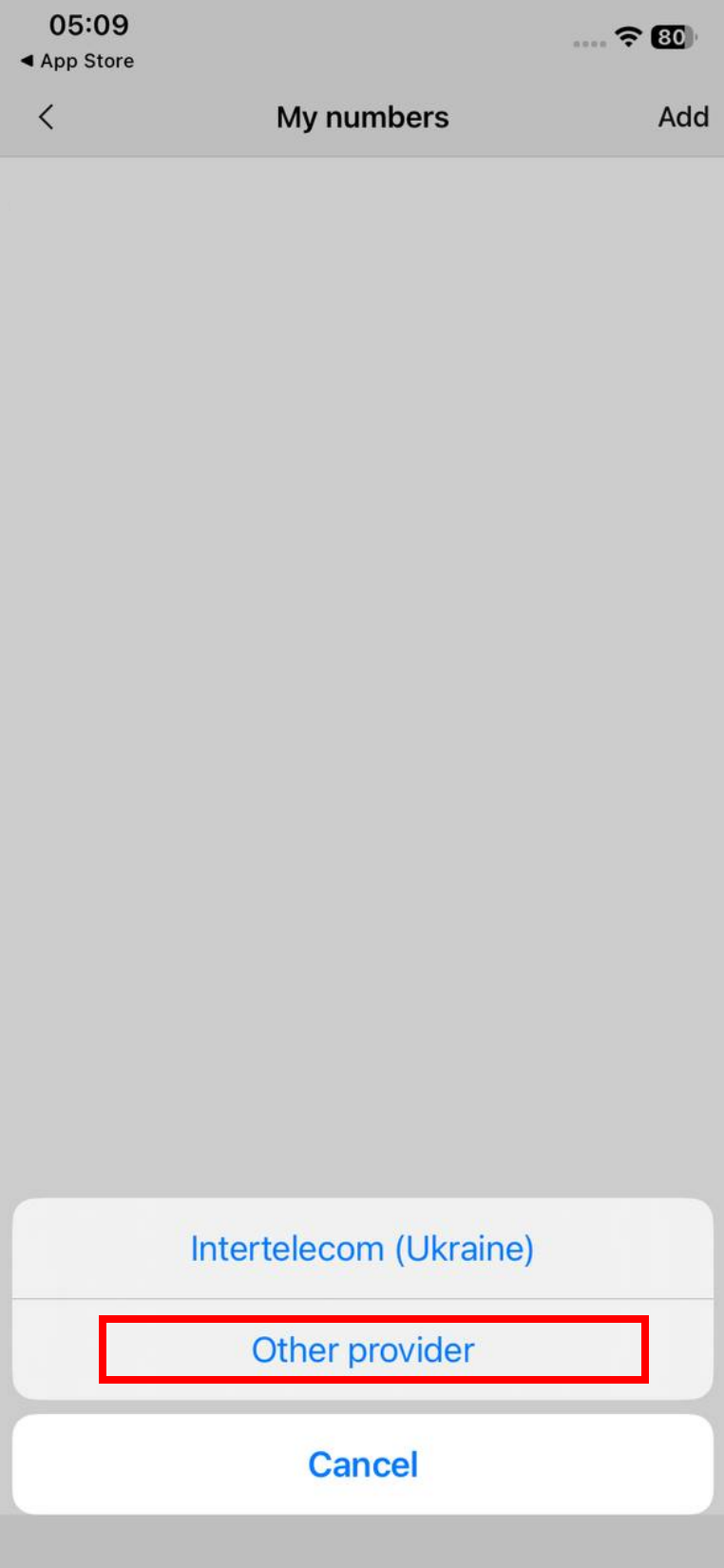
- Go to the “My Numbers” tab.
- Tap “Add” → “Other Provider”.
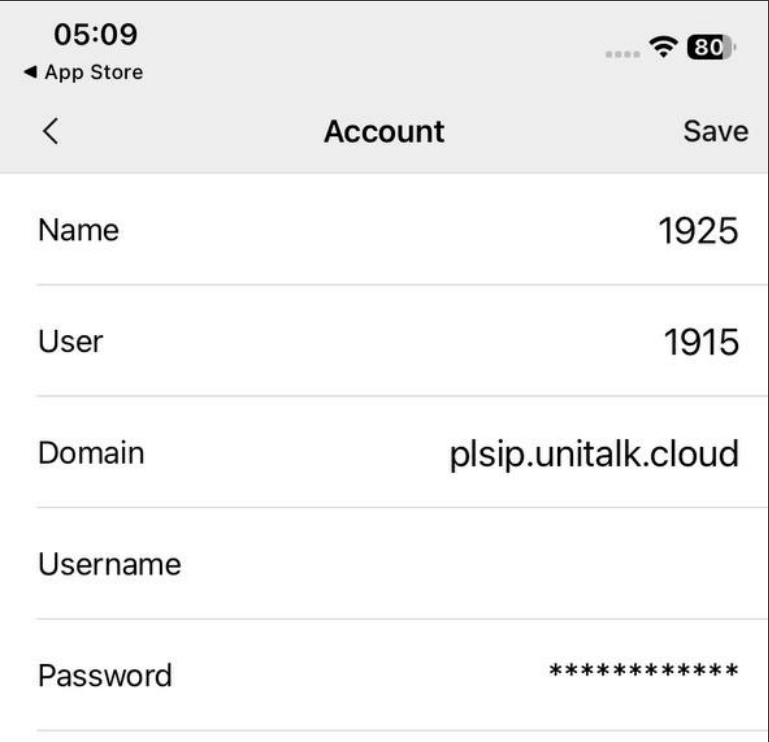
- Fill in the 5 fields using the data from your UniTalk dashboard (“Users” section → “Settings”):
- Name, User, Username: Enter your 4 or 5 digit SIP line number.
- Domain: Enter
plsip.unitalk.cloud(or the one specified in your project). - Password: Enter your SIP line password.
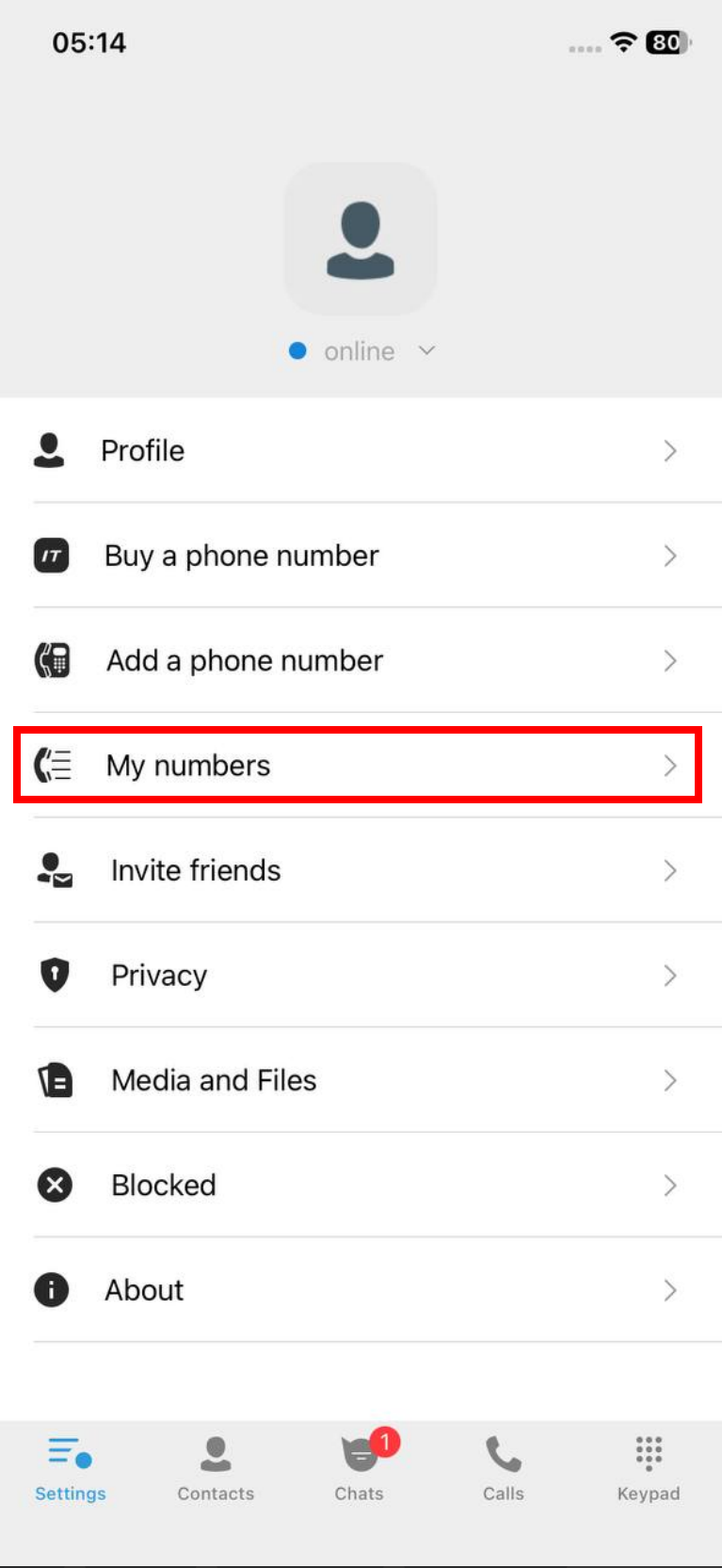
Note: If you cannot see the password, please contact your account Administrator or Owner, as this information is restricted to specific roles.
Congratulations! You have successfully configured IT Phone to work with UniTalk. Your internal extension is now active on your smartphone. To ensure everything is working correctly, we recommend making a test call. If the status indicator shows a connection, you are ready to work.



