


UniTalk and SalesDrive Integration Capabilities
The integration of UniTalk and SalesDrive is the perfect solution for businesses aiming for maximum sales department automation. The combination of reliable IP telephony and a flexible CRM system allows you not only to log every customer contact but also to deeply analyze marketing effectiveness through call source data transmission.
SalesDrive is a CRM system for sales management that can be customized for a ready-made business. It offers integrations with various online stores, telephony, SMS, email, and delivery systems.
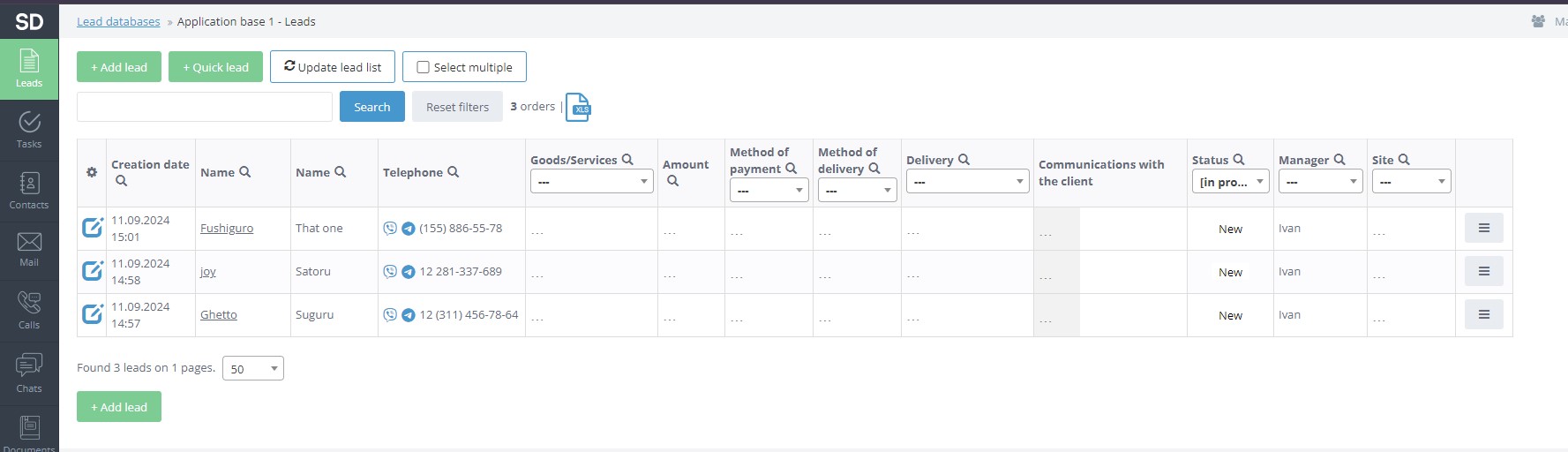
The integration of UniTalk IP-telephony with the SalesDrive CRM is completely free. You can find the integration settings in the SalesDrive dashboard on the “General Settings and Integrations” page under the “Telephony” tab.
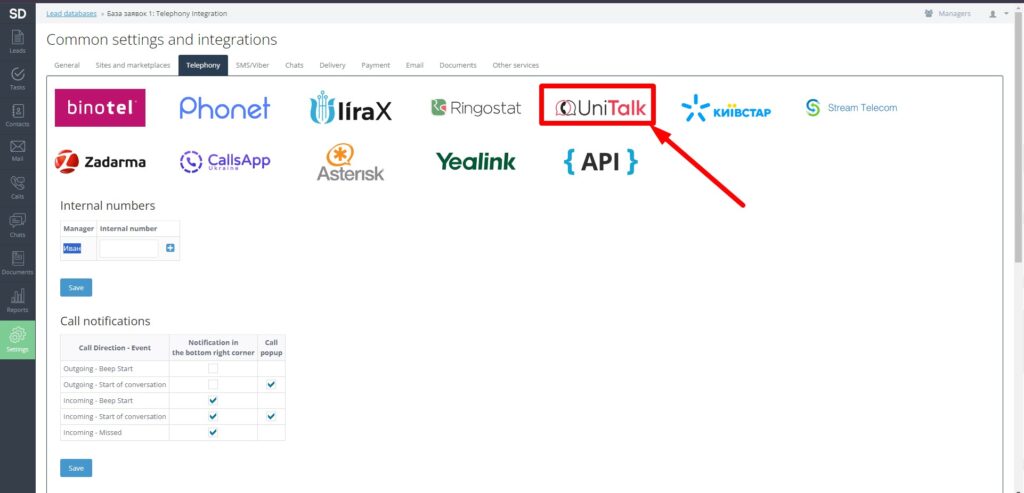
Select the integration with UniTalk. You will see detailed instructions on how to set up the integration. In the UniTalk dashboard, the configured integration will appear as shown in the image below.
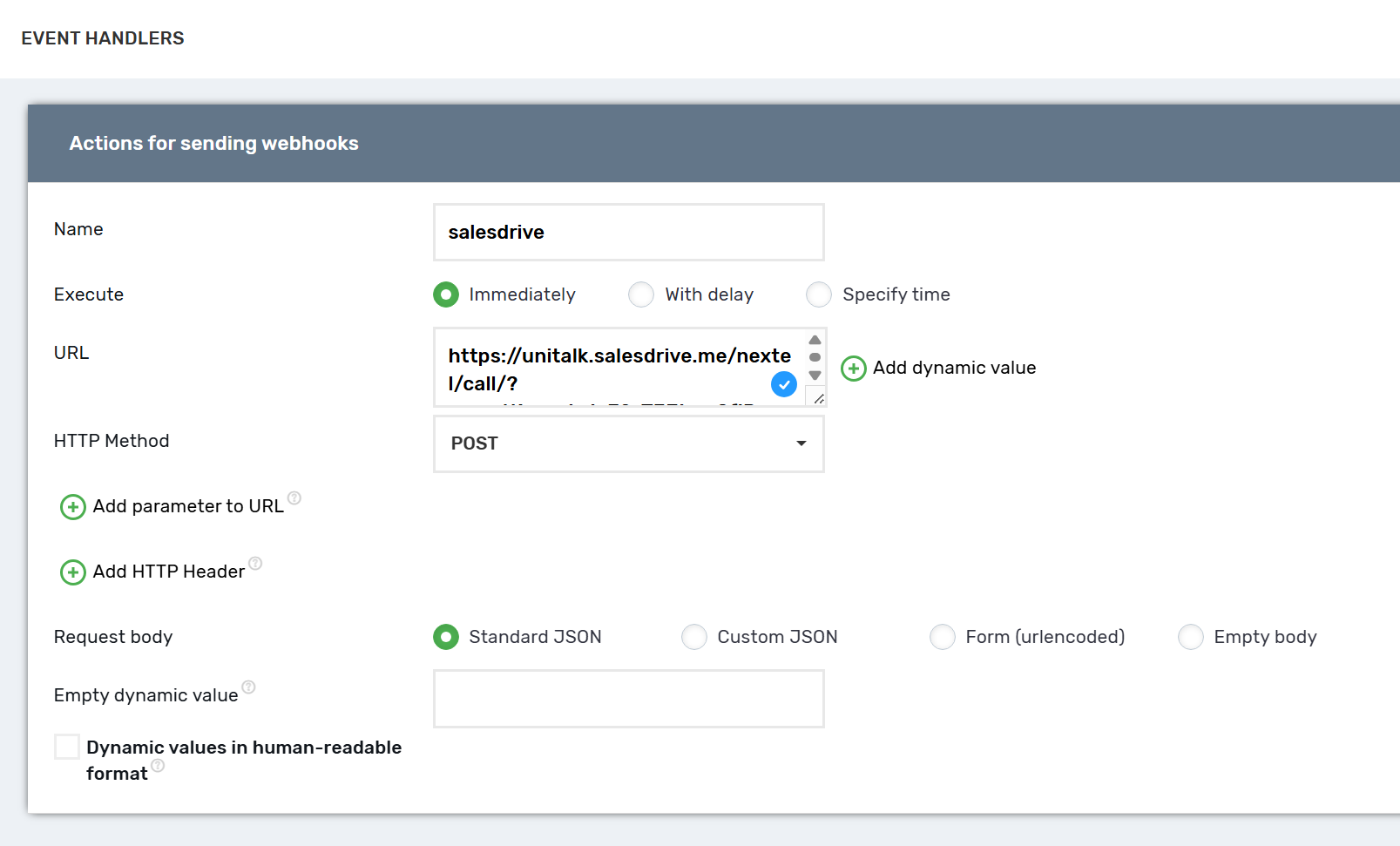
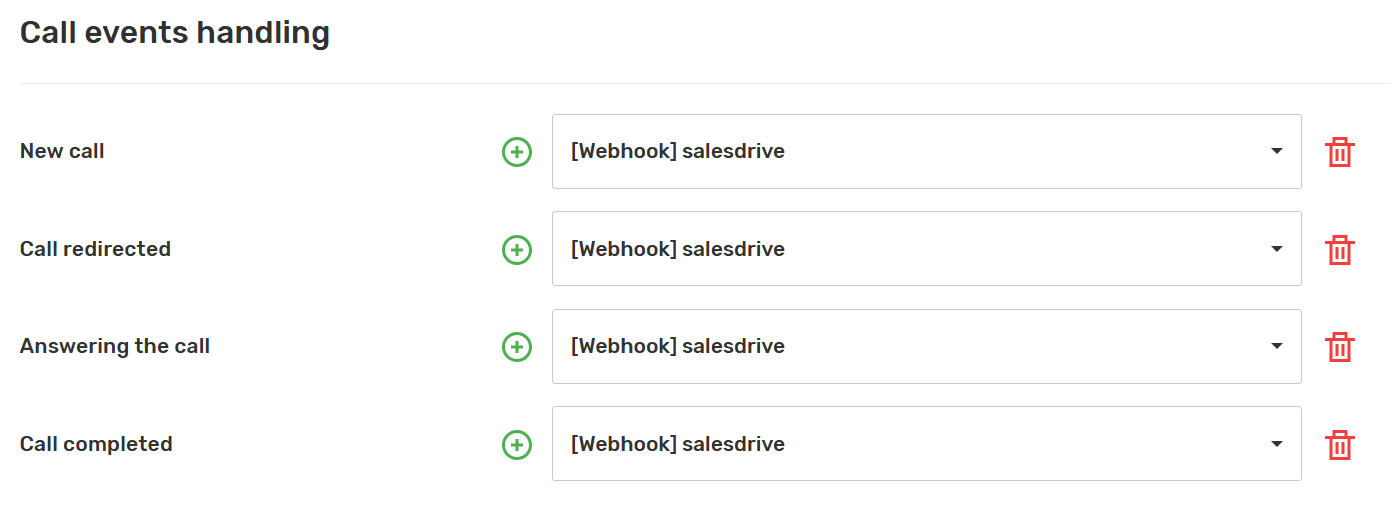
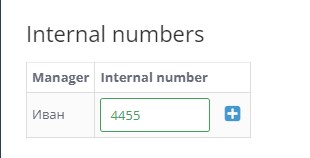
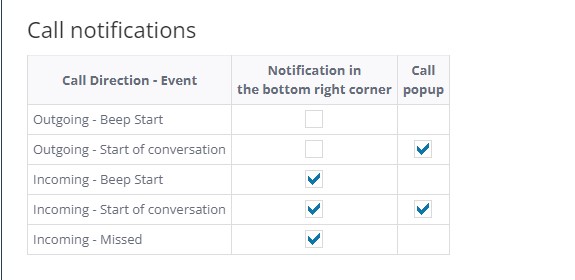
This means that during incoming and outgoing calls, the UniTalk IP-telephony system will send webhooks to the SalesDrive CRM. You can view all calls in the “Calls” section of the SalesDrive dashboard. Don’t forget to set up internal lines for managers in the SalesDrive dashboard, call notifications, and other telephony options.
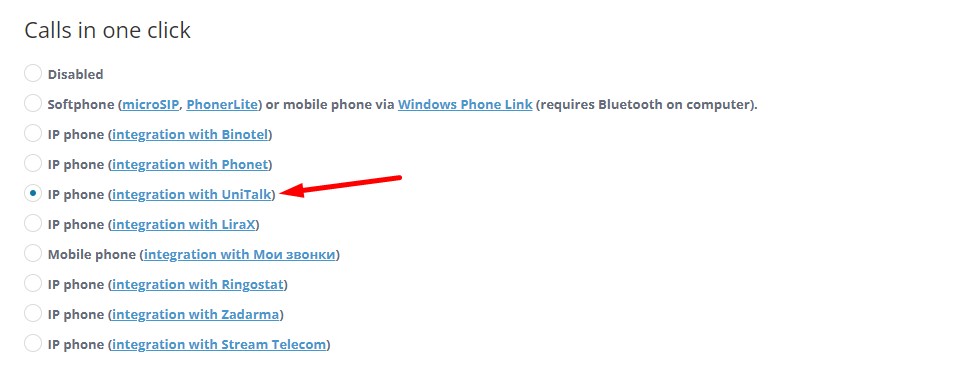
To make outgoing calls from the SalesDrive dashboard, you need to set the “Calls from CRM system” option to “IP-phone (integration with UniTalk).”
The integration of UniTalk with SalesDrive opens up several possibilities for you.
Call history and call recordings
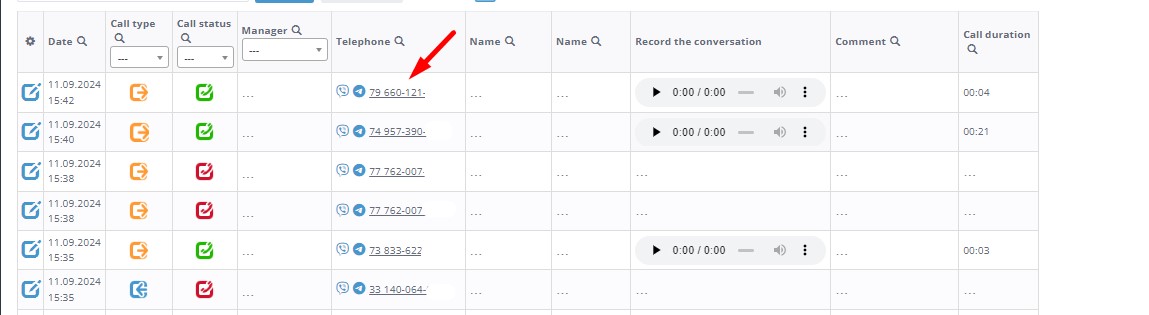
In the SalesDrive dashboard, you can view call history and listen to call recordings. There is an option to filter calls by any parameters.
Corporate number for SalesDrive users
On the telephony settings page, you can assign internal lines to managers from the UniTalk IP-telephony system.
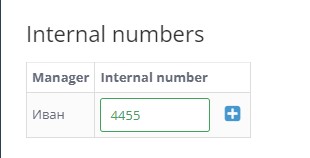
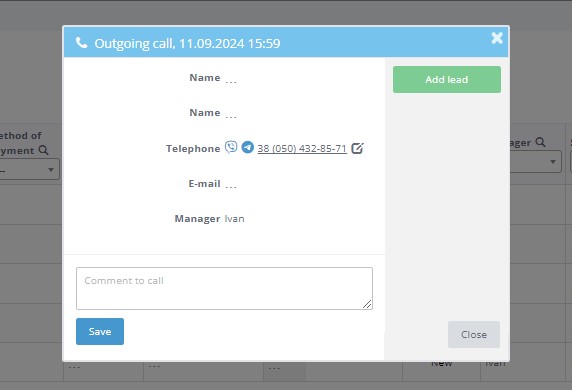
Creating a request during incoming calls
During an incoming call, you can create a request directly in the pop-up window.
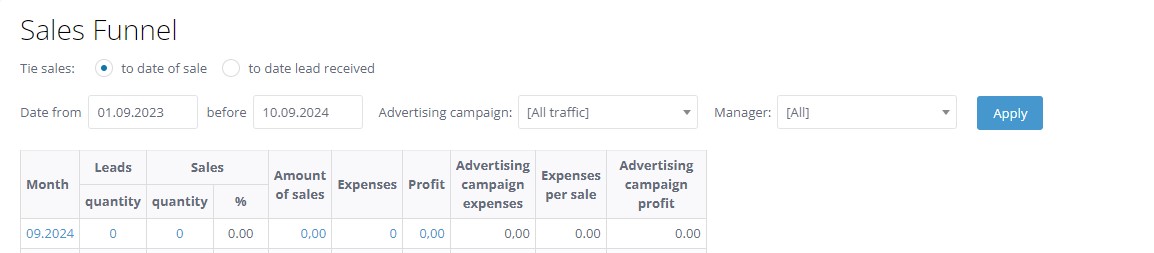
Distribution of leads by sales funnel statuses.
You can change the status of a request and generate a report on sales funnel statuses for all managers or specific managers.
Saving call conversion data and analyzing the effectiveness of your advertising
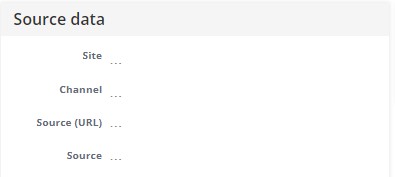
When click to call and call tracking calls are made, UTM tags and other data about the call source are transmitted to the SalesDrive CRM.
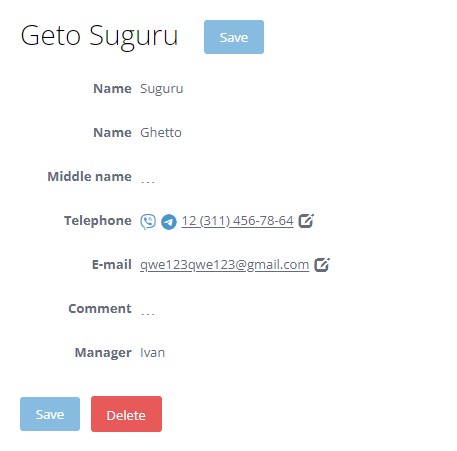
One-click outgoing call
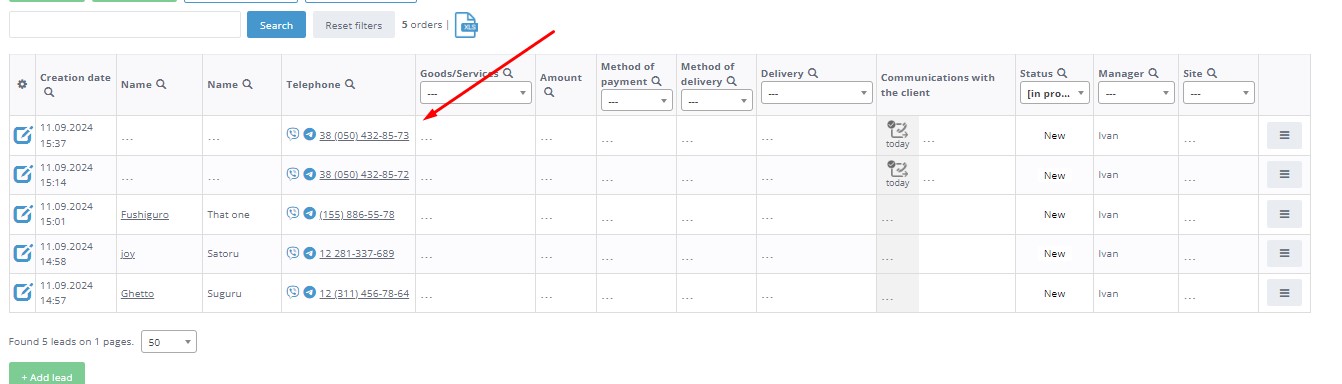
You can make outgoing calls directly from the SalesDrive dashboard. To do this, on the requests, contacts, or calls page, click on the client’s phone number.
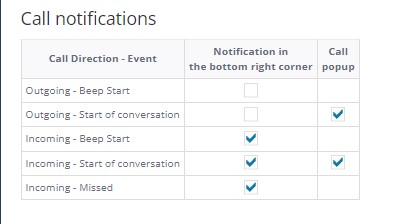
In the SalesDrive dashboard, you can configure call notification settings.
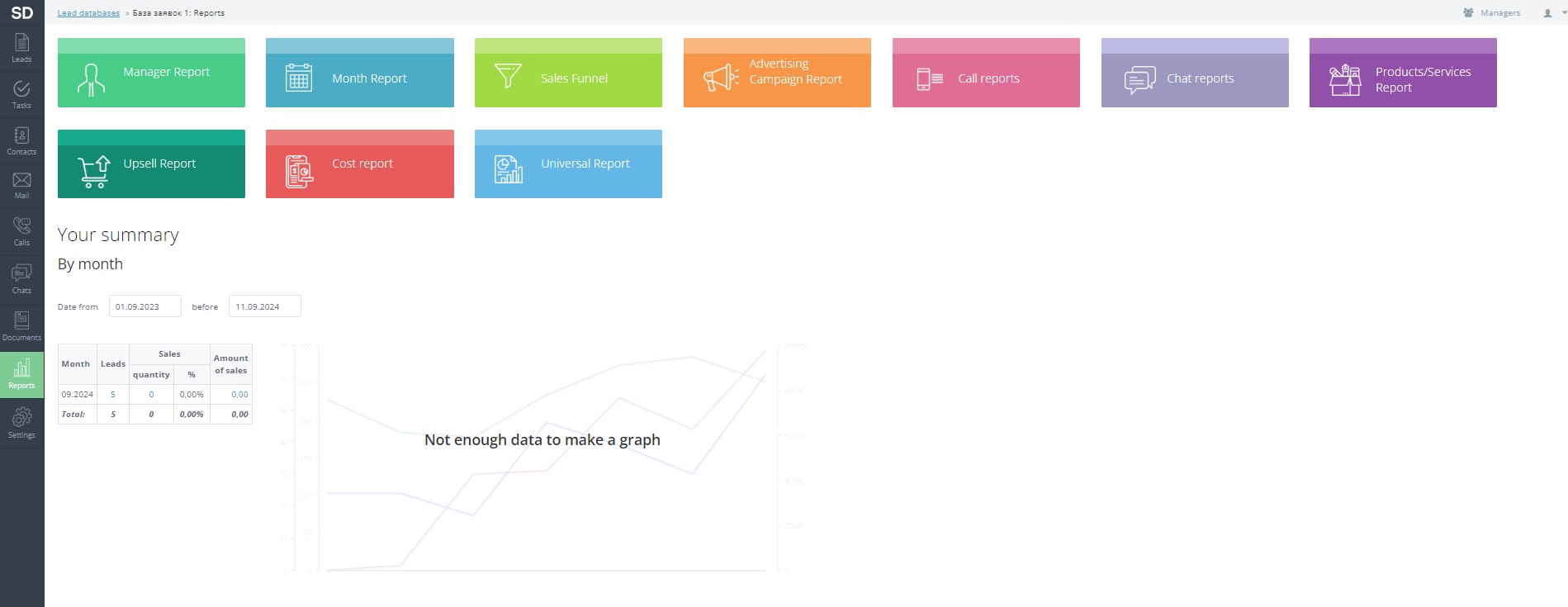
Building various reports.
In the SalesDrive dashboard, you have the ability to create reports by managers, months, calls, sales funnel, advertising campaigns, and other types of reports.
Leveraging the synergy between UniTalk and SalesDrive ensures transparency in manager performance and provides a clear understanding of where your customers are coming from. If you have any questions while setting up the free integration, our support team is ready to assist with all technical configurations.



