messages delivered to the recipient
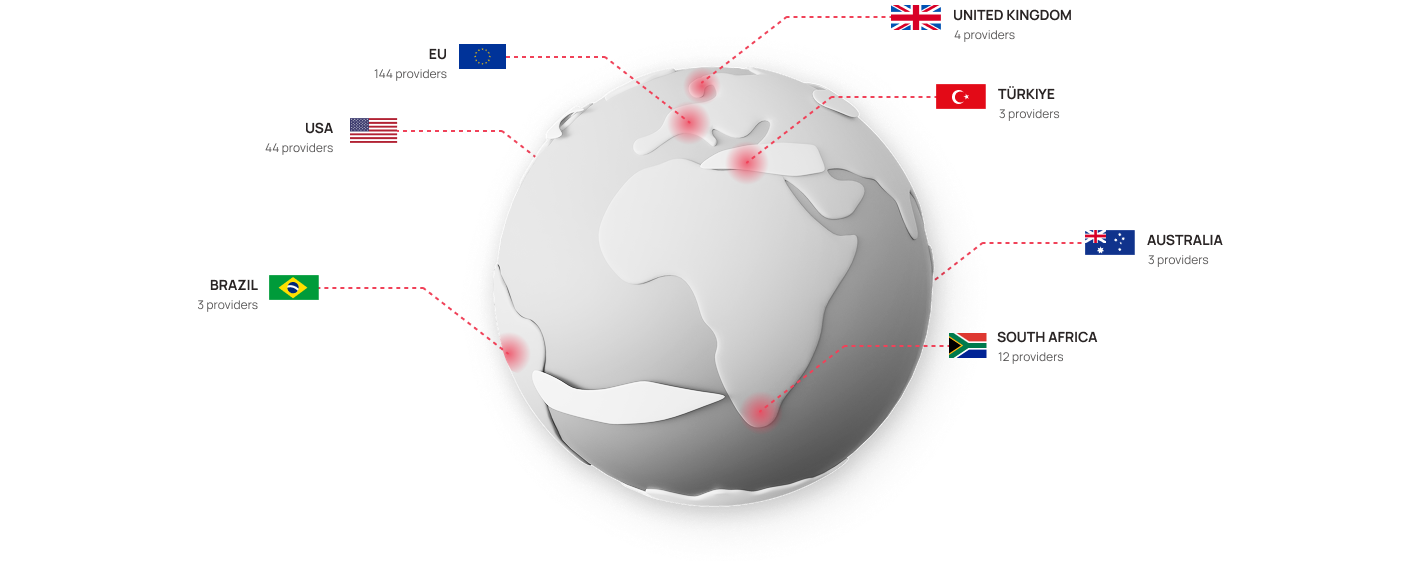
mobile operators in 200+ different countries
high sending speed
support that works without holidays and weekends

SMS campaigns types

Promo SMS
Transactional SMS
Targeted SMS campaigns
International SMS campaigns
Promo SMS

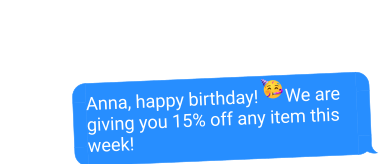
Attract customers with promotional offers, discount reminders, and special offers.

Transactional SMS

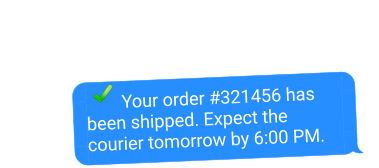
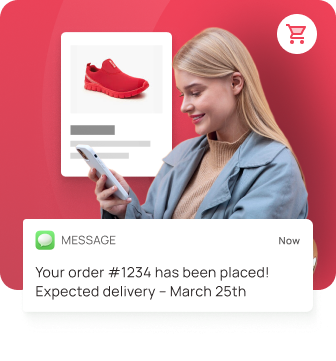
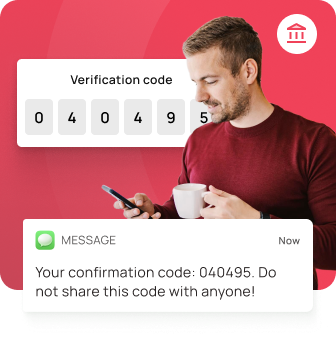
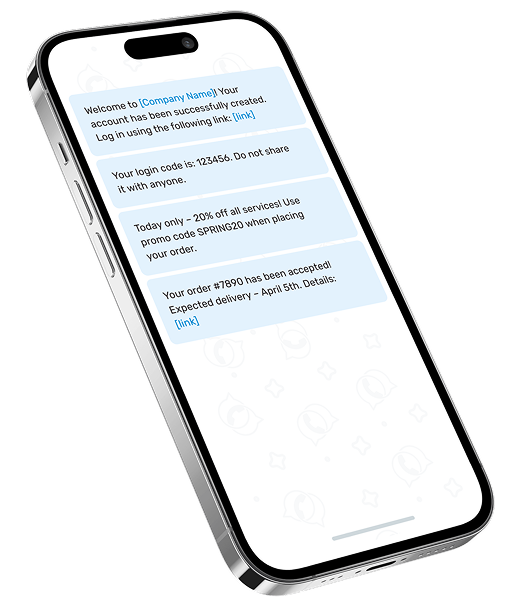
Informational messages that contain confirmation codes, receipts, mandatory payments, delivery statuses and invoices, dates, times and addresses of events and establishments

Targeted SMS campaigns

Personalized messages for your target audience

International SMS campaigns

Send messages to customers in any country across the world.

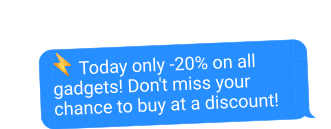
Today only -20% on all products! Order on https://[your website]

Your payment for 150 USD has been successfully made. Thank you for your purchase!

Your favorite pizzeria is close by! Order now with a discount of 15%

Hello! Your order is confirmed. Check your email for details.

Flexible rates for
your business

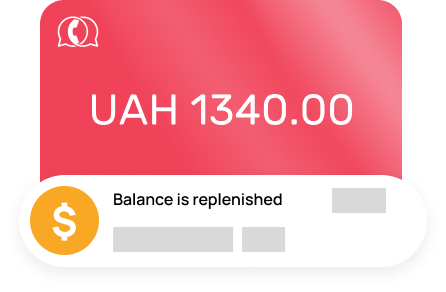
Our service offers flexible rates that are ideal for both small businesses and large corporations. You can replenish the balance in a way that is most convenient for you, which allows you to focus on important matters, and not on tech details

Order
Number of messages
(pcs.) per month
Cost of one
SMS in Ukraine
1 - 10 000
1.28 ₴
10 001 - 100 000
1.26 ₴
100 001 - 250 000
1.25 ₴
250 001 - 500 000
1.24 ₴

Sending messages worldwide

The price for an international SMS message is not fixed and may change, to clarify the current cost, please contact the manager

SMS cost to other countries
Leave a request

Other options and SMS rates

Interactive, entertaining content and sports analytics
Advertising traffic, digital distribution, conversion and affiliate marketing
Financial services and FeanLead resources
Leave a request

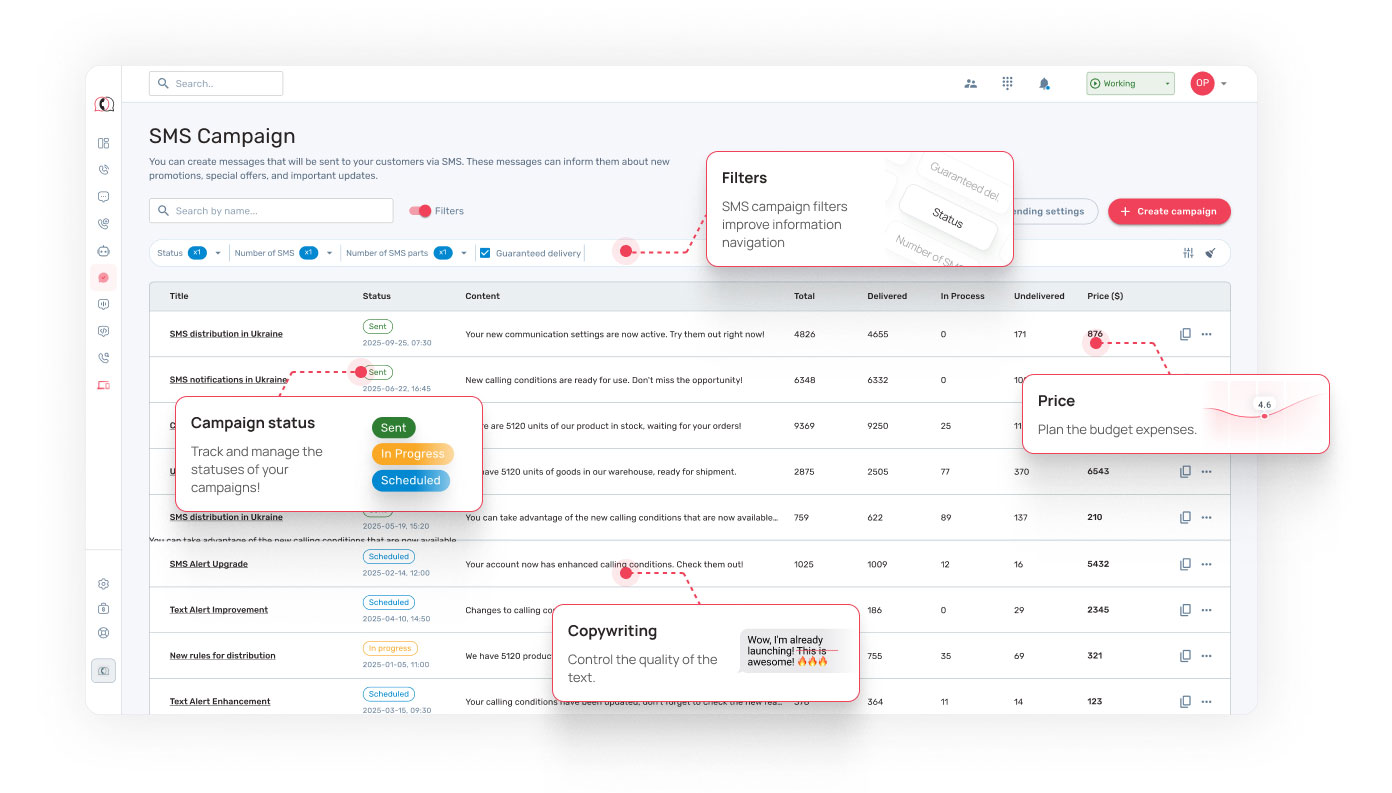
Simple and user-friendly interface

Bulk SMS can come in handy

SMS messaging service can significantly improve business communication with customers, increase the effectiveness of marketing campaigns and automate important processes

Boosting Sales with SMS Marketing
  • Sending promotional offers and discounts
  • Reminders about sales and new product arrivals
  • Personalized offers based on customer interests
Automating Customer Service
  • Order confirmations and delivery status updates
  • Appointment reminders (beauty salons, medical centers, auto services, etc.)
  • Sending PIN codes, OTPs, and important information
Enhancing Customer Loyalty
  • Loyalty programs and cashback promotions
  • Personalized greetings and birthday reminders
  • Invitations to exclusive events and VIP offers
Monitoring and Analyzing Effectiveness
  • Tracking the delivery status of each SMS
  • Evaluating the performance of marketing campaigns
  • A/B testing different message texts

How to Start Using Our SMS Campaign Service

SMS campaigns are a fast and effective way to communicate with your customers. Here's a step-by-step guide to get started:

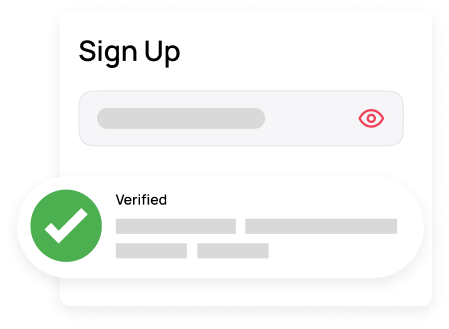
1 Step 1: Sign Up for the Service
  • Visit the SMS campaign platform website
  • Sign up by entering your email and phone number
  • Confirm your registration via email or SMS

Result: You now have access to your personal dashboard or API integration

2 Step 2: Top Up Your Balance
  • In your personal dashboard, go to the “Top Up Balance” section.
  • Choose a convenient payment method:
    • Bank card (Visa/Mastercard)
    • Google Pay / Apple Pay
    • Bank transfer
    • Electronic payment systems

Result: Funds are credited to your account — you’re ready to start sending messages

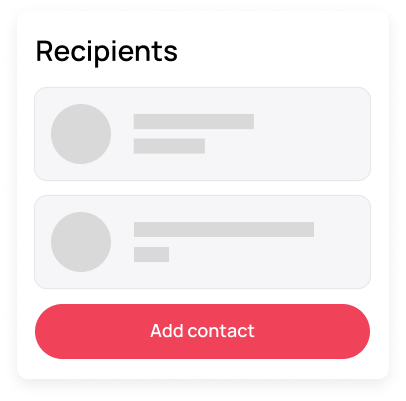
3 Step 3: Add Contacts
  • Upload phone numbers manually or import them from your CRM
  • Create customer groups for targeted campaigns (new, returning, VIP clients)
  • Ensure all numbers are accurate and up-to-date

Result: A well-organized contact base ready for effective messaging.

4 Step 4: Create an SMS Campaign
  • Choose the campaign type:
    • Mass – for promotions and discounts
    • Single – for important messages
    • Transactional – automated messages (OTPs, order statuses)
    • Targeted – personalized offers
  • Write your message text (up to 160 characters or longer if needed)
  • Add personalization (name, promo codes, links)
  • Set the sending time: immediately or schedule for later

Result: The campaign is set up and ready to launch.

5 Step 5: Launch and Monitor Your Campaign
  • Click “Send” or schedule the campaign for the desired time.
  • Monitor SMS statuses in real time:
    • Delivered – the client received the message
    • Failed – operator error or incorrect number
    • Queued – the message will be sent later

Result: Messages are successfully sent to your clients.

6 Step 6: Analyze Performance
  • Open the Analytics & Reports section
  • Review the key metrics:
    • Number of delivered SMS
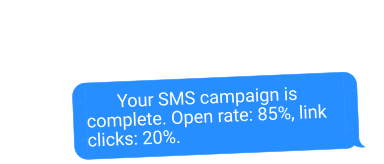
    • Open rate (if links are included)
    • Delivery time and customer response
  • Optimize future campaigns:
    • Test different message versions
    • Use personalization
    • Analyze the best sending times

Result: You gain valuable insights and improve your next campaigns.

Payment Methods

We offer convenient payment options so you can quickly top up your balance and start sending messages:

Bank card (VISA / MasterCard)
Instant payments (Google Pay / Apple Pay)
Bank transfer (for corporate clients)
Electronic payment
systems
Auto top-up (to ensure your balance always stays positive)
Top Up Balance

SMS-campaigns use cases

E-commerce Remind customers about abandoned carts, provide order status updates, and inform them about ongoing promotions and discounts
Financial Institutions Send OTP codes for transaction verification and remind clients about upcoming payments
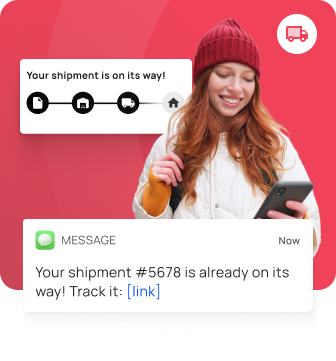
Logistics Enable customers to track deliveries in real time and receive important status updates
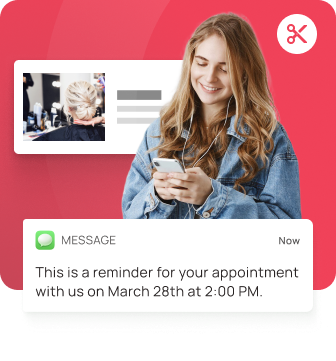
Appointment-Based Services Send reminders about upcoming appointments to reduce no-shows and improve attendance rates
Proven Mobile Marketing Opportunities for Your Business
Leave your contact details and find out how SMS campaigns can help you engage with and communicate with your customers
Contact Us