Linking a bank card and setting up auto top up of UniTalk balance
1. Log in to your UniTalk account
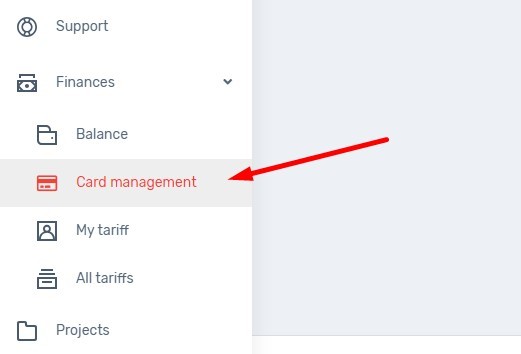
2. Go to the Finance – Card management section
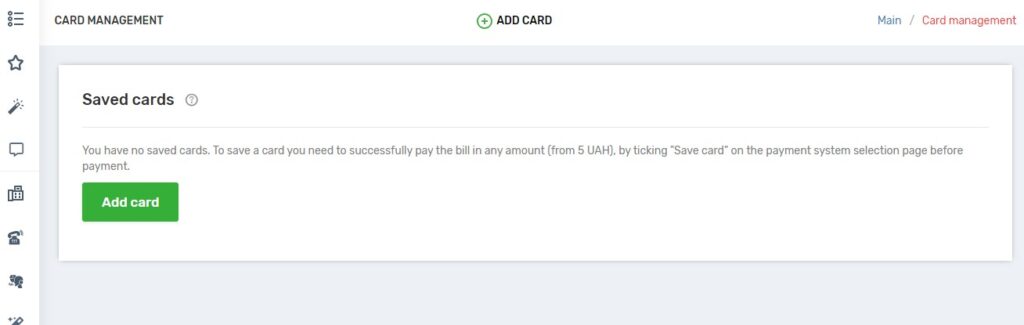
3. Click on the “Add card” button, by doing so you create an account for 5 UAH. The money will be credited to your balance and you can spend it on UniTalk services or telecom operators.
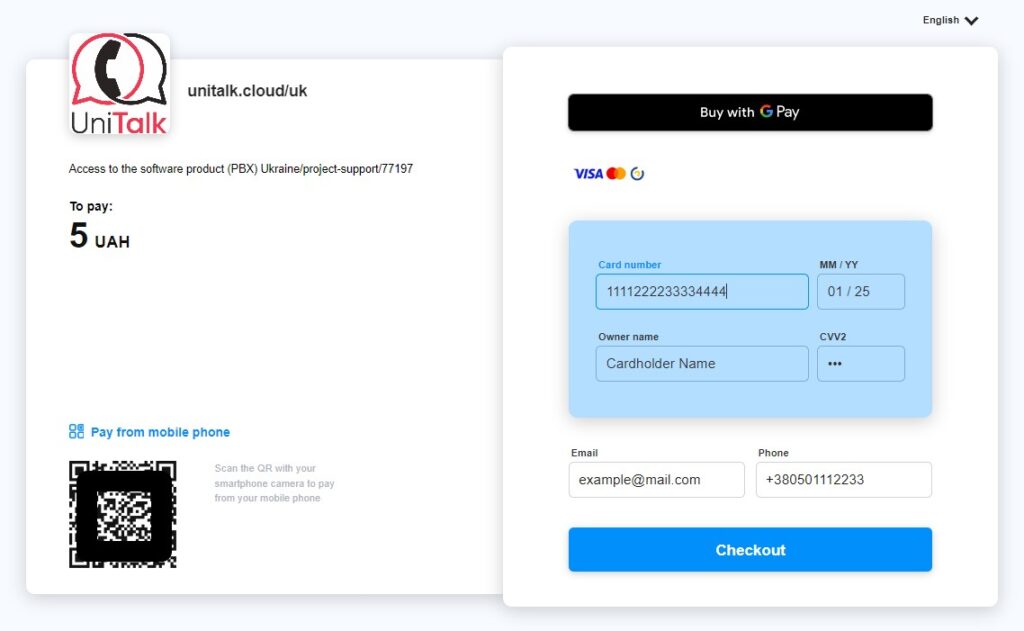
4. On the invoice generation page, you need to select the Wayforpay payment method and check the box “Save card for further payment”.

5. Fill in the required fields, click “pay”, confirm the payment.
6. After successful payment, click “Return”. This will take you back to your UniTalk account.
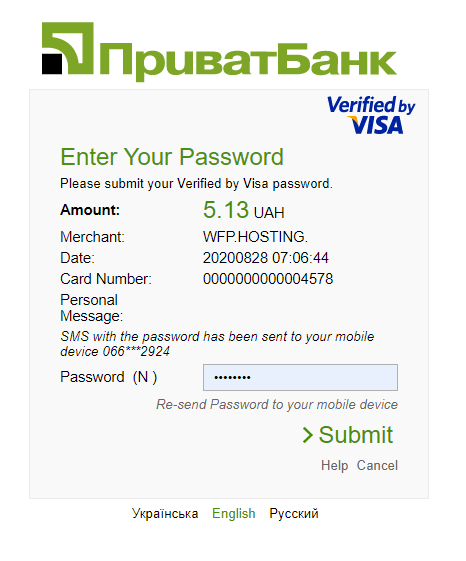

To check that your card is linked, go to Finance – Card management
7. After you have linked a bank card, set up auto-replenishment of UniTalk balance.
Setting up auto-replenishment of UniTalk balance from a bank card
- Go to the Project Settings section.
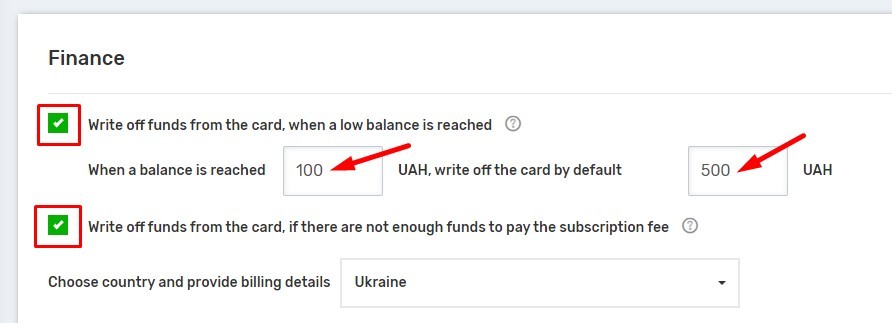
- Enable the settings: “Charge card when low balance is reached” and ‘Charge card if there are not enough funds to pay the subscription fee’. Fill in the fields for the minimum balance and the amount to be charged from the card.
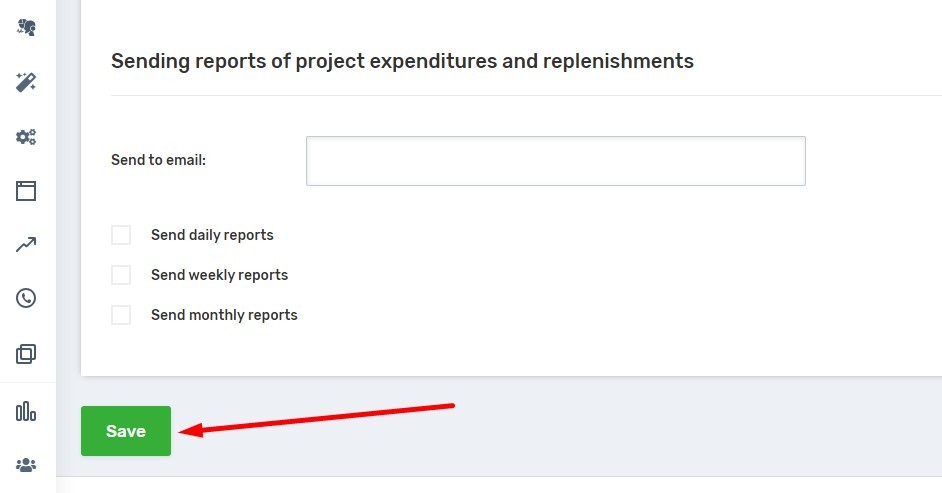
3. Save your changes by clicking the Save button at the bottom left of the page.