


Configuring the Zoiper Softphone on Android
Modern business demands mobility, and the ability to take business calls directly on your smartphone is standard for an efficient team. Zoiper for Android is one of the most reliable softphones, allowing you to integrate your UniTalk internal line into your mobile device. This is the perfect solution for managers frequently away from the office, providing high-quality connection, access to the corporate network, and the ability to serve customers anywhere with internet access. Follow these simple steps for setup.
Step-by-Step Instructions
1. In the Google Play app store, search for and install the Zoiper app.

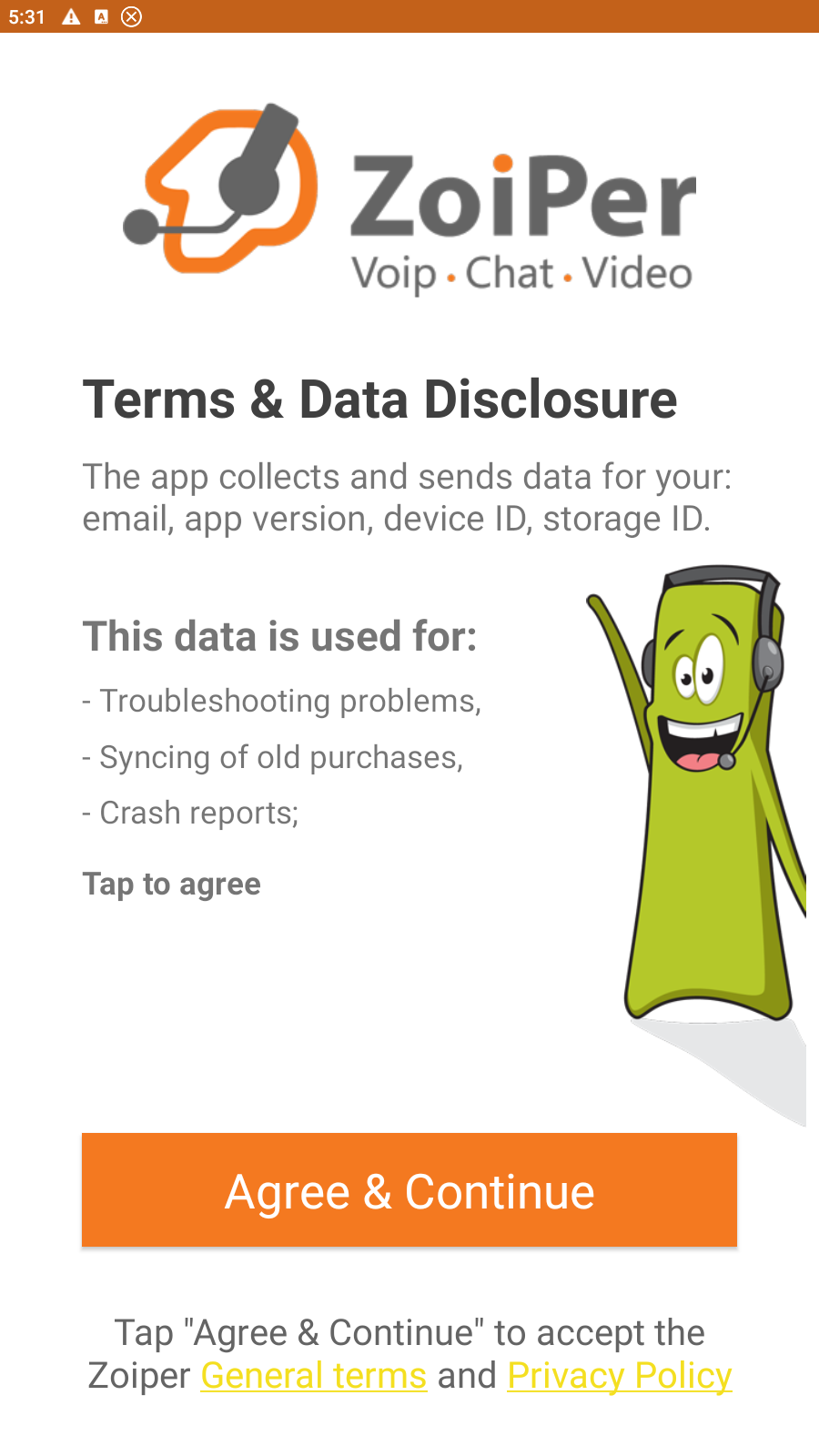
2. Enter the application, click the “Agree and Continue” button.
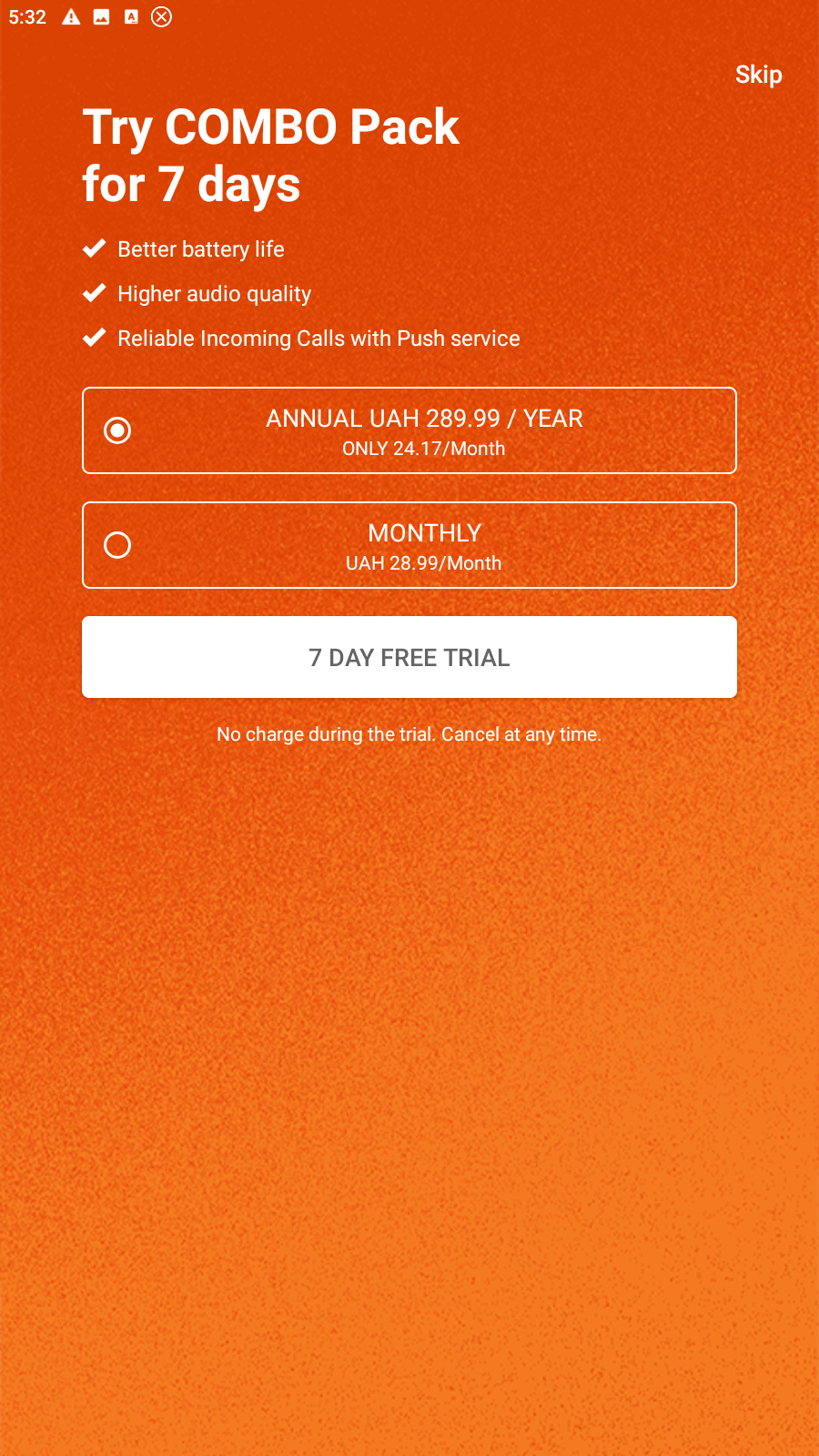
3. If you do not agree to the paid “Combo Pack”, click “Skip”
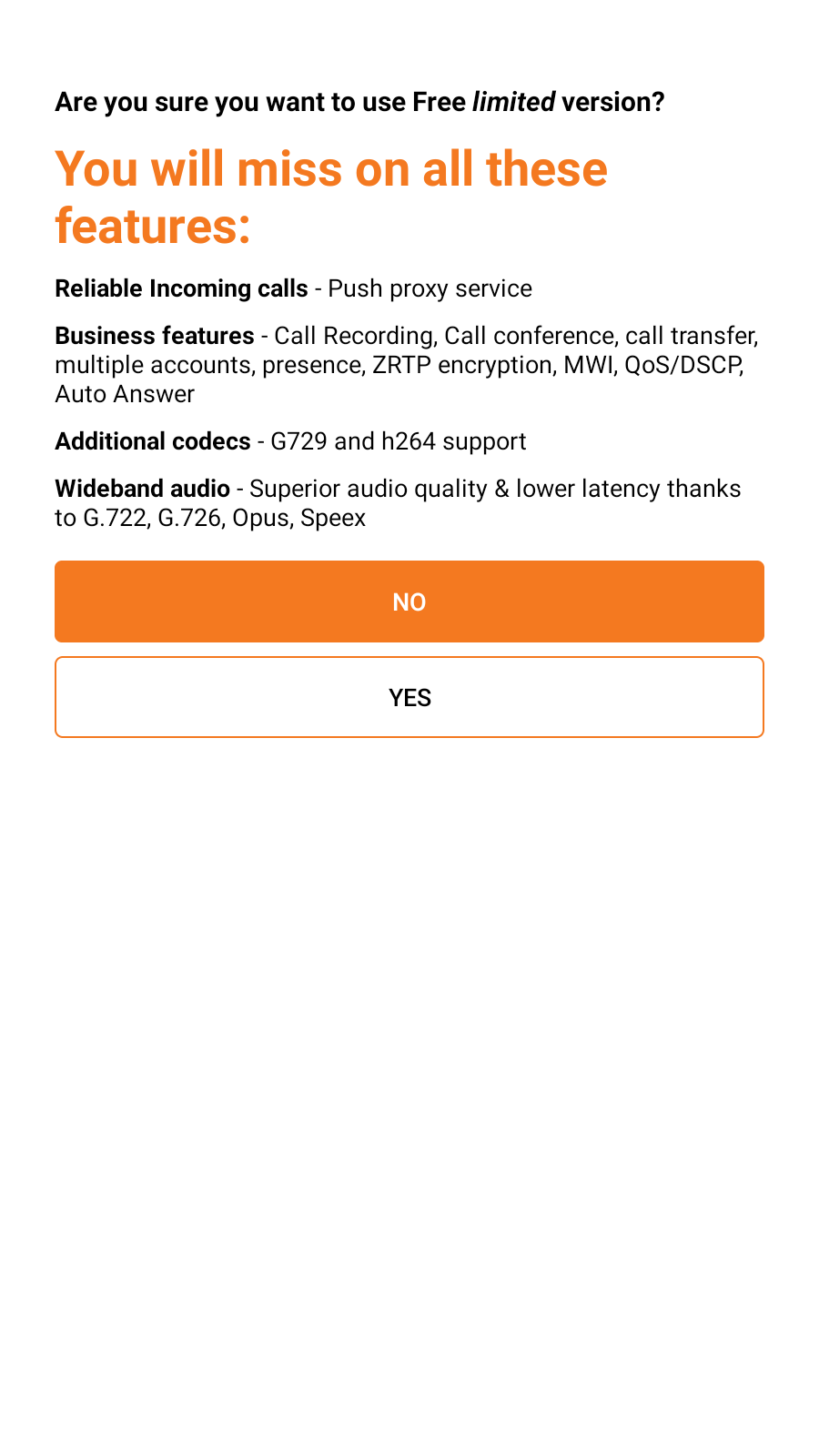
4. Confirm that you agree to use the free version of Zoiper by clicking “Yes”.
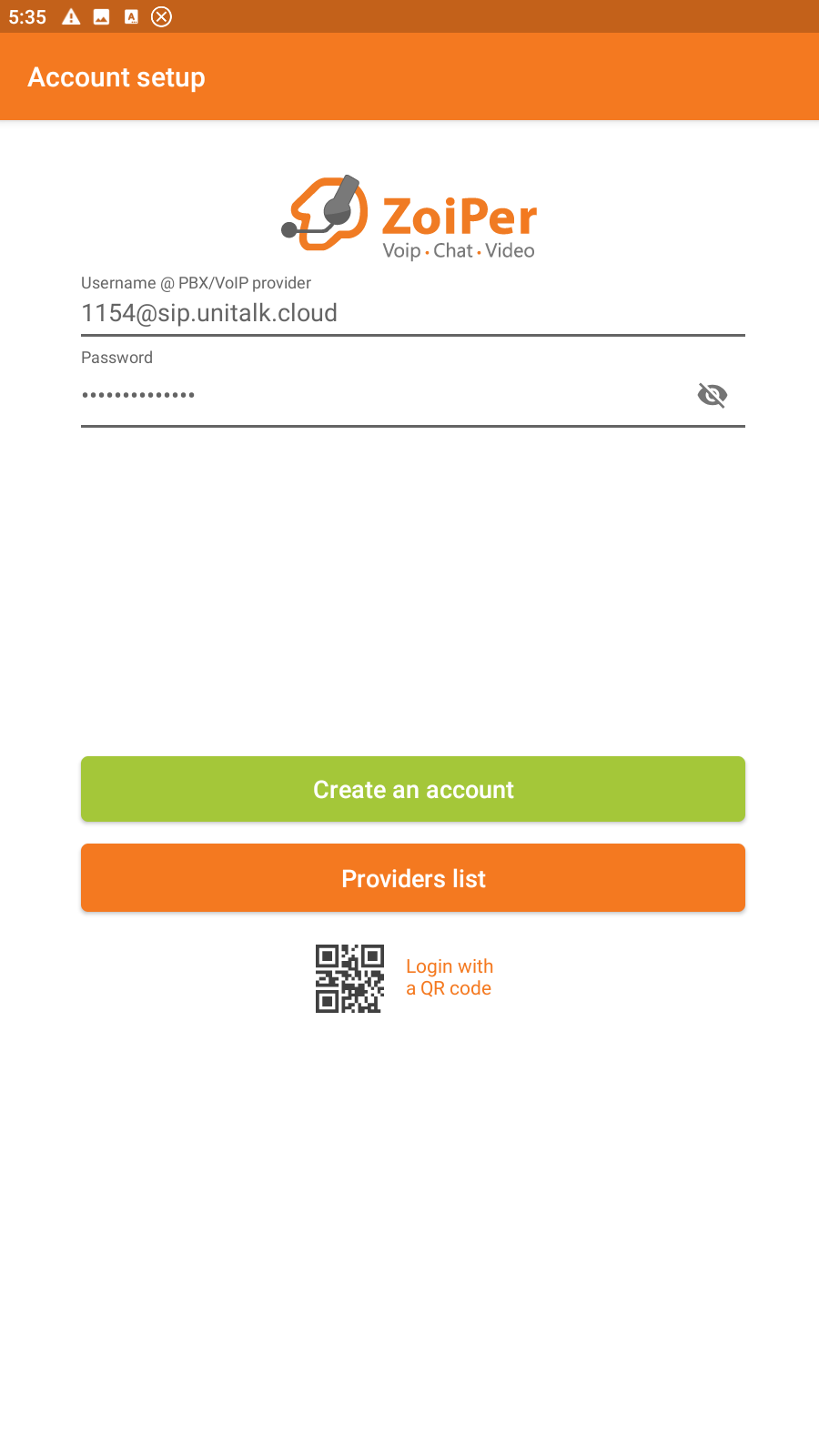
5. Enter your SIP line number and password in the appropriate fields. This information can be found in your personal account on the “Users” tab (to copy the password, click on the lower “Settings” button). After that, click “Create an account”.
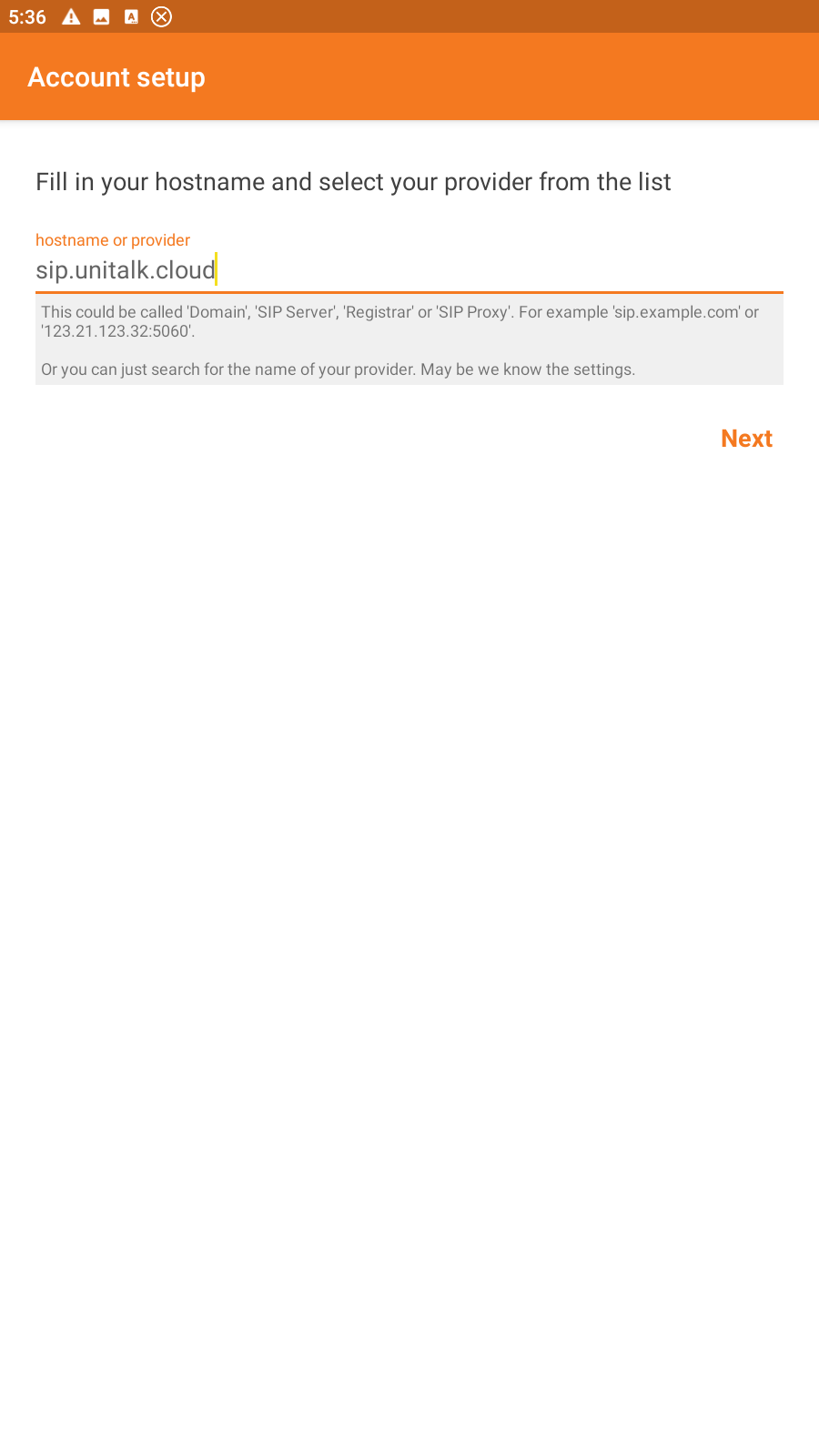
6. Then enter the host name: sip.unitalk.cloud
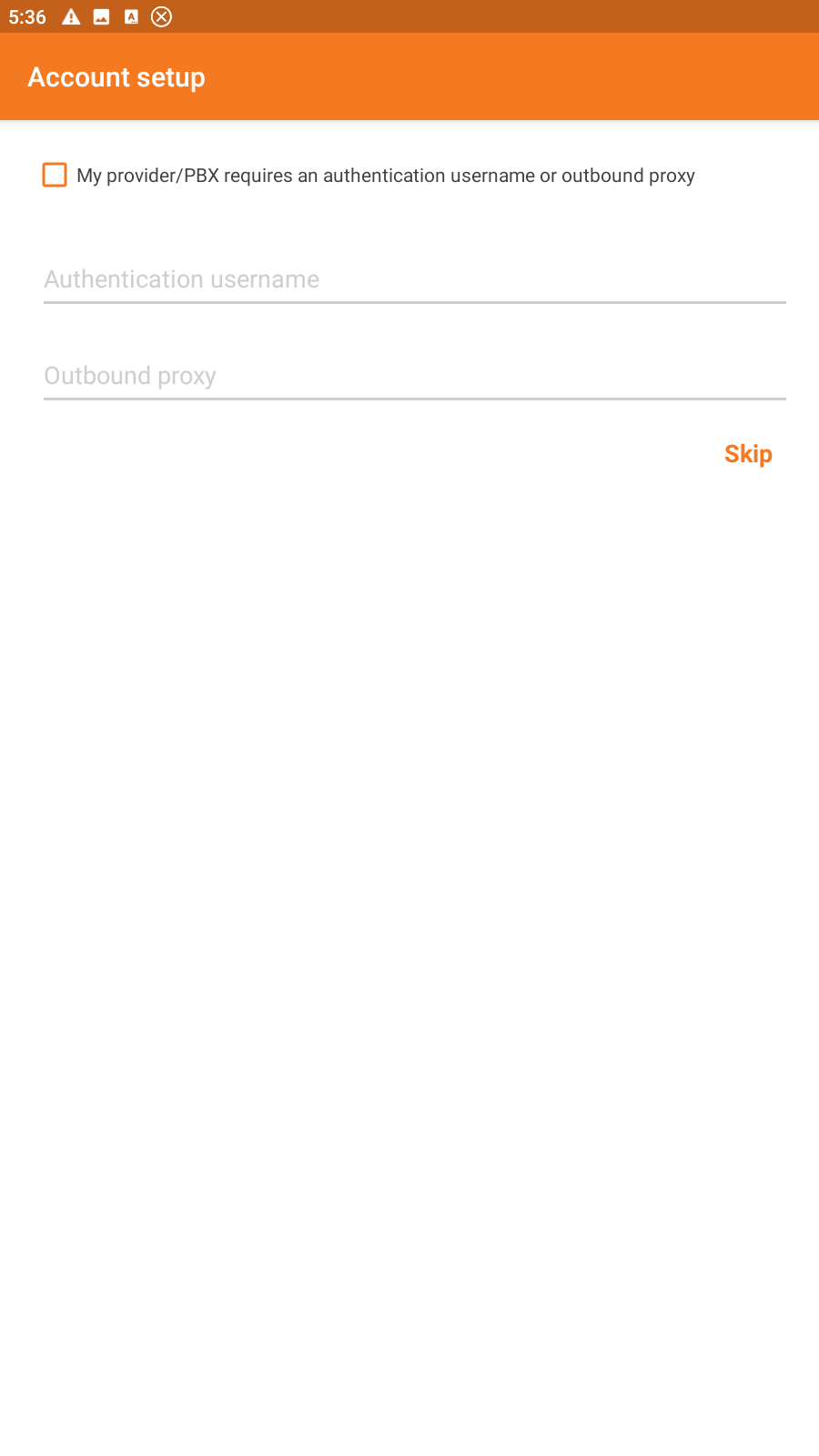
7. In the next window, click the Skip button.
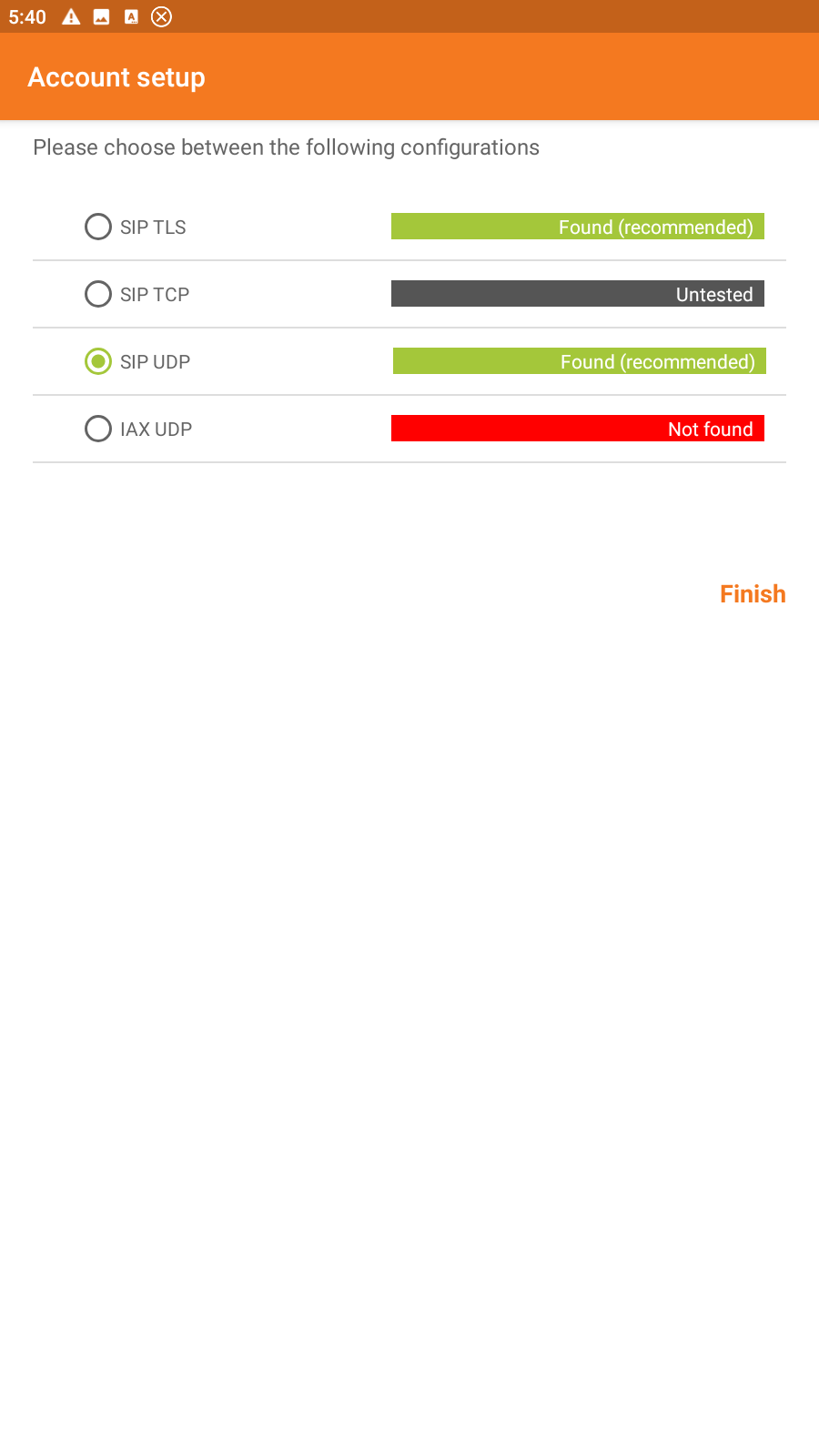
8. From the list of configurations, select “SIP UDP”.
9. If everything is configured correctly, after clicking the “End” button in the menu (three lines in the upper left corner), you will see the “Account is ready” message under your SIP line number.
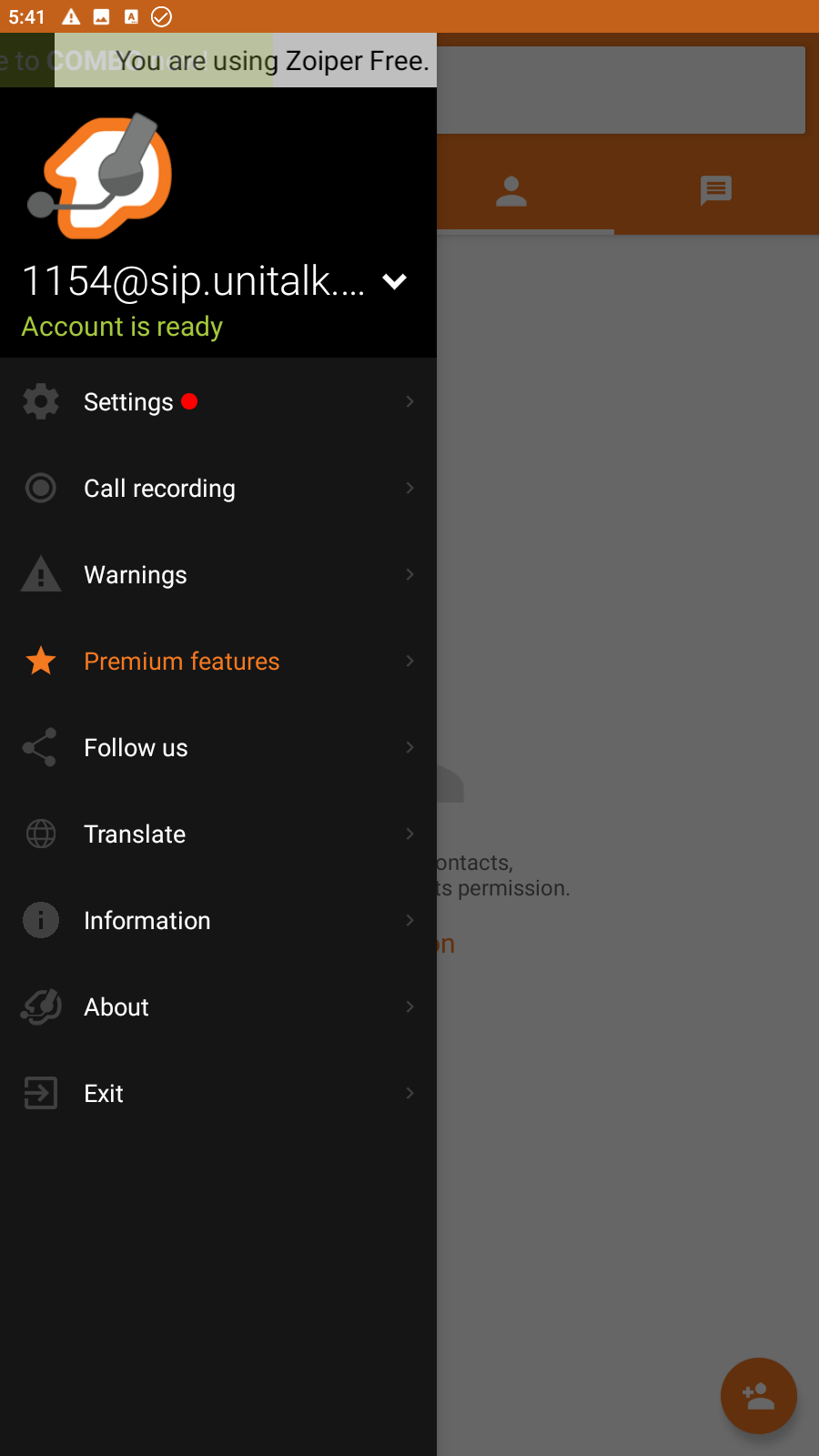
The “Account is ready” status signifies that your smartphone is now part of the UniTalk corporate network. You can receive incoming and make outgoing calls as easily as with a regular phone, but with all the advantages of professional IP telephony. With UniTalk and Zoiper, your office is always at your fingertips, mobile, and highly productive.



