


Top up balance: how and where to top up, ways to top up your balance
Keeping Your Business Running Smoothly
Nothing is more frustrating than business processes stopping due to an overdue balance. Our goal is to ensure the stability of your IP-telephony 24/7.
That is why we made the top-up process highly flexible and simple, offering multiple convenient methods, from bank card to cryptocurrency. Your benefit: zero downtime and consistent, high-quality communication.
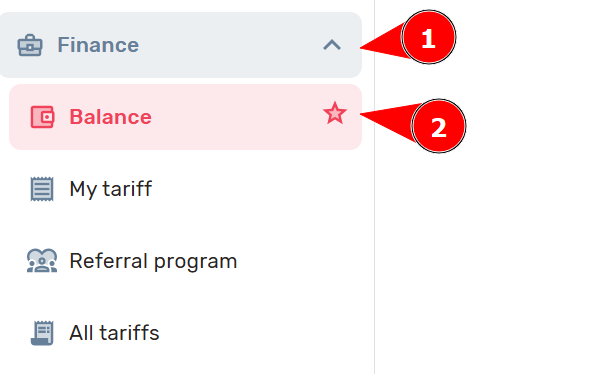
To start or continue using UniTalk services, you need to top up your balance. You can do this by logging into your UniTalk personal account and going to the “Finance” → “Balance” section:
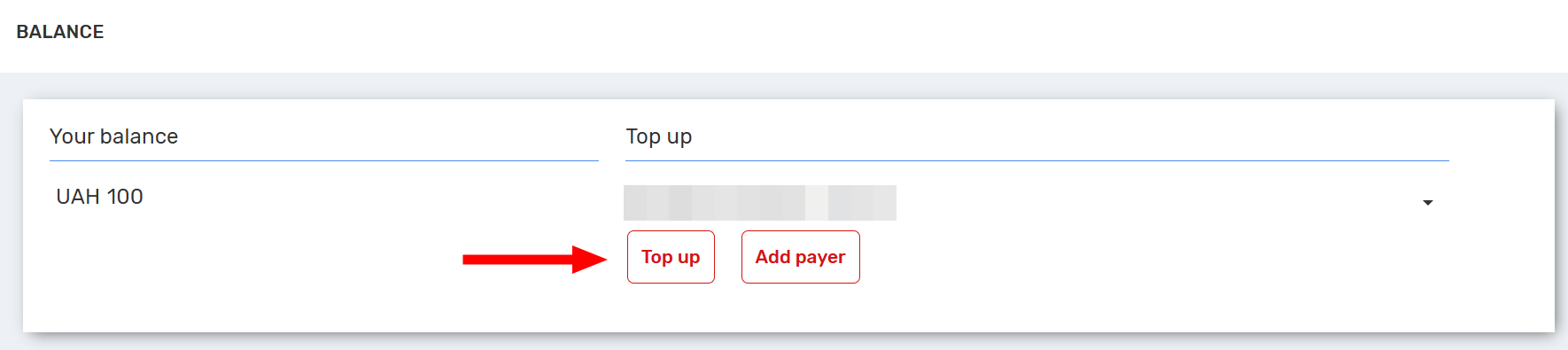
1. To top up your balance, click the “Top Up” button. You will then be presented with different payment methods and a field to enter the top-up amount:
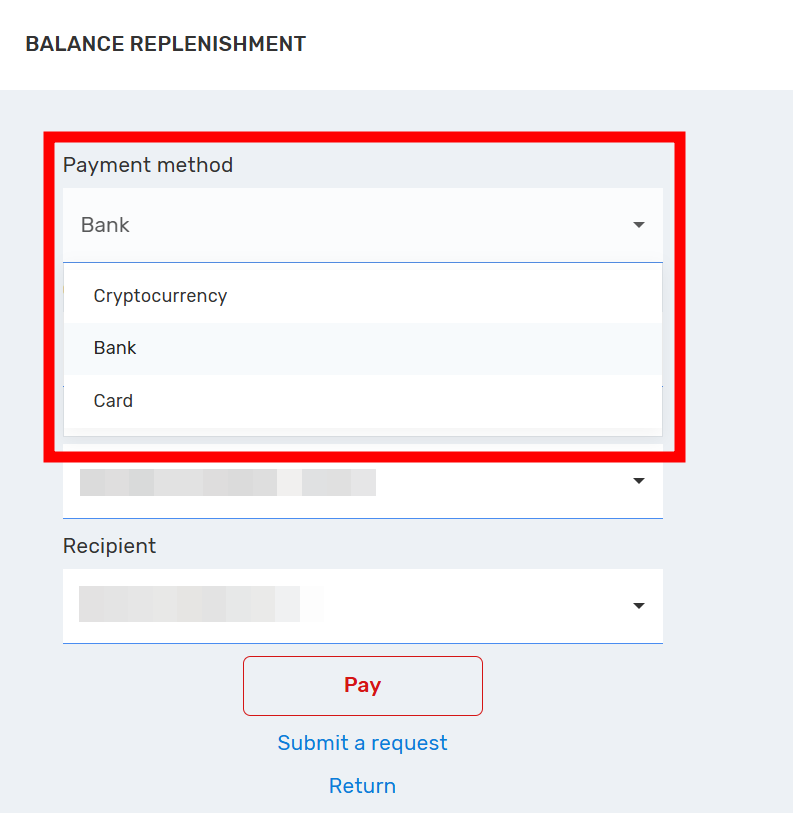
2. Select the method you want to use to top up your account
3. Then enter the amount you wish to add to your project
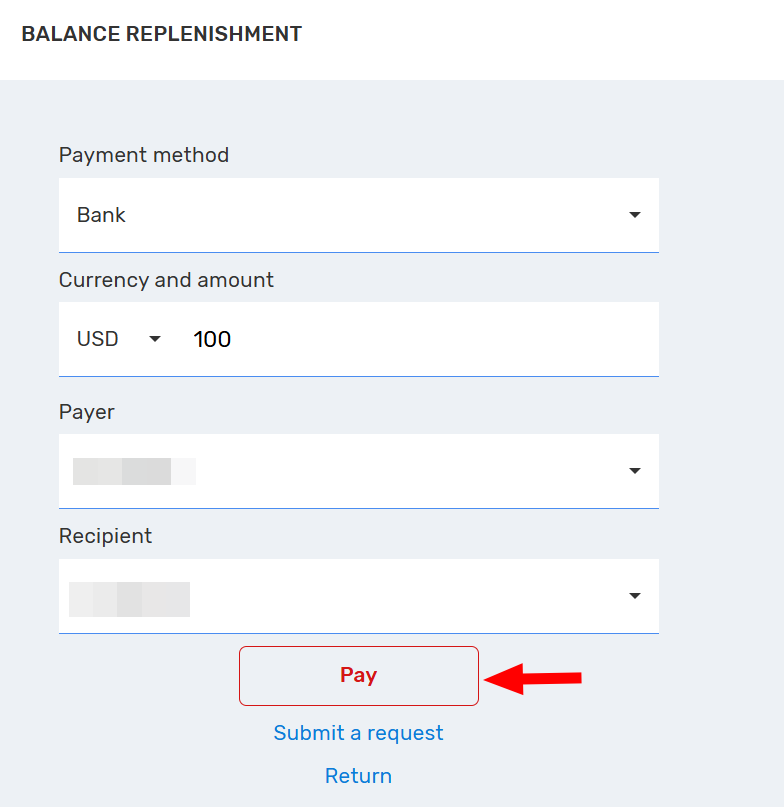
Change the payer if necessary
If you are unsure how much you need to top up, please contact us. Our managers will analyze your communication expenses and help you calculate the payment amount.
4. Choose the payment method that suits you and click “Pay”.
Top-up methods
You can top up your balance in any convenient way: by bank card, by wire transfer according to an invoice, or with cryptocurrency:
Bank
Payment by wire transfer (according to invoice) is possible at any bank in Ukraine. The funds will be credited to the balance within 3 business days.
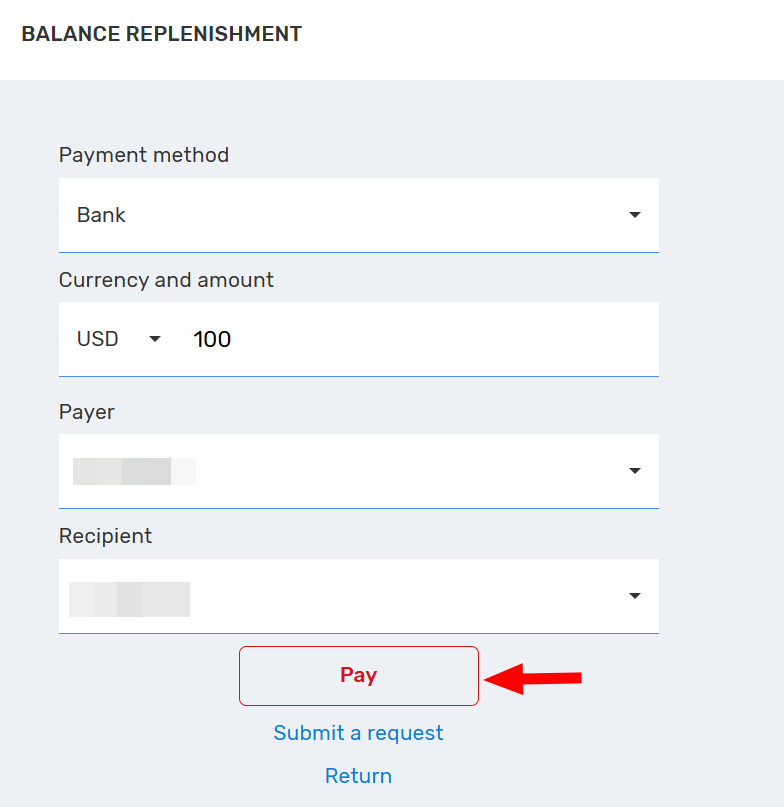
Fill in the information required to generate the invoice and click “Pay”. A file with the invoice will then be downloaded.
Invoice sample:
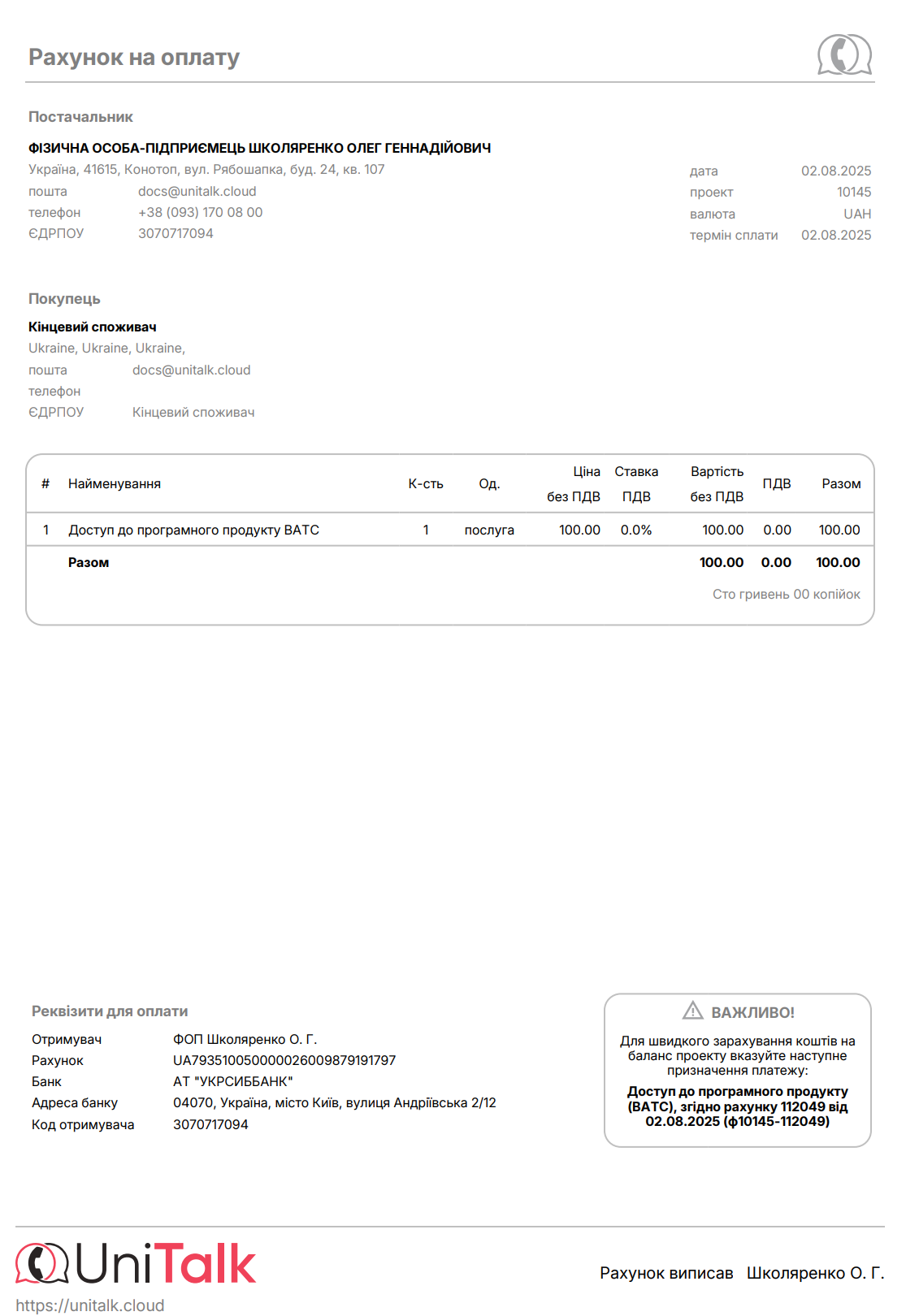
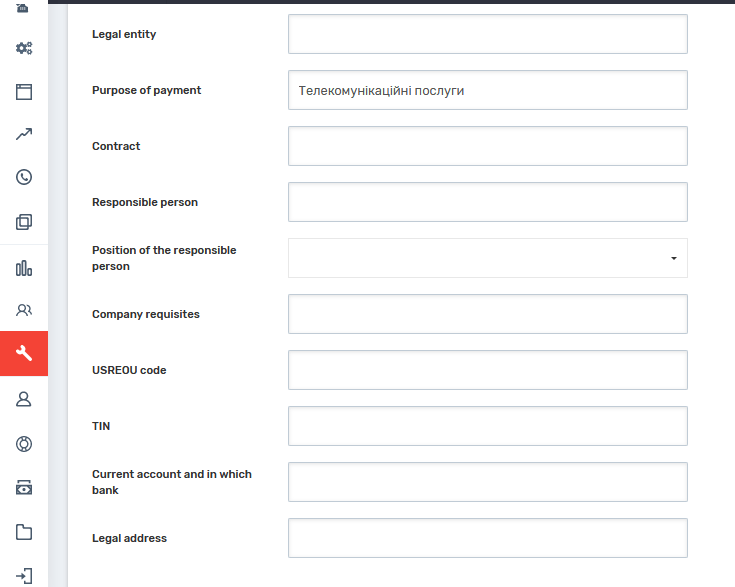
The “Payment purpose” and “Payer” fields initially contain only the invoice number and the information you provided during registration. To automatically fill in these fields with your preferred data, go to the “Project Settings” section in your personal account, under the “Finance” subsection, and enter your company’s information in the empty fields. In the “Payment purpose” field, only “Telecommunication services” should be entered. After saving the changes, the data you entered will automatically appear in the invoice as the payer details.
Card
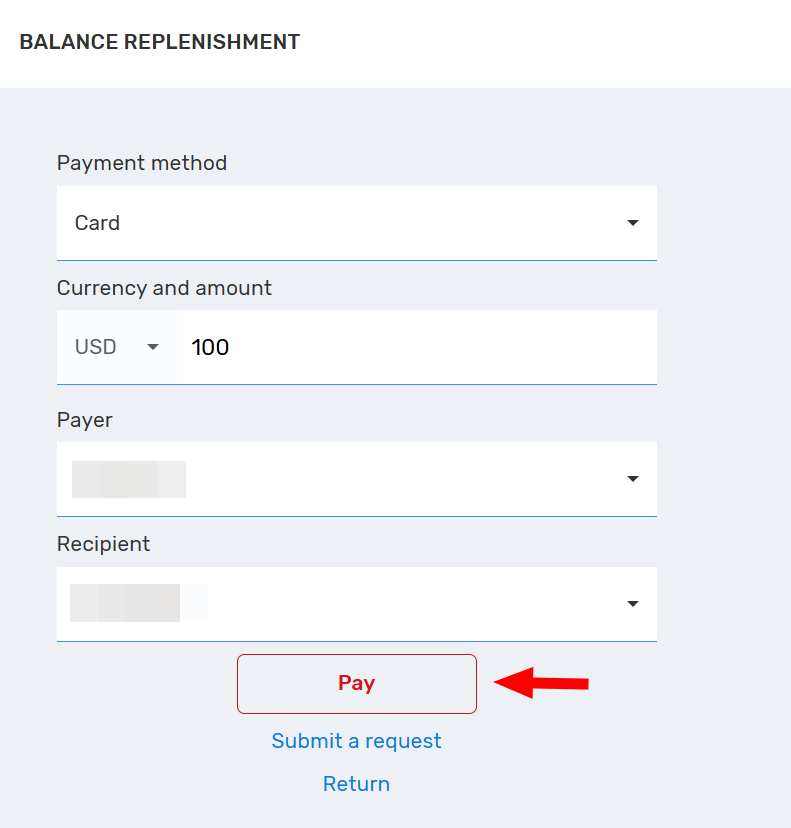
Click “Pay” to open the login page of the payment system:
Cryptocurrency
Click the “Leave a request” button
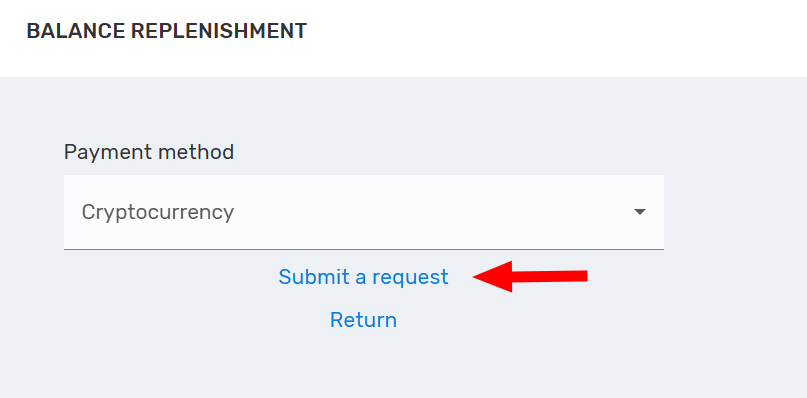
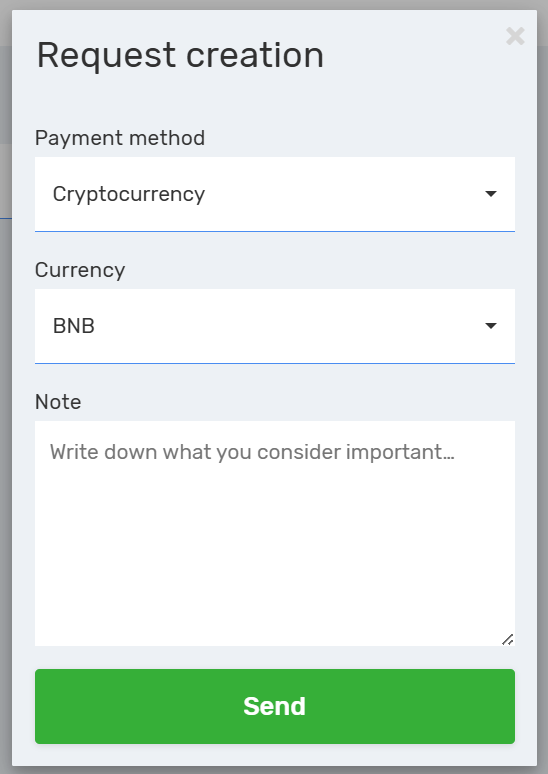
Select the desired cryptocurrency and submit a request for top-up.
Your Financial Flexibility
You have successfully ensured the uninterrupted operation of your communication system. Flexible payment options (card, invoice, crypto) and manager support guarantee your business will always stay connected.



