


Instructions for connecting and configuring UniTalk and Creatio integration
Publication date: 02.11.2022
- In the UniTalk cabinet, open the menu item Integration – Creatio. Or follow the link Enter your account name, login and password. Click the “Connect” button.

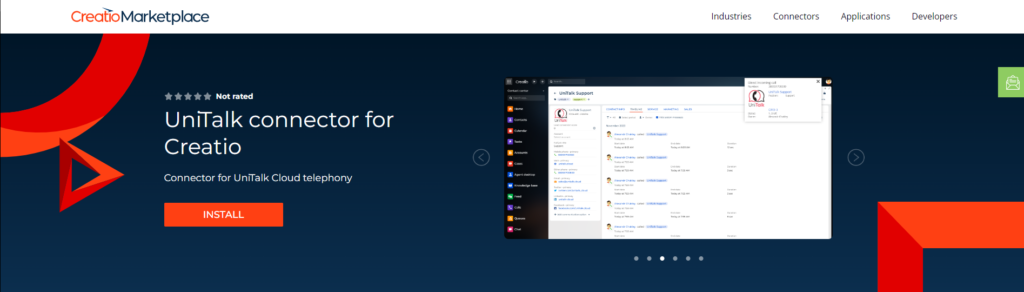
2. Install the Connector at https://marketplace.creatio.com/app/unitalk-connector-creatio on your Creatio account.
Integration setup
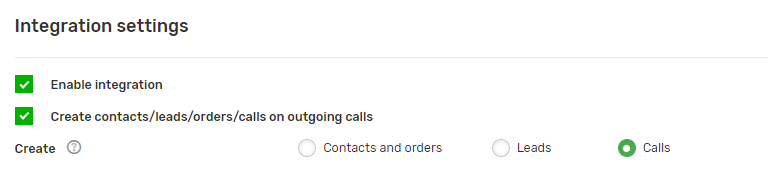
Choose whether you want to create leads or contacts and orders in Creatio Cabinet.
If you want customer cards to be created not only on incoming calls, but also on outgoing calls, enable the “Create contacts/leads/orders on outgoing” setting.
Set up responsible users of Creatio Cabinet for missed calls for each day of the week.

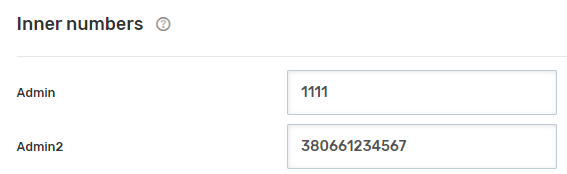
Configure corporate numbers for Creatio Cabinet users. You can assign internal project numbers or GSM numbers to users.
UniTalk – A single solution for managing customer communication
Request a call back or give us a call
+38 (093) 170 08 00Get a consultation



