Sales Team Automation: How Omni Makes Managers Faster and Sales Leaders Calmer
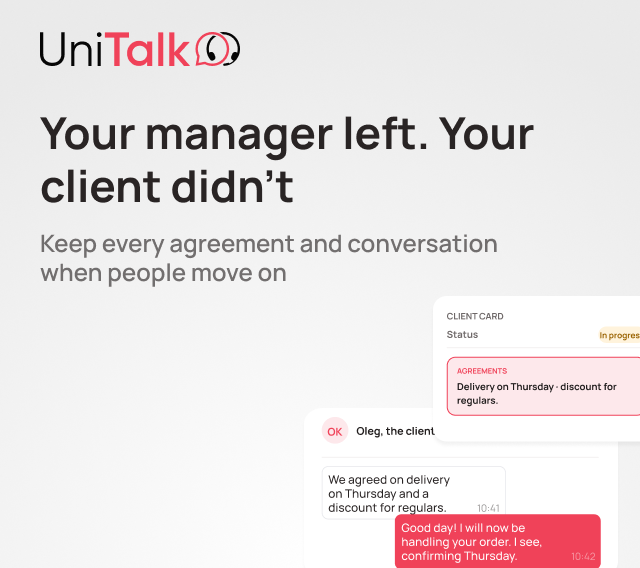
A customer left a request on the website. A sales rep called to confirm the details, then spent the next few days messaging back and forth on Telegram. In the CRM, all that remained was a lead card and a deal amount. The entire conversation history stayed scattered across different apps. If that rep goes on vacation or leaves the company, a new hire has to piece the context back together almost from scratch.
Sales today means dozens of touchpoints with a customer across different channels. A rep has to reply to messages, work in the CRM, make calls, and make sure nothing slips through the cracks, all at once. A sales manager, meanwhile, needs to see this whole picture clearly, not just fragments of it. That’s why sales team automation in Omni is built on four connected layers.
Let’s walk through each one, using real day-to-day sales scenarios.
Why “more channels” doesn’t mean “better service”
Businesses add Telegram, Viber, Instagram, and website chat, assuming that more channels means being closer to the customer. In practice, the opposite happens.
A rep handles conversations on their personal phone; part of the history stays in messaging apps, part sits in the CRM. When a customer reaches out through a different channel, the rep has no full context and has to ask the same questions all over again.
Meanwhile, a sales manager sees only a fraction of the picture: call volume, and that’s about it. How many chat messages went unanswered, why a customer backed out after a second touchpoint, where exactly the team is losing deals: none of that shows up in any report. The manager finds out about a problem not from a dashboard, but from a customer complaint, after that customer has already gone to a competitor.
Effective sales team automation brings every channel into one unified workflow. That’s when both the rep and the manager finally see the full picture of the customer relationship.
Layer one: the rep’s workspace
If a rep spends half the day switching between phone, Telegram, and CRM tabs, the problem isn’t the rep. It’s the workspace, where communication is split across separate tools and someone has to piece the full picture together by hand.
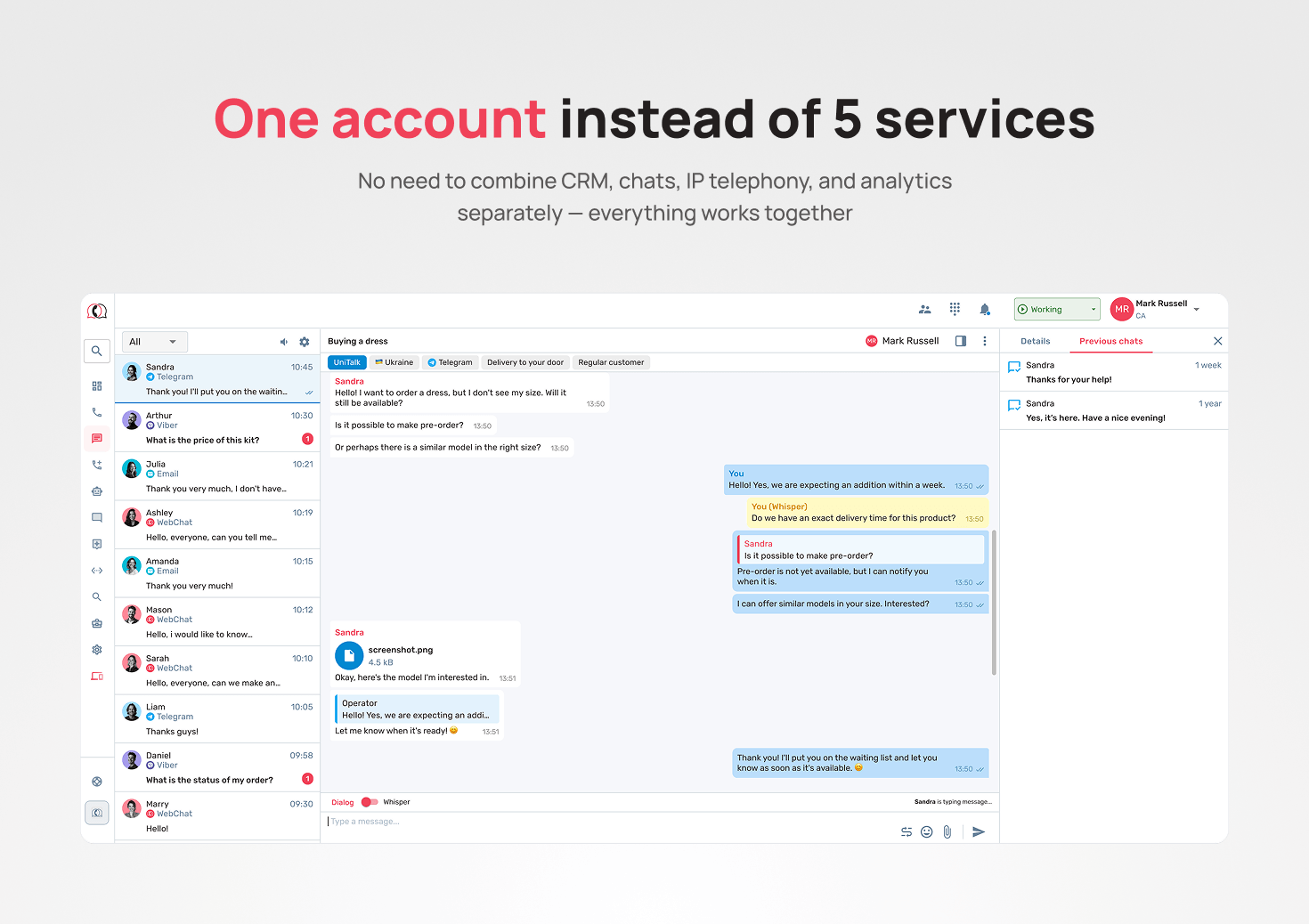
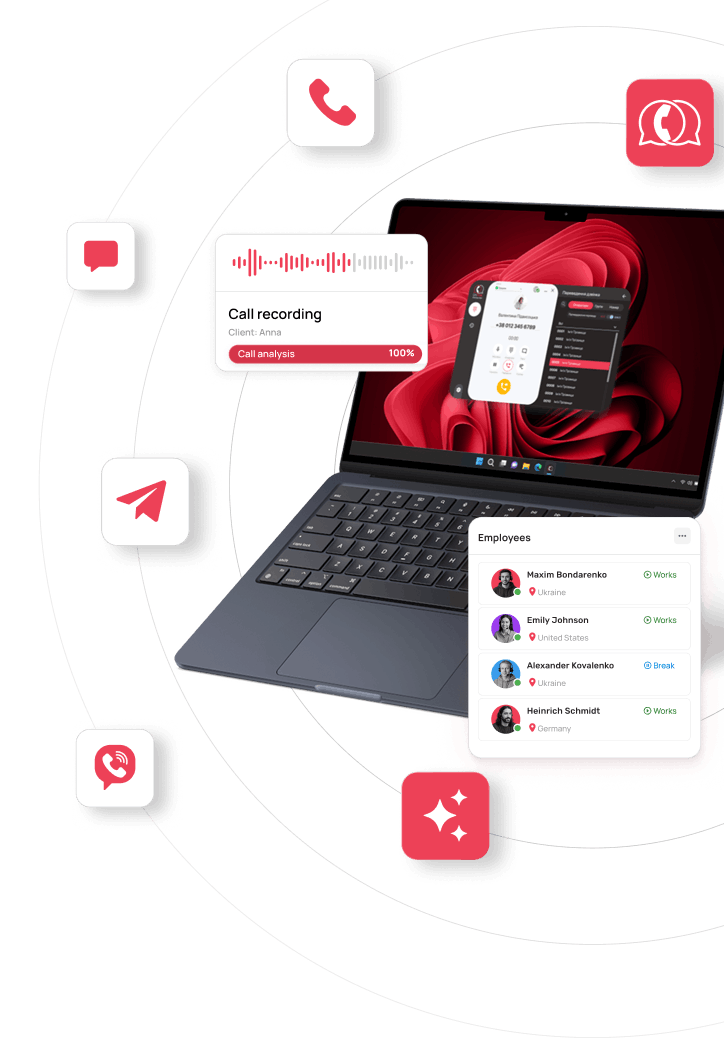
In Omni, every channel, calls, Telegram, Viber, Instagram, website chat, email, and SMS, comes together in one workspace. When a customer reaches out again through any channel, the system automatically pulls up the interaction history by phone number, email, or messenger ID. The rep sees the full context right away and doesn’t ask questions the customer already answered.
Ready-made scenarios and reply templates handle common questions, so there’s no need to type out the same message every time. Reps can work however suits them best: through the Web Dialer browser extension, a desktop app, or a mobile app.
That’s the first layer of the system. But even with every channel in one window, communication still sits apart from the sales process without a CRM connection.
Layer two: when the CRM stops being a separate system
The CRM handles the customer database and deals. Omni handles the communication itself. Together, they work as one system, where no call or chat gets disconnected from the deal it belongs to.
Calls and chats automatically link to the right contact, lead, or deal, with no manual data entry. An inbound call routes straight to the rep assigned to that customer in the CRM, so the customer doesn’t have to explain their situation to someone new every time.
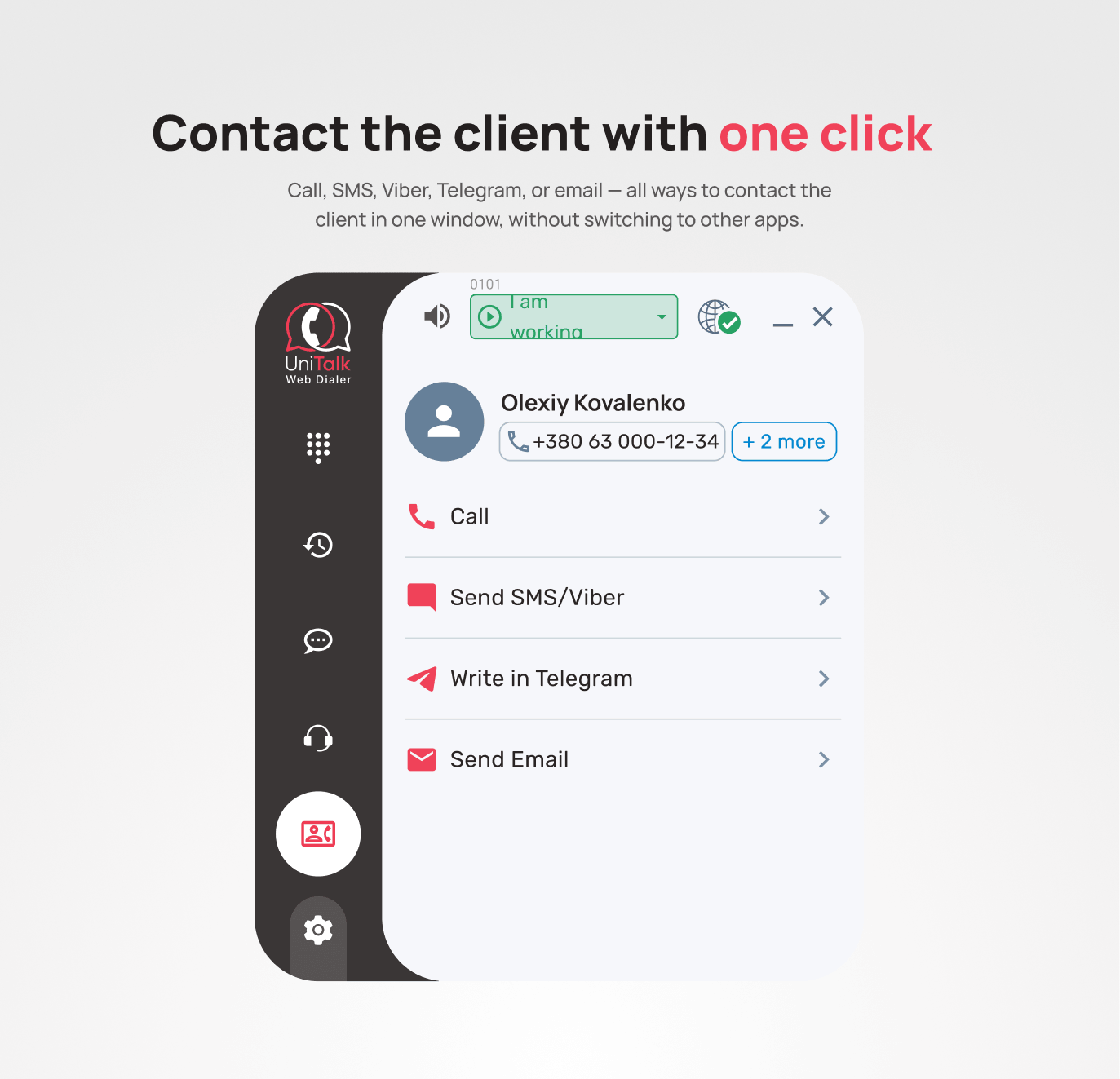
A “Connect” button appears right inside the CRM card: a call with number selection, SMS, Viber, email, or picking up an existing Telegram or Instagram chat. Reps never have to leave the CRM to reach a customer, and they don’t lose time switching between systems. Event-based scenarios, like a missed call, a new chat, or a first-time inquiry, trigger the right actions automatically, following whatever logic the company sets for its sales process.
The CRM is no longer separate from customer communication. It becomes part of one connected workflow, alongside calls and chats.
Layer three: managing the team in real time
A sales manager physically can’t listen to every call the team makes. So most managers spot-check just a few calls a week. But a small sample only shows isolated moments, not the real picture. If the same mistake keeps happening, say, reps forgetting to lock in next steps or losing momentum right before closing, it can go unnoticed for weeks. Conversion drops, and the real cause is hard to pin down.
The issue isn’t that the manager isn’t paying attention. It’s that doing this manually just isn’t feasible anymore.
AI analytics changes the whole approach to oversight. Instead of spot-checking, the system reviews every call and automatically surfaces the patterns that actually affect results. Each call gets a transcript and a score against set criteria: script adherence, deal stage, objections, tone of voice. Chat analytics is built on the same principle and is currently in development: it will let managers evaluate reply quality, spot recurring topics, and flag conversations that need attention.
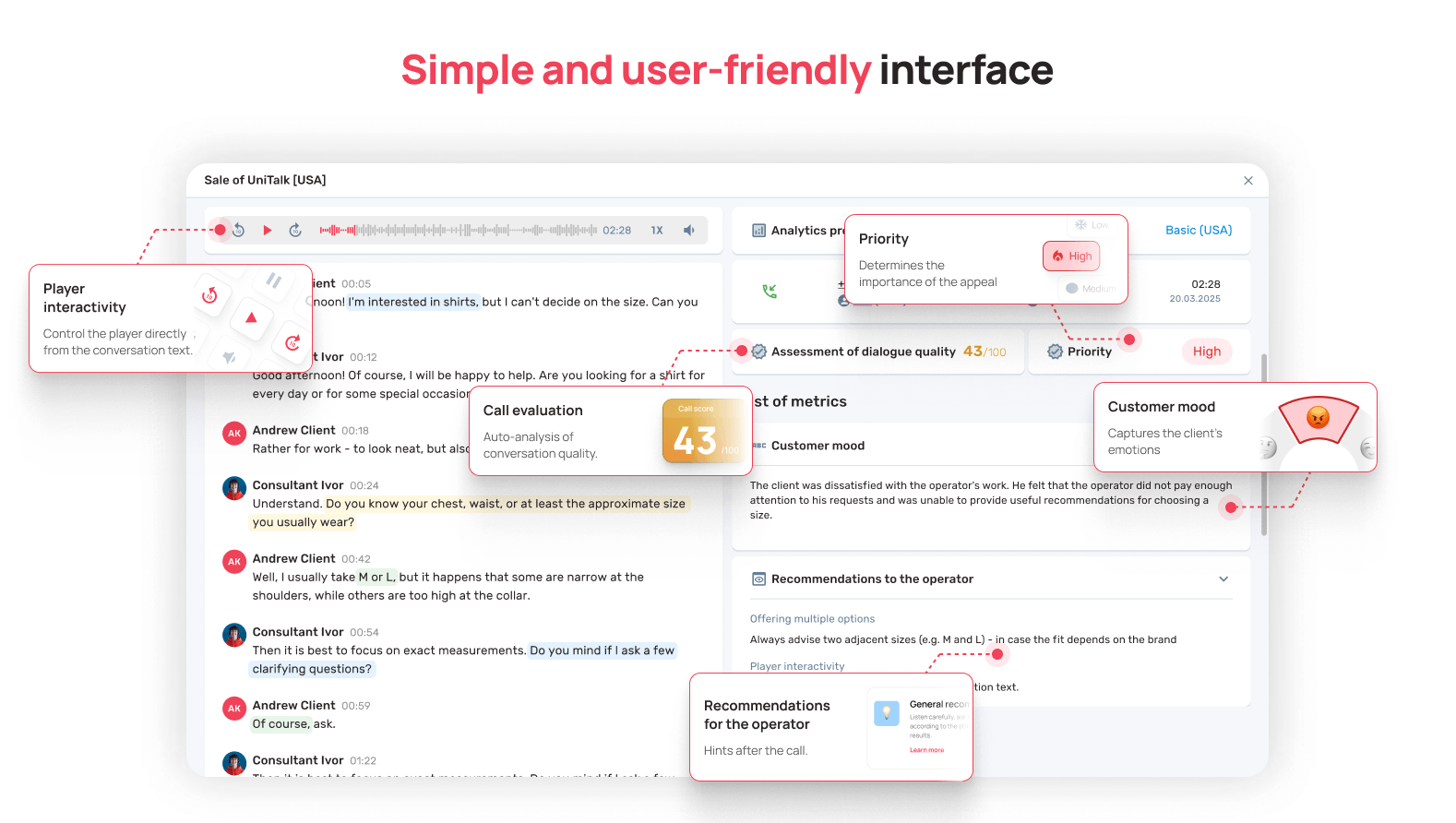
As a result, instead of a small sample, a manager sees the real pattern: for example, that in 27% of conversations, reps skip the pricing walkthrough or fumble when a customer says “too expensive.” That’s no longer a one-off, it’s a pattern the whole team can train on and improve from. If a call score drops below a set threshold, the manager gets a Telegram alert immediately and can step in right away, rather than finding out a month later in a report. Importantly, this is a coaching tool, not a surveillance tool aimed at any one rep. The goal of AI analytics is to find gaps in the sales process, not to build a case against a person.
The dashboard pulls all of these metrics together for the whole team in one place: inquiry volume, response speed, workload per rep, missed inquiries. A manager sees how the sales team is actually performing, instead of pulling data manually from several sources.
Whisper coaching belongs to this same layer of team management. A new rep is negotiating with a major client. The conversation gets tense: the customer has doubts, asks tough questions, pushes on price. The manager joins the call and feeds the rep what to say next, without the customer hearing any of it. The rep finds the right response, regains confidence, and a deal that looked shaky a minute ago closes successfully.
Unlike AI analytics, which flags problems after the fact, whisper coaching steps in during the conversation, while the deal can still be saved. It matters most with new reps or on high-stakes deals, where a mistake is costly.
Layer four: staying in touch
A customer isn’t always ready to buy on the first contact. Some compare offers, some put off a decision for a week, some simply forget to reply. Without a system for staying in touch, that lead quietly falls off the team’s radar, and nobody even notices.
SMS and Viber campaigns are built into every Omni plan and are designed for exactly this: a reminder about a call, a follow-up with a warm lead, or a personalized offer, triggered at the right moment. The sale doesn’t end after the first contact; it continues until the customer is ready to decide.
What this means for a sales team
When every inquiry lives in one place, the CRM works together with communication, and the manager sees the process in real time, sales stop depending on a rep’s memory, chance, or which tool happened to be open. The team works from one shared process, and the manager gets a full picture of what’s happening at every stage.
Sales team automation isn’t about bolting on one more tool. It’s about bringing communication, CRM, quality control, and follow-ups together into a single process. That’s exactly how Omni is built: reps work faster, managers see the full picture, and customers get a consistent experience no matter which channel they reach out through. The four layers work together: the rep’s workspace, CRM integration, team management tools (AI analytics, dashboard, and whisper coaching), and staying in touch with the customer.