How to Choose Business Phone Software: 6 Criteria That Save You From Switching Systems a Year Later
When a company looks for phone software, the request is usually simple: a business phone number, reliable calling, and call recording. At this stage, that feels like enough. Customers call, agents answer, calls get recorded, and everything seems to work the way it should.
A year or two passes. Messengers show up, a website chat appears, the team grows, and the business owner wants to understand what’s actually happening with customer communication. That’s when it becomes clear: the phone system that handled calls perfectly well says nothing about call quality, isn’t connected to the CRM, and isn’t ready for new channels.
This article looks at choosing phone software more broadly: not just as a way to connect with customers, but as the level of control it gives you.
What “business phone software” means today
Today, business phone software usually means a cloud PBX with a number, an IVR menu, call recording, and basic CRM integration. For a small team, that’s often enough to handle calls without losing inquiries.
But it’s only the foundation. As a business grows, new communication channels appear, along with the need to monitor agent quality and see the full history of each customer interaction. That’s exactly where the limits of a classic phone system start to show.
When Business Outgrows Its Phone System
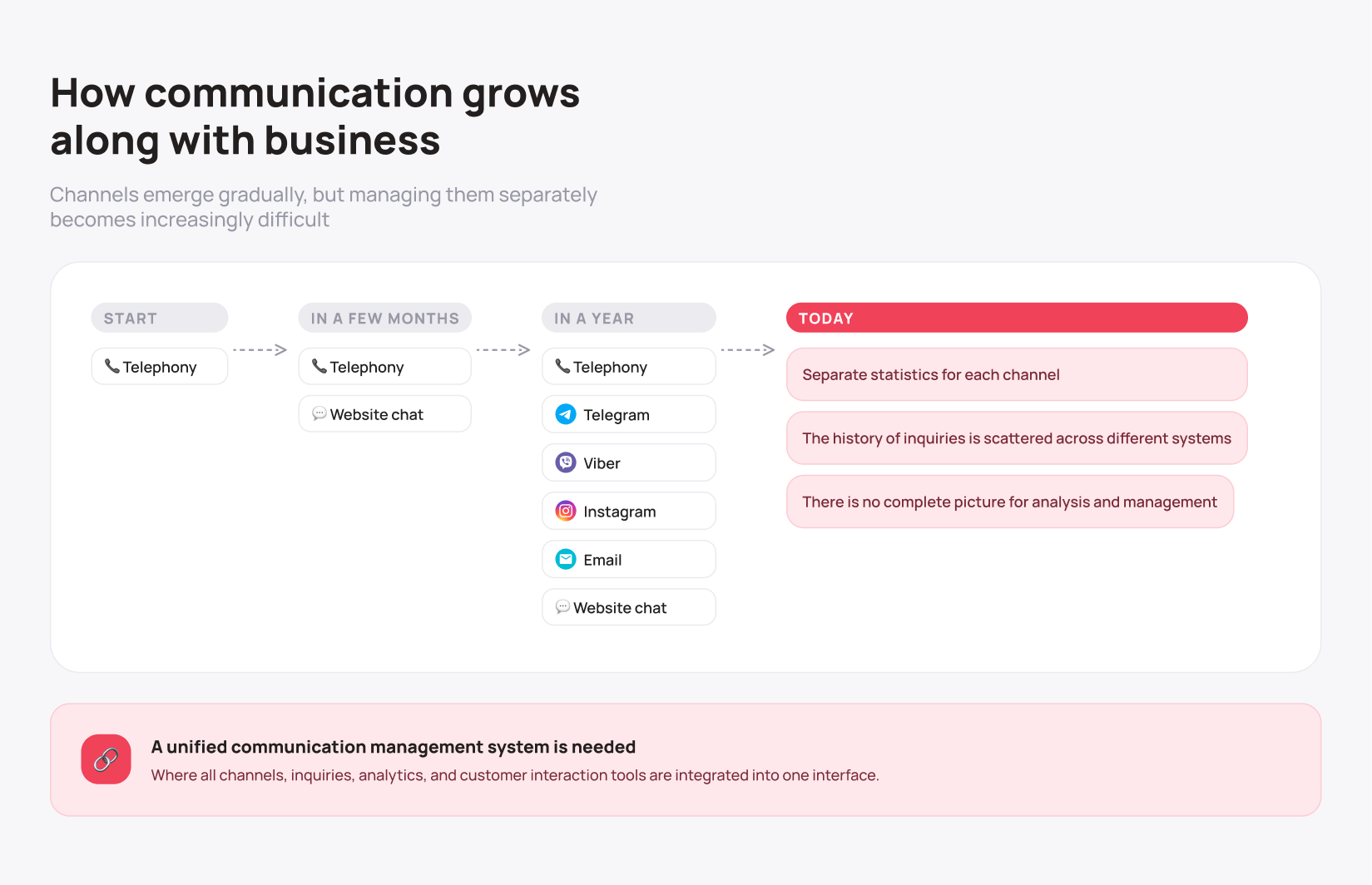
The customer base grows, and new customer touchpoints appear along with it. Someone messages on Instagram, someone reaches out on Telegram, someone opens the website chat before ever picking up the phone.
This usually happens without a plan. Marketing adds a website chat to boost conversions, a sales rep sets up a work number on Viber because it’s more convenient for customers. Within a few months, customer conversations become scattered across multiple channels, and the person in charge no longer sees it as one process. Stats, reports, and interaction history end up scattered across different systems.
To see the full picture of a customer interaction, a manager or team lead has to switch between several systems, since there’s no single interface covering all communication.
The cost of putting off the decision
When choosing phone software, businesses usually compare pricing, setup cost, and the number of available features. But the biggest expense isn’t the launch. It’s the switch that comes later.
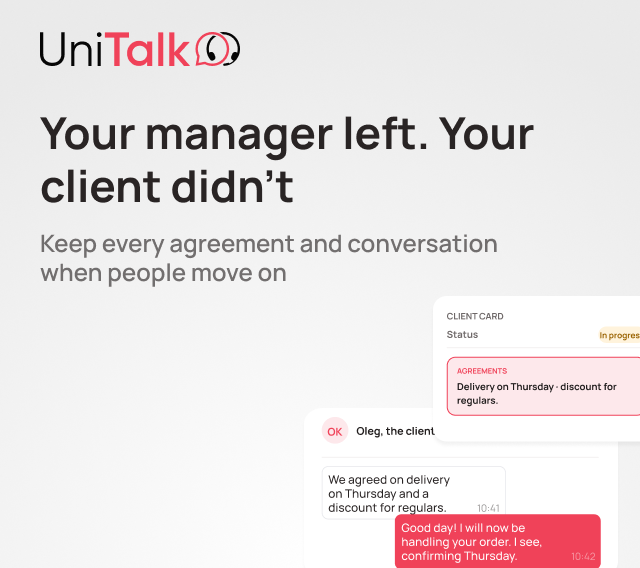
Migrating to a new platform almost always means re-integrating the CRM, reconfiguring business processes, retraining the team, and a temporary drop in productivity. If interaction history can’t be fully transferred, the company also loses part of its accumulated data.
That’s why it’s worth evaluating not just what a system costs today, but what replacing it will cost in two or three years. In many cases, it’s cheaper to choose a platform that can grow with the business from the start than to save money upfront and pay for a migration later.
What to look for when choosing phone software in 2026
To avoid ending up in that situation, check any system against a few criteria before signing a contract.
1. Check how the system works with your CRM. Most providers say they integrate with CRM, but that phrase can mean very different things. Ask directly: does a call automatically attach to a contact or a deal, and does the agent see the full interaction history before even picking up the call. If an agent has to manually search for the customer or open their CRM card after a call, that’s a sign the integration is shallow.
2. Find out if the system is built to grow into multiple channels. Calls alone might be enough right now, but within a year a website chat will likely follow, then Instagram or Telegram. Ask directly whether the platform’s architecture already accounts for these channels, or whether you’ll have to bolt on separate tools that don’t talk to each other.
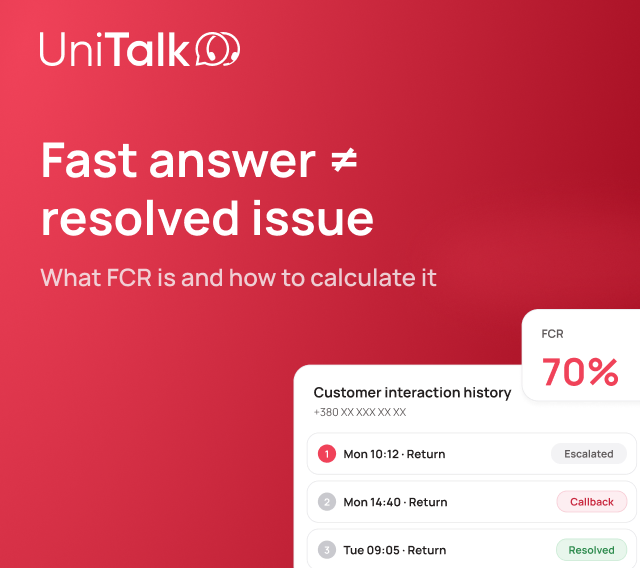
3. Ask what kind of call analytics the system provides. A recording only lets you go back and listen. Analytics shows what actually happened in the conversation: where the agent lost the customer and why. If someone still has to listen to recordings manually, that analytics won’t scale with the team.
4. Check how deep the automation goes. Find out whether the system has workflows for handling inquiries and reacting to specific events, or whether it only routes calls in a queue. The difference between the two becomes obvious once inquiry volume grows while the team stays the same size.
5. Look at infrastructure reliability. Uptime and redundant infrastructure rarely get attention until something fails during peak load. Ask the provider for concrete numbers, not general assurances.
6. Ask what it costs to switch providers later. Find out directly how hard it would be to move to another system if the company’s needs grow. An honest answer to that question tells you more about a provider than any pitch deck.
A system that’s already built to grow
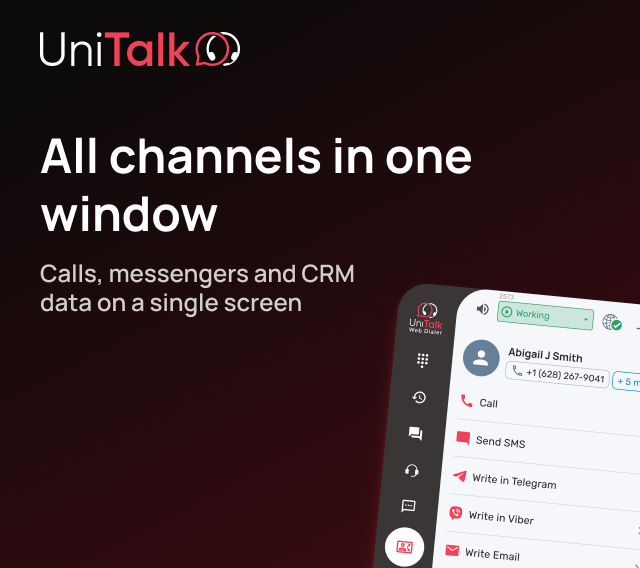
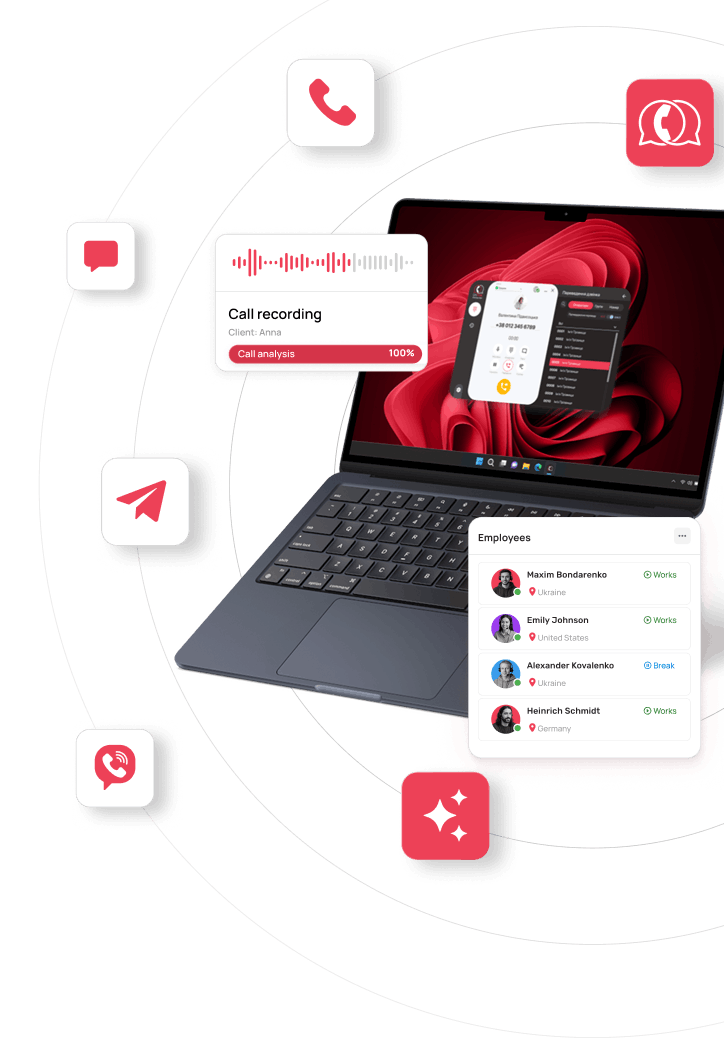
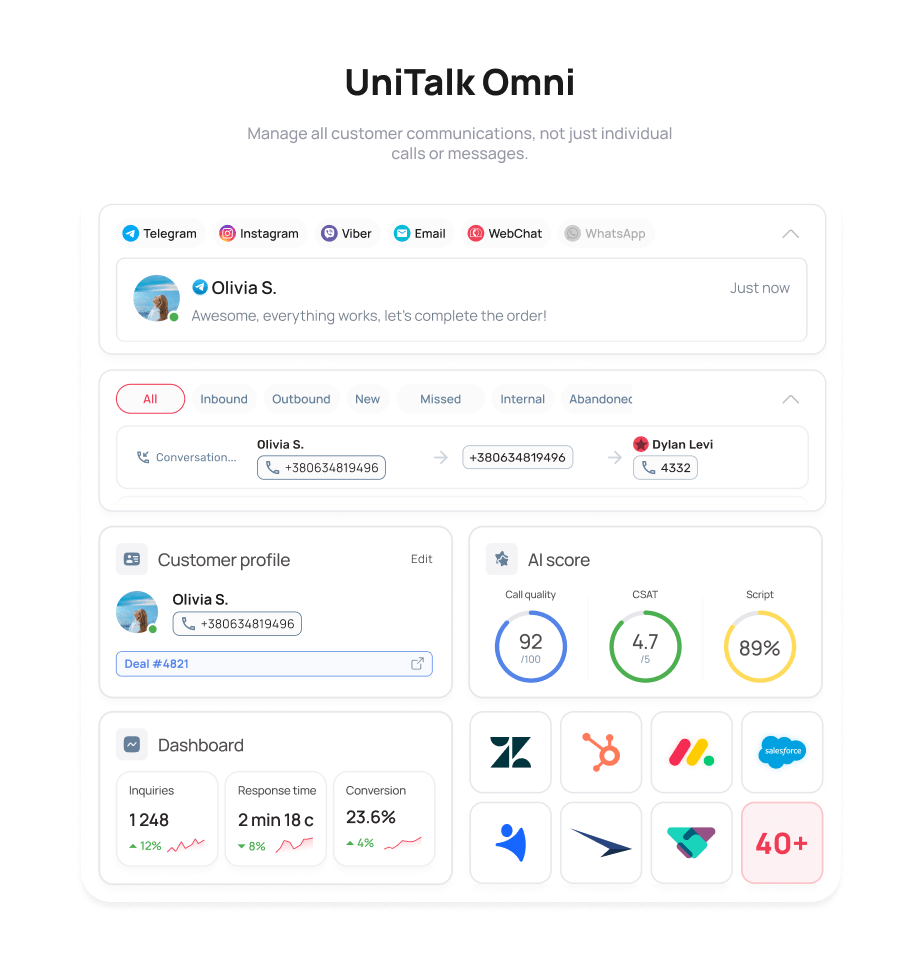
UniTalk Omni is built on the principle that calls, chats, messengers, SMS, and analytics work in one environment from day one, instead of being bolted on later through a migration.
When a second channel appears, the team doesn’t need to switch platforms or re-integrate the CRM, because the platform is already built for it. That’s the difference between a tool for making calls and a system for managing customer conversations.
Because of that, a company doesn’t “outgrow” the system after a year or two. New channels, AI-powered analytics, CRM integrations, or automation get added exactly when the business actually needs them, without switching platforms or retraining the team.
What to take away from this
You’re not just choosing a way to take calls. You’re choosing a system your company will work with for the next several years. So it’s worth evaluating not only call quality or setup cost, but whether the system can grow along with your business.
Today, choosing business phone software is really about choosing how your company will manage customer communication as it grows. That’s what lets a business scale without paying for a migration every time a new channel or new need shows up.
If you’re choosing phone software right now or planning to upgrade your current system, book a demo of UniTalk Omni. We’ll show you how UniTalk Omni brings calls, chats, CRM, and AI analytics together in one workspace—and help you decide whether it’s the right fit for your business.