How to manage support when customers reach out through different channels
Support is the first team to see when something isn’t clear, isn’t working, or simply isn’t sitting right with a customer. That’s where people bring their problems, questions, and repeat requests, so how fast and how well you respond shapes the customer’s whole experience with the company.
But a support manager can’t physically read every chat and listen to every call the team handles. Requests come in through Telegram, Viber, Instagram, the website, email, and phone, and an important signal is easy to lose among all the routine conversations.
As a result, a conflict, a delay, or a problem sometimes only surfaces after a complaint. The real question is how to manage support quality across the board when checking every single interaction by hand simply isn’t possible.
What a manager can miss across scattered channels
Picture a fairly ordinary situation.
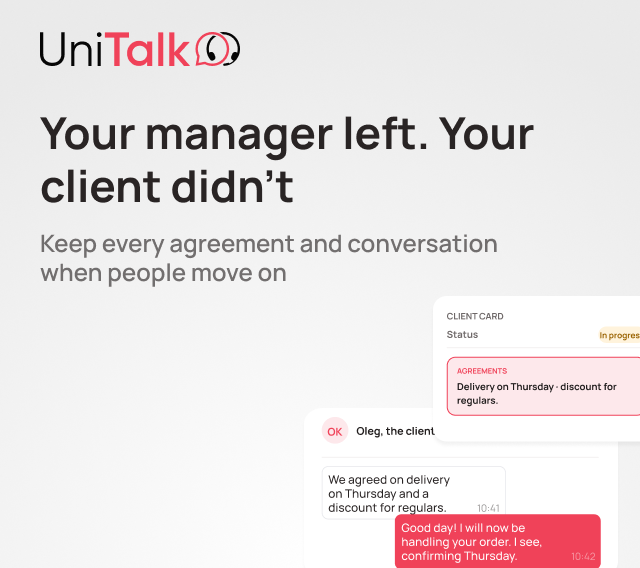
A customer writes to Instagram with a problem. No reply comes in time, so they call. A different agent picks up and can’t see the earlier conversation. The customer has to explain everything again, and the situation only gets worse.
For the customer, it’s one story. For the team, it ended up split across several channels.
A manager can look at the chat, the call, and the complaint separately. But when these interactions live in different tools, connecting them at the moment it matters is hard.
What’s needed here isn’t just pulling channels together. It’s visibility into the actual process behind each interaction: who picked it up, what’s already happened, whether the customer got a reply, and whether it needs to be handed off to someone else.
That’s exactly what UniTalk Omni is built around: communication as a process. Calls, chats, handling scenarios, routing, quality control, and analytics all run in one system.

All the team’s channels work in one place
For a support agent, replying isn’t the only thing that matters. Getting the context fast matters just as much.
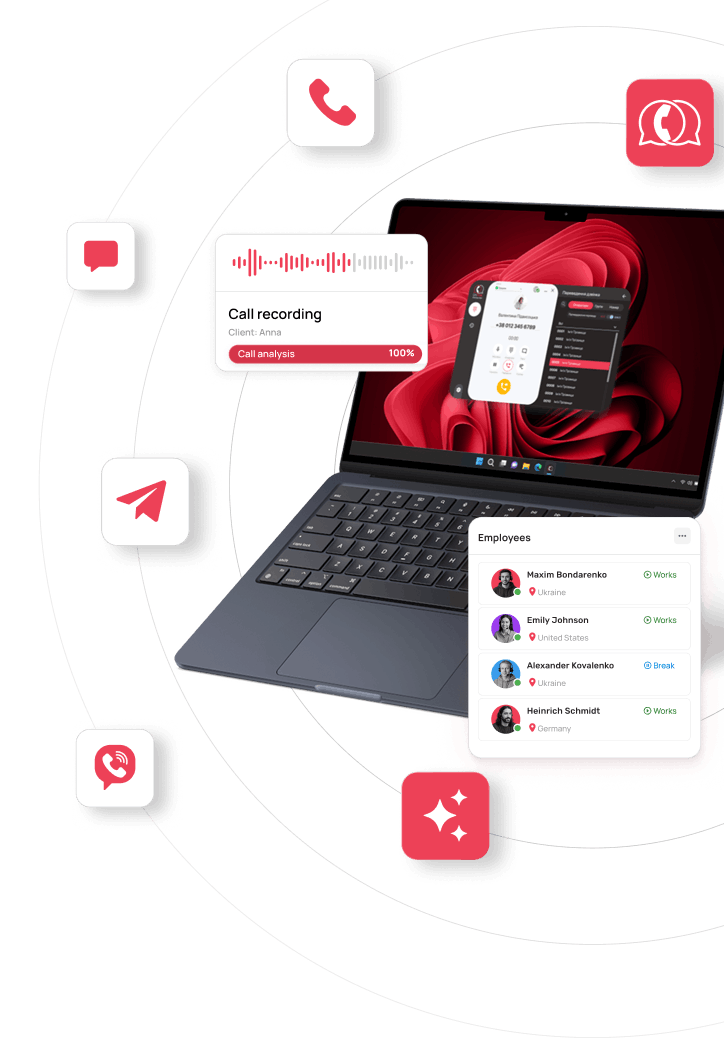
In Omni, calls and messages from Viber, Telegram, Instagram, the website, and email all run in one workspace. Agents don’t need to jump between different apps to find a previous conversation or pick up where it left off. This basic unified environment for calls and chats is already included in the Mini plan.
For a manager, this means more than convenience for the team. Communication no longer lives in agents’ personal accounts or scattered across separate tools. It flows through one shared system, which becomes the single point of control over everything the team handles.
As the business grows, the same system scales with it: routing, queues, automation, analytics, and integrations can all be added as the team’s needs grow.
Making sure a request reaches the right agent right away
As the volume of requests grows, it’s not enough to simply receive them all. They need to land with the right person.
In Omni, you can set up routing rules for incoming requests. The system can factor in the channel, the topic, the skills needed, the language, and how busy each agent currently is. Chat routing works the same way, independently of calls.
For a manager, this means requests no longer need to be sorted out by hand every time. The logic is already built into the system, so each request moves along the right path automatically.
And if a request needs to be escalated, it can be passed along according to that same logic, so it doesn’t go unnoticed.
Spotting when a customer has been waiting too long
Even the right routing doesn’t solve the problem if a request just sits there unanswered.
A manager needs to see more than the volume of requests. They need to see how fast the team is actually working through them.
In Omni, you can set a target response time for a channel or a queue. If a request sits longer than that, the system can automatically move it further along the defined logic.
Different scenarios can have their own priorities and processing order. A repeat request, for example, can stay with the same agent who handled it before, so the customer doesn’t have to explain the situation from scratch.
A manager sees the team’s workload and response speed through a dashboard and reporting, so a problem can be spotted while it’s still happening, not after a complaint. Dashboards, stats, and workload tracking are all part of Omni’s core logic.
Outside working hours, the same logic can keep running: the customer gets an automatic reply and knows what happens next with their request.
Checking the quality of every conversation, not a random sample
Even the strongest manager can’t listen to every call and read every chat the team handles. So manual quality control almost always ends up being a sample: a few conversations today, a few more tomorrow.
The problem is that the one conversation that matters most might fall outside that sample.
Speech AI analytics works on a different principle: it automatically analyzes 100% of the calls it has access to, not a sample. It’s a UniTalk AI tool included in Omni on the Medium and Max plans. It transcribes calls, scores conversation quality, identifies topics and tone, calculates metrics, and lets you set your own evaluation criteria. Ready-made metrics cover common needs, and you can build a custom one for a specific process when you need it.
For a manager, this means quality data no longer depends only on how many calls they personally managed to listen to. The system gathers the information, and the manager reviews the specific cases that actually need attention.
You can track things like customer dissatisfaction, agent mistakes, script adherence, the most common objections, or any other criteria that matter to your team. This data is useful not just for quality control but for training too: a manager can see the exact moments where an agent needed help and walk through them together.
The same applies to text channels. Chat AI analytics helps analyze the topics customers raise, the quality of agents’ replies, and flags problematic conversations without anyone having to read through every chat by hand.

Another tool for calls: the Prompter
The Prompter helps when an agent needs support in the middle of a conversation. A manager or team lead can join a live call and send the agent a hint the customer won’t hear.
This is especially useful when training a new hire: the agent leads the conversation themselves, while the team lead can quietly suggest how to handle a tricky question or keep the conversation going.
The Prompter is available on the Medium and Max plans.
What to do with the routine requests that repeat every day
Support deals with the same kinds of scenarios every day. Customers ask the same questions, check on a status, want to book something, submit a request, or just get information about a service. When there are a lot of these, they eat up a real chunk of the team’s time, even though none of them are individually complicated.
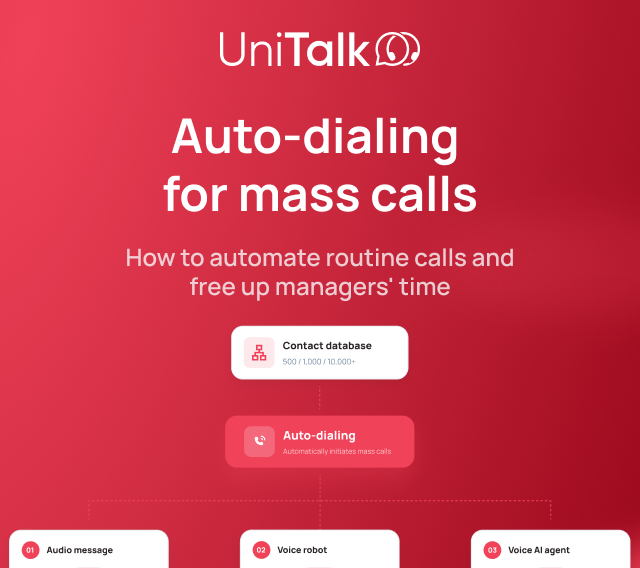
The Voice AI Agent can take these scenarios on and carry a full conversation with the customer. It understands context, asks clarifying questions, answers from the business’s knowledge base, books the customer in, files a request, and can work with data through integrations.
The agent can handle inbound calls, follow the logic of a specific business process, and hand the conversation off to the right agent when needed. It can also handle outbound scenarios.
The agent works 24/7, so it can pick up requests whenever the team is busy or unavailable, which matters most during peak hours and outside working hours. The customer gets taken through the scenario they need right away, while agents stay focused on the requests that actually need a person’s judgment.
When a request does need a person, the agent hands off the call to the right agent along with the context of the conversation so far. The agent picks up already knowing the situation, instead of asking the customer to explain everything from the beginning.
The Voice AI Agent is included in the Omni Max plan.

What changes for a support manager
When communication is built as a single system, a manager no longer has to piece together the full picture from separate tools by hand.
Agents work in a shared environment. Requests get routed by a defined logic. The manager sees workload and response speed, gets data on the quality of communication, can step in to help an agent mid-call, and the Voice AI Agent handles a share of the full scenarios on its own.
And most importantly, none of these capabilities exist in isolation. Omni brings channels, handling scenarios, routing, quality control, analytics, and automation together into one operating logic for the business.
For a support manager, that comes down to one simple thing: they’re no longer managing individual calls or chats. They’re managing how requests get handled as a process.
The system gathers context, helps the team work by a clear logic, shows where attention is needed, and takes on part of the work that doesn’t need to be done by hand.