You’ve Built a Voice Agent. What’s Next?
You built a voice agent on a no-code platform: set up the prompt and knowledge base, chose a voice, and tested conversations in the web interface.
In the test environment, the agent answers questions correctly, follows the script, and holds a conversation. It seems like the next step is simply to connect telephony and start making calls.
But successful testing in a controlled environment is only one stage of preparing an agent to work with real customers. Next, you need to connect a telephony infrastructure, verify how the script performs in real conditions, and, depending on the business process, set up integrations, data transfer, and post-call actions.
This article is for companies that have already built an agent and are looking for telephony to run it, as well as for those choosing between self-service setup and implementation with a technical team.
Already Have an Agent? The Next Step Is Telephony
Modern AI platforms let you build and configure a voice agent on your own: define its role and behavior, add a knowledge base, choose a voice, and test conversations in the web interface.
However, to make and receive phone calls, the agent needs a telephony infrastructure.
If your company has already built a voice agent on a compatible platform, you don’t need to replace it or build a new one. After a technical compatibility check, it can be connected to UniTalk’s telephony to handle inbound or outbound calls.
At the same time, UniTalk’s role in this scenario needs to be defined separately. Connecting a third-party agent to telephony doesn’t mean the UniTalk team configures or further develops the agent itself: its prompt, knowledge base, behavior, and functionality remain controlled by the client or the provider of the corresponding AI platform.
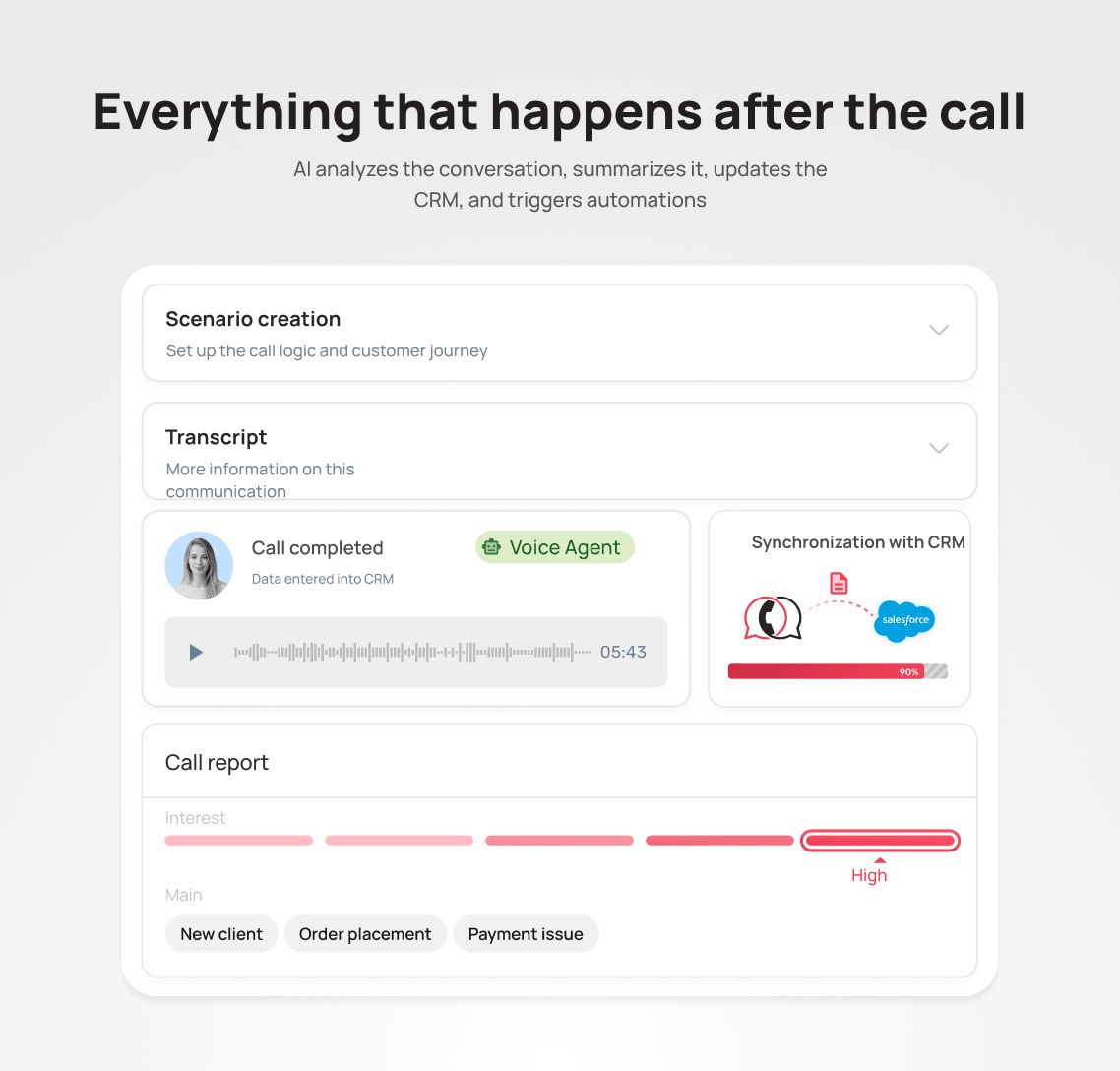
Depending on business needs, telephony can be integrated with a CRM, actions can be automated based on call outcomes, and Speech Analytics can be used to evaluate the quality and results of calls.
Connecting Telephony Is an Important Step, but Not the Only One
Telephony solves a specific task: it lets the agent make and receive calls. But on its own, it doesn’t determine how well the agent’s behavior is configured or whether it’s ready to reliably execute a specific business process.
Before a full launch, it’s worth checking:
- whether the conversation logic is correctly built;
- whether the agent receives up-to-date data;
- whether the planned integrations work correctly;
- what should happen after each call outcome;
- how non-standard situations are handled;
- when a call should be transferred to a responsible team member;
- who tests changes and is responsible for the solution’s further development.
A technically connected agent that can make a call and a solution that reliably runs a business process are two different levels of readiness.
Why a Successful Test Isn’t Enough to Judge Real-World Performance
In a test environment, a dialogue is usually checked against a handful of expected scenarios. Real customers behave differently: they respond unexpectedly, change the subject, ask additional questions, give incomplete information, or change their mind mid-conversation.
A few controlled tests can’t cover every possible phrasing, exception, or edge case. A rare error might not show up in ten test dialogues, but it can become noticeable after hundreds or thousands of conversations.
For example, without the necessary information or clearly defined constraints, the model may produce an inaccurate answer, misinterpret data, or take the wrong action. Scale itself doesn’t make the agent worse, but it increases the number of situations where weak spots in the script, knowledge base, or integrations become visible.
That’s why the quality of a solution depends not only on the system prompt, but also on:
- how well the script is thought through;
- rules for handling non-standard situations;
- the quality and relevance of the knowledge base;
- access to the necessary data;
- correctly working integrations;
- systematic testing of different customer behavior patterns.
When a Self-Service Platform and Telephony Are Enough
Not every business needs a complex technical implementation. A self-service platform combined with telephony infrastructure can fully cover the need if:
- the scenario is simple and predictable;
- the agent handles typical questions;
- no integrations are needed;
- the call outcome doesn’t trigger a business-critical process;
- the business has the resources to configure, test, and support the solution on its own.
In that case, a company can manage the agent independently and use the telephony provider simply as infrastructure for inbound and outbound calls.
When an Agent Needs to Do More Than Hold a Conversation
Technical implementation becomes important when an agent needs to do more than talk. It also needs to interact with internal systems and perform actions as part of a business process.
For example:
- pulling up-to-date customer data from a CRM;
- creating or updating requests;
- changing an order status;
- passing the result to a manager;
- booking a customer for a service;
- checking product availability or free time slots in a calendar;
- transferring a call under certain conditions;
- triggering a follow-up call, SMS, or other action;
- handling several interconnected scenarios.
The more an agent needs to do beyond the conversation itself, the more important the technical architecture, integrations, data handling, and testing of the entire process become.
A Simple Call Can Be a Complex Business Process
Take order confirmation as an example. On the surface, the task looks simple: call the customer and get a confirmation.
But the call can end in several different ways:
- the order is confirmed;
- the customer wants to change the address;
- the customer wants to swap the product;
- the customer needs to speak with a manager;
- the customer asks to be called back later;
- the customer declines;
- the customer doesn’t answer.
Each outcome needs a defined next action: updating the CRM status, creating a task for a manager, scheduling a follow-up call, passing information to another system, or sending a message.
That’s why the real complexity of a solution often isn’t in the conversation itself, but in what needs to happen before, during, and after it.
Why You Need a Technical Team
A technical team helps handle the complexity that builds up around an agent: designing the logic, defining how data is passed, implementing integrations, checking dependencies, and testing the full scenario.
If a business chooses UniTalk’s Voice AI Agent, our team supports its technical implementation: helping design the workflow logic, setting up the integrations the project calls for, testing scenarios, and preparing the solution for launch within the agreed business process.
If a company already has an agent built on a third-party platform, UniTalk’s role may be limited to checking compatibility and connecting it to the telephony infrastructure. Configuring and developing the third-party agent itself remains the responsibility of the client or the relevant provider.
The Work Doesn’t End on Launch Day
The Voice AI Agent launches according to an agreed scenario and verified requirements. After that, business processes can keep changing: new products and services appear, rules get updated, integrations change, or the requirements for call outcomes shift.
Real conversations also generate data for further optimization: they help surface new customer phrasing, unusual situations, and points where the script can be made more effective.
That doesn’t mean the agent launches unfinished. It’s a normal part of an AI solution’s lifecycle: after launch, it can be optimized based on real conversations, changes in business processes, and the company’s evolving needs.
The scope of further work depends on the agreed support model. Optimizing the current solution, building new scenarios, and adding integrations can take different forms depending on that agreement.
The Voice AI Agent Is Only Part of Customer Communication
Telephony remains an important channel for engaging with customers. But modern communication rarely stops at phone calls.
A customer might call, message you on a messenger app, reach out through a website chat, and then continue the conversation on another channel, whether with AI or with a member of your team.
When each channel operates on its own, it becomes harder for a business to:
- preserve the context of an interaction;
- route requests correctly;
- control the quality of communication;
- see the full history of a contact;
- manage the work of people and AI solutions as a single process.
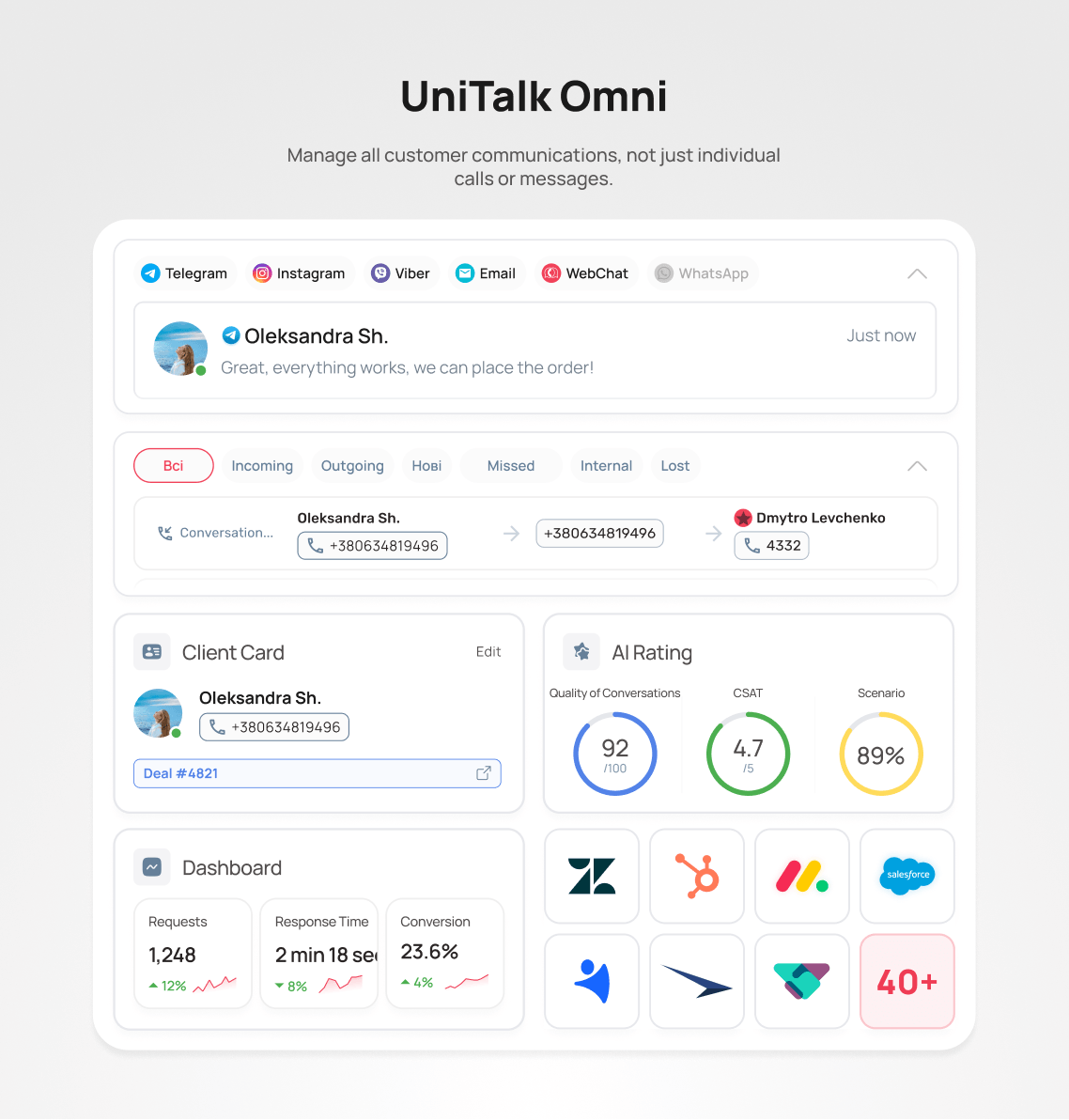
That’s what UniTalk Omni is for: an environment where calls, chats, messengers, SMS, and analytics tools can come together in one shared process for managing customer communication.
What to Take Away
Building a voice agent, connecting it to telephony, and implementing it in a business process are three different stages.
A self-service platform lets you build and configure an agent. Telephony provides inbound and outbound calling. And running reliably inside a real business process may require integrations, data transfer, scenario testing, and configured post-call actions.
If you’ve already built an agent on a third-party platform, UniTalk can check its technical compatibility and connect it to the telephony infrastructure to handle calls.
If you need a comprehensive solution, the UniTalk team can implement UniTalk’s Voice AI Agent, integrate it into an agreed business process, and continue working on the solution under the chosen support format.
And when customers reach out through multiple channels, UniTalk Omni helps bring calls, chats, messengers, and SMS together in one environment for handling customer requests.
Already built a voice agent and looking for telephony to launch it? Or want to understand what it takes to fully implement it in your business process?
Tell us about your scenario. The UniTalk team will assess your agent’s technical compatibility with our telephony or propose a UniTalk Voice AI Agent solution tailored to your business needs.