How to Automate Mass Calling and Free Your Managers From Routine Work
You need to call hundreds or thousands of contacts: work through a cold list, confirm an order, or tell customers about a new offer. Each call itself might be short, but a manager still has to dial every number, wait for an answer, log the result, and move on to the next contact.
Not every one of these calls needs a manager on the line. Often it’s enough to pass along information, ask a simple question, or find out whether the conversation is worth continuing.
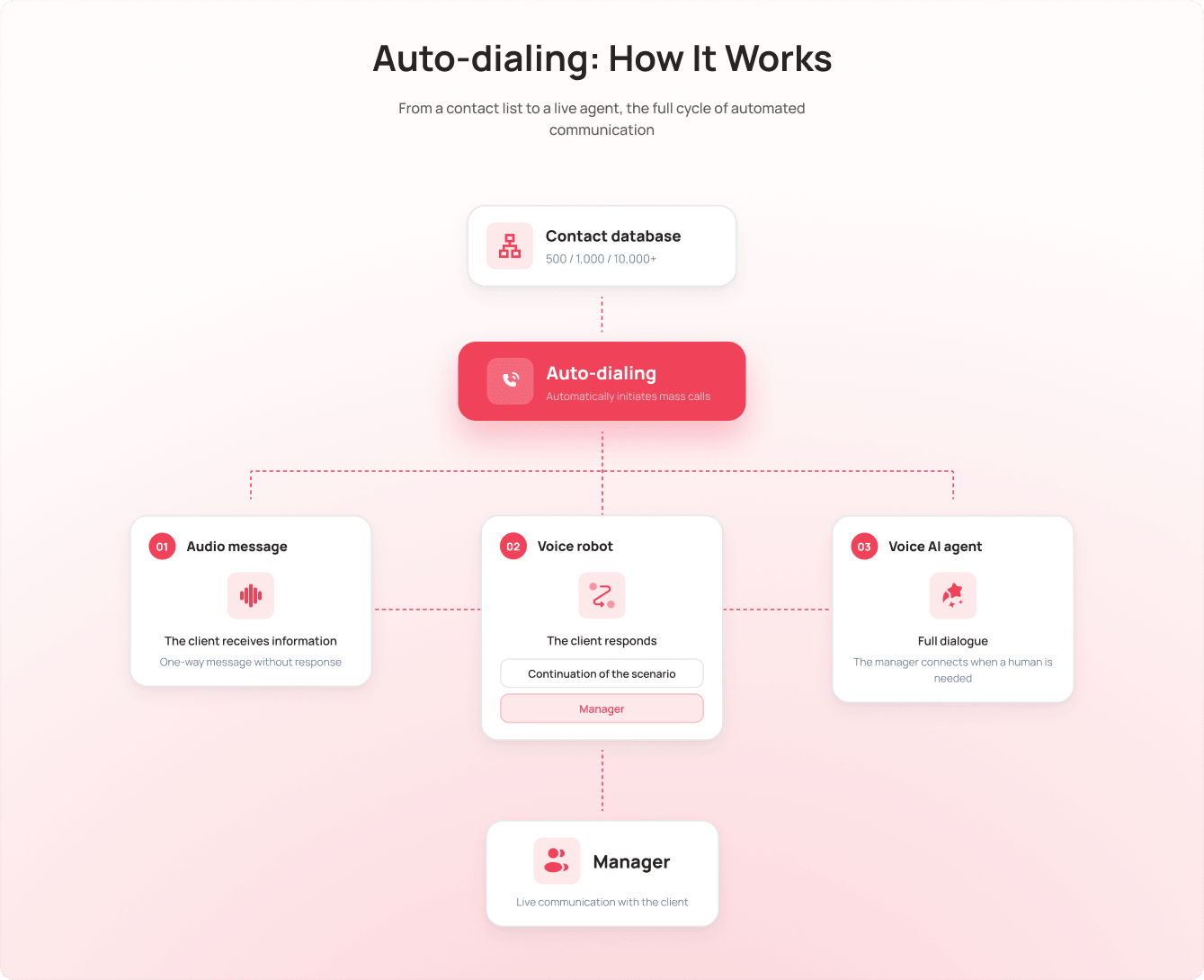
Auto-dialing takes over mass calls that follow a set script, and a manager steps in only when a live conversation is actually needed.
Which calls can be automated
Auto-dialing fits tasks with a repeatable script, where you don’t need a manager on every call:
- calling through a cold list;
- winning back former customers;
- confirming an order or booking;
- repeat sales;
- reminders about an event or appointment;
- messages about promotions and special offers;
- updating a contact database.
Cold-list calling is one of the most obvious scenarios to automate. A manager doesn’t need to manually dial hundreds of numbers just to find out who’s willing to talk. Auto-dialing handles the first contact, and the manager steps in only with the people who are genuinely worth talking to.
A similar approach works for customers who already know your company. For example, you might need to remind them about an appointment, confirm an order, offer a repeat purchase, or reach out to people who haven’t ordered in a while.
What happens if a customer needs a manager
An automated call doesn’t mean a customer is left without the option to talk to a person.
If the script calls for a handoff to a manager, the system transfers the call to an employee. As soon as that manager finishes the conversation, the system can send them the next call right away. The team doesn’t waste time manually dialing numbers or waiting for someone to pick up.
If needed, a call can be transferred to a different employee. For example, a sales manager can pass a technical question straight to a support specialist — so the customer gets a competent answer faster.
As a result, the manager is already talking to the customer instead of spending time looking up a contact, dialing, and waiting for a response.
A bigger list doesn’t mean more manual work
A calling list might be a few dozen contacts or several thousand. The scale of a campaign depends on the task, the size of the list, and how many managers are on the team.
When you need to get through a large list quickly, the team doesn’t spend days dialing one number after another. Auto-dialing launches calls according to the script and hands them to managers only when their input is needed.
That way, a company can work with a much larger volume of contacts without a matching jump in manual work.
When it’s enough to just notify the customer
Not every automated call needs a response from the customer.
For simple informational tasks, an audio message is enough. The company records or uploads a ready-made audio file, and Auto-dialing plays it during the call.
This kind of scenario works well for, say:
- reminders about an upcoming event;
- notice of a schedule change;
- information about a promotion;
- confirmation of an agreement;
- any other message that doesn’t need a reply.
At this level, automation simply delivers information. The system doesn’t analyze the customer’s response or interpret their reaction.
When you need to hear the customer’s answer
If a single message isn’t enough, you can add a Voice Robot to Auto-dialing.
It recognizes simple customer responses and follows a set script. For example, it can check whether a customer is confirming an order, and depending on the answer, either continue the script or transfer the call to a manager.
At this point, automation isn’t just delivering information anymore. It takes the customer’s answer into account and decides on the next step.
What if you need a full conversation?
For more complex scenarios, UniTalk offers an AI Voice Agent. It can carry on a full conversation with a customer and hand the call over to a manager whenever that’s needed.
In other words, a company can choose the level of automation that fits the task — from a simple audio message all the way to a conversation where the system talks to the customer on its own.
Why Auto-dialing works best alongside other tools
Auto-dialing isn’t useful just because it helps you reach a lot of contacts quickly. It’s just as important to see what happened after the call and what to do with that contact next.
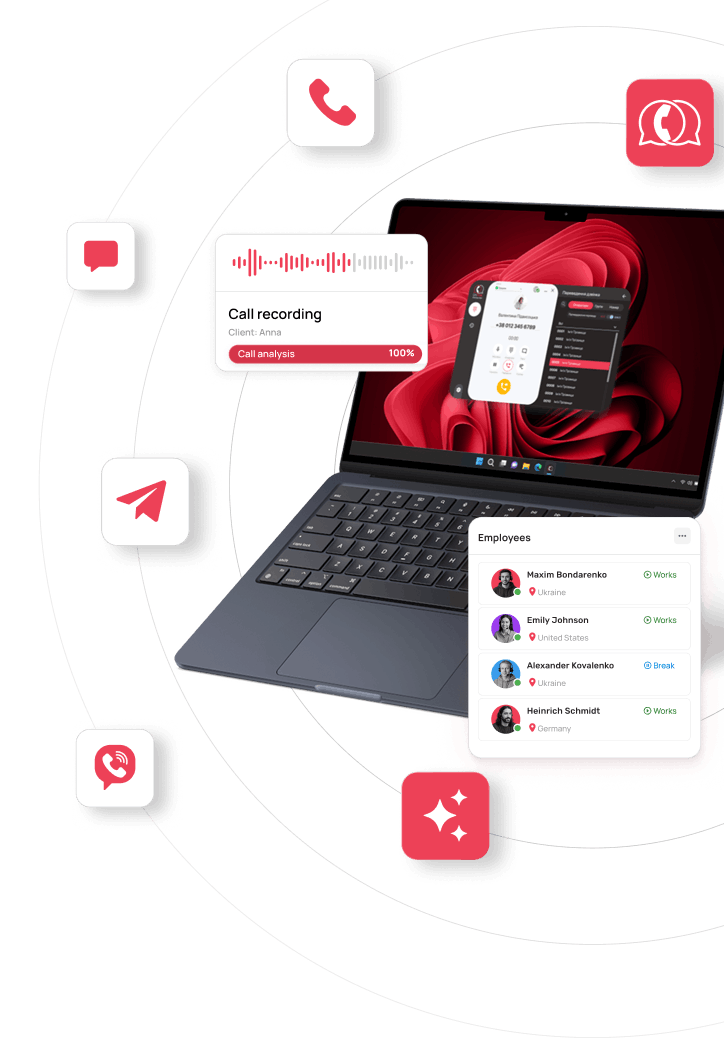
In UniTalk Omni, Auto-dialing works together with the rest of your communication tools: calling, chats, messengers, broadcasts, analytics, and CRM integration.
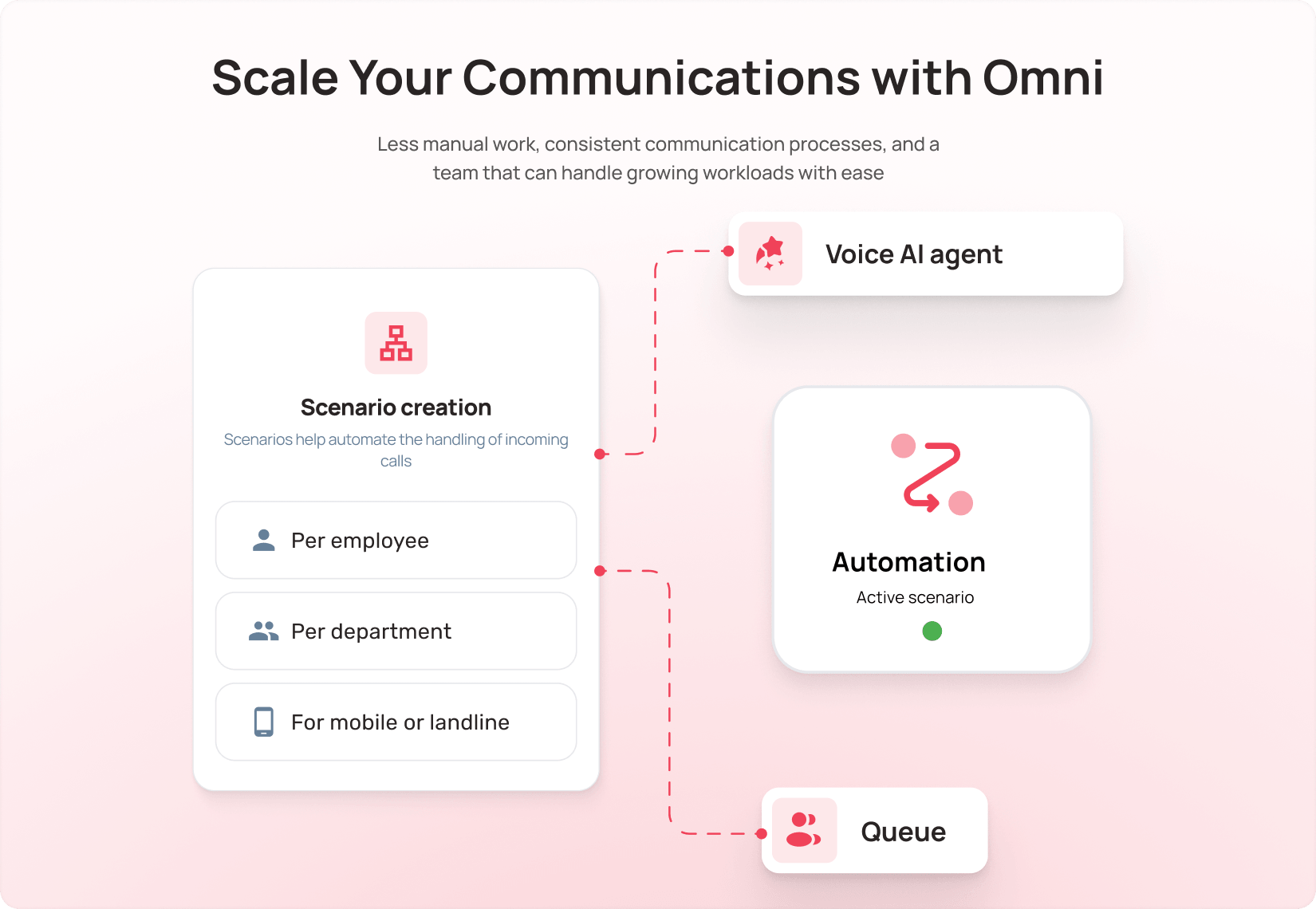
Call results are available in the analytics, and data about each customer interaction can flow into your CRM alongside everything else about that communication. For example, after a reactivation campaign, a manager can review the results while the team keeps working with the contacts worth following up.
That means there’s no separate calling service to check, no results to move over by hand, and nothing to reconcile against other channels.
What the team gets
When managers dial a list by hand, a large part of their time goes into dialing numbers, waiting for an answer, and moving on to the next contact.
Auto-dialing removes that repetitive part of the work. A manager gets a call only when their input is actually needed, and can focus on consultations, sales, problem-solving, or any other live conversation with a customer.
For a manager overseeing the team, this means real control over mass communication: which campaign ran, which list it used, and what results it produced.
That’s exactly where Auto-dialing’s value as part of Omni comes from: it automates repetitive calls without cutting them off from the rest of how the team works with customers.