Where Do Leads Disappear After an Ad Click?
A customer sees an ad, lands on your site, and calls. In the ad dashboard, it looks like just another click.
The website sees a session. The CRM sees a deal. What happened in between: the call itself, the conversation with the customer, the reason they reached out, mostly stays outside these systems.
So the marketer counts inquiries, but doesn’t always know how many of them are actually qualified leads.
Where Does Ad Spend Actually Go When Customers Call?
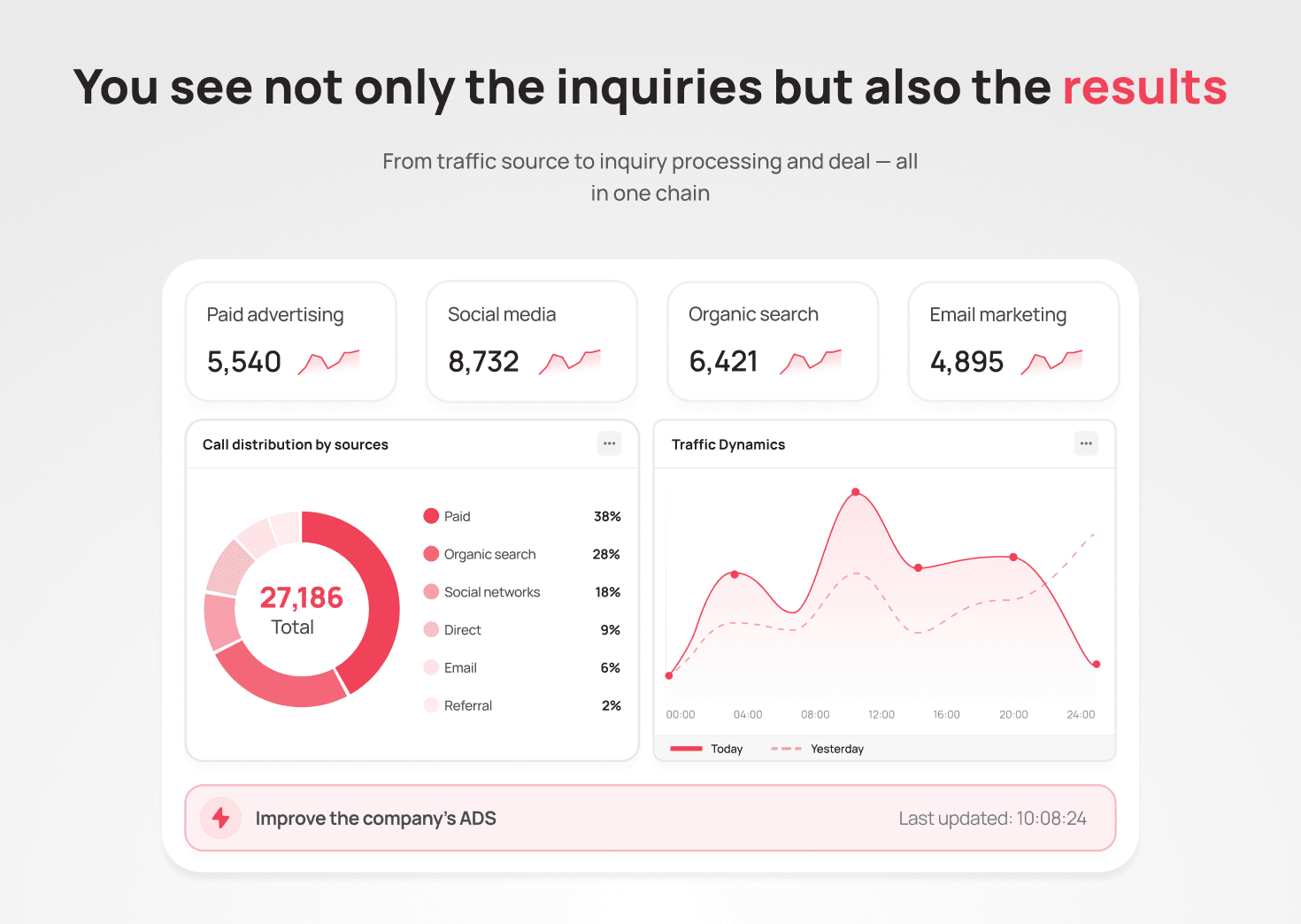
Call tracking helps connect a call to its ad source: it shows which channel, campaign, or even keyword a specific call came from.
Now you can see the link between traffic and calls: which campaign generates more inquiries, and which one just burns budget. You can compare CPL (cost per lead) across channels and see where calls come cheaper, and where budget simply dissolves.
Call tracking doesn’t show how the call ended. It only links the inquiry to its ad source. How many of these calls turned into deals, and whether they paid off, is something the marketer sees by matching the source with the result in the CRM.
Call tracking answers the question “where did the call come from?” What kind of customer it was and how the conversation ended is figured out at the next step.
What Gets Passed to the CRM Along With the Call
The call ends, and the customer moves on to a sales rep. If the ad source data doesn’t travel with them, that campaign’s budget keeps getting counted blindly: the deal exists, but the link to the ad is already gone.
The CRM can receive:
- UTM parameters;
- Google Click ID;
- call source via tracking number;
- data from Google Analytics and Facebook/Meta Ads.
Omni already has out-of-the-box integrations with 50+ CRM, ERP, and analytics systems, so this data flows in automatically, without manually reconciling the ad dashboard, website, and phone system in a spreadsheet. That means deal conversion can be calculated separately for each source, not just as one overall traffic figure.
Along with the source, the CRM also gets an early signal about the customer’s actual request — even before they’ve spoken with a rep.
The CRM Gets Context Before the Conversation Even Starts
For example, in the voice menu (IVR), the customer selects the service or reason for their call. That choice lands in the contact card immediately, before anyone picks up the phone.
The rep starts the conversation already with context. And marketing gets one more parameter to see which requests come in from each source.
Not Every Lead Is a Qualified One
A campaign can generate a lot of inquiries. But the number of inquiries alone doesn’t show their quality: how many actually turn into deals only becomes clear further down the funnel.
An unqualified lead is an inquiry from a person or company that doesn’t match your ideal customer criteria: by need, budget, scale, industry, geography, or other ICP (Ideal Customer Profile) parameters. For example:
- someone is interested in the topic or technology in general, but the inquiry isn’t tied to a real intent to buy anytime soon;
- the request doesn’t match what the business sells: for instance, the person is looking for an adjacent product or an entirely different budget tier;
- the inquiry falls outside the target segment by company size, industry, or geography: the product technically fits, but the business doesn’t focus its efforts there.
A call that doesn’t fit the ICP remains an unqualified lead, even if it formally landed in the CRM as an inquiry. The ad dashboard doesn’t see this: it happily counts every such inquiry as a lead, no matter who called or why.
What Marketing Can Learn Directly From Conversations
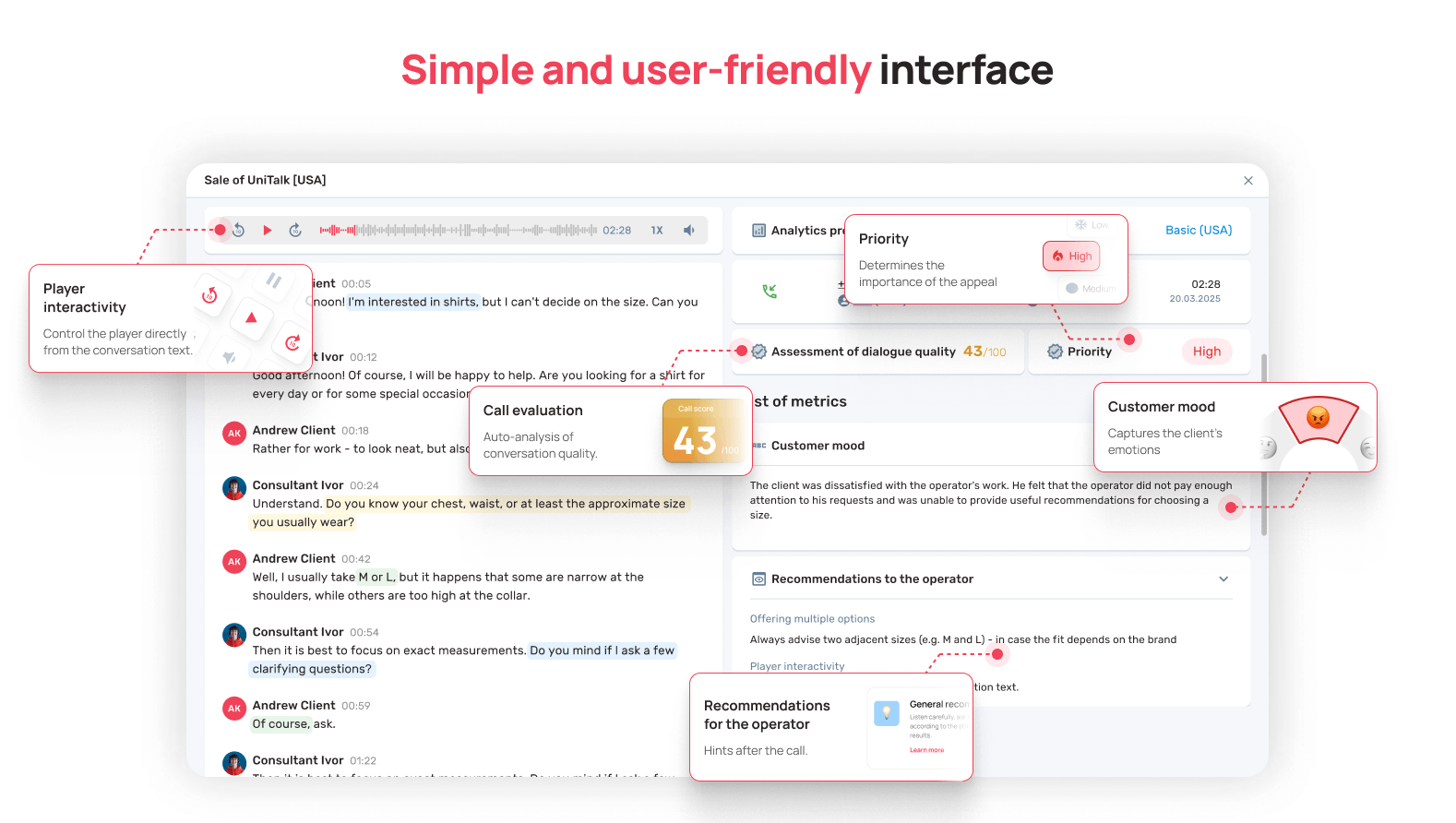
Voice AI Analytics automatically analyzes 100% of call recordings, not just a sample. It can identify recurring topics in conversations and give marketers data on:
- the most common objections;
- questions customers keep asking, over and over;
- topics that interest the audience;
- mentions of a specific promotion or campaign;
- reasons customers aren’t ready to move forward.
Voice AI Analytics already comes with 20 built-in conversation-scoring metrics. They can be used not only for quality control of reps, but also to surface topics and objections that matter specifically to marketing.
From Call to Qualified Lead: A Few Stages of Qualification
A call lands in the CRM as an inquiry. But whether it becomes a qualified lead is a separate question.
The inquiry source, CRM data, and the customer’s own responses (like their IVR selection) help marketing assess how well the lead matches the ICP and marketing qualification criteria — in other words, whether it’s an MQL (Marketing Qualified Lead) at all. The content of the conversation then gives the sales team additional signals for further qualification: whether it meets SQL (Sales Qualified Lead) criteria, meaning whether it’s qualified enough for the sales team to work further.
So between “we got an inquiry” and “we got a possible deal” there are several stages of qualification, and Voice AI Analytics works with two different layers of data along this path:
- conversation metrics: whether the rep greeted the customer per the script, how quickly they handled an objection, how polite the tone was;
- conversation content: what the customer said about their business, budget, timeline, or team size — these are signals about ICP fit, not about the rep’s performance.
That’s why a call with a flawless conversation can still fail to become an SQL, if the customer simply isn’t the right fit. And conversely: an average conversation with a customer who fully matches the ICP is more valuable for sales.
How to Connect Ad Traffic to the Result
The chain looks like this: ad → website → call → CRM → conversation → result.
But in practice, each link lives in its own system. Marketing sees spend and traffic. The CRM sees the customer and deal status. The phone system sees the call itself. Voice AI Analytics sees what was actually said.
This is where UniTalk Omni comes in.
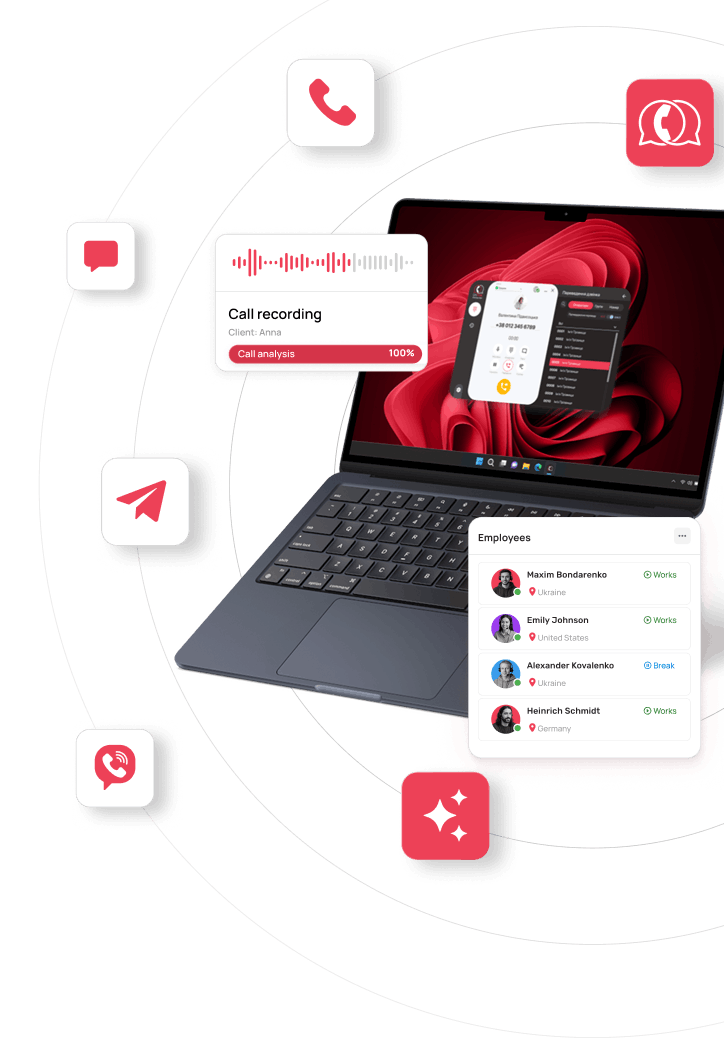
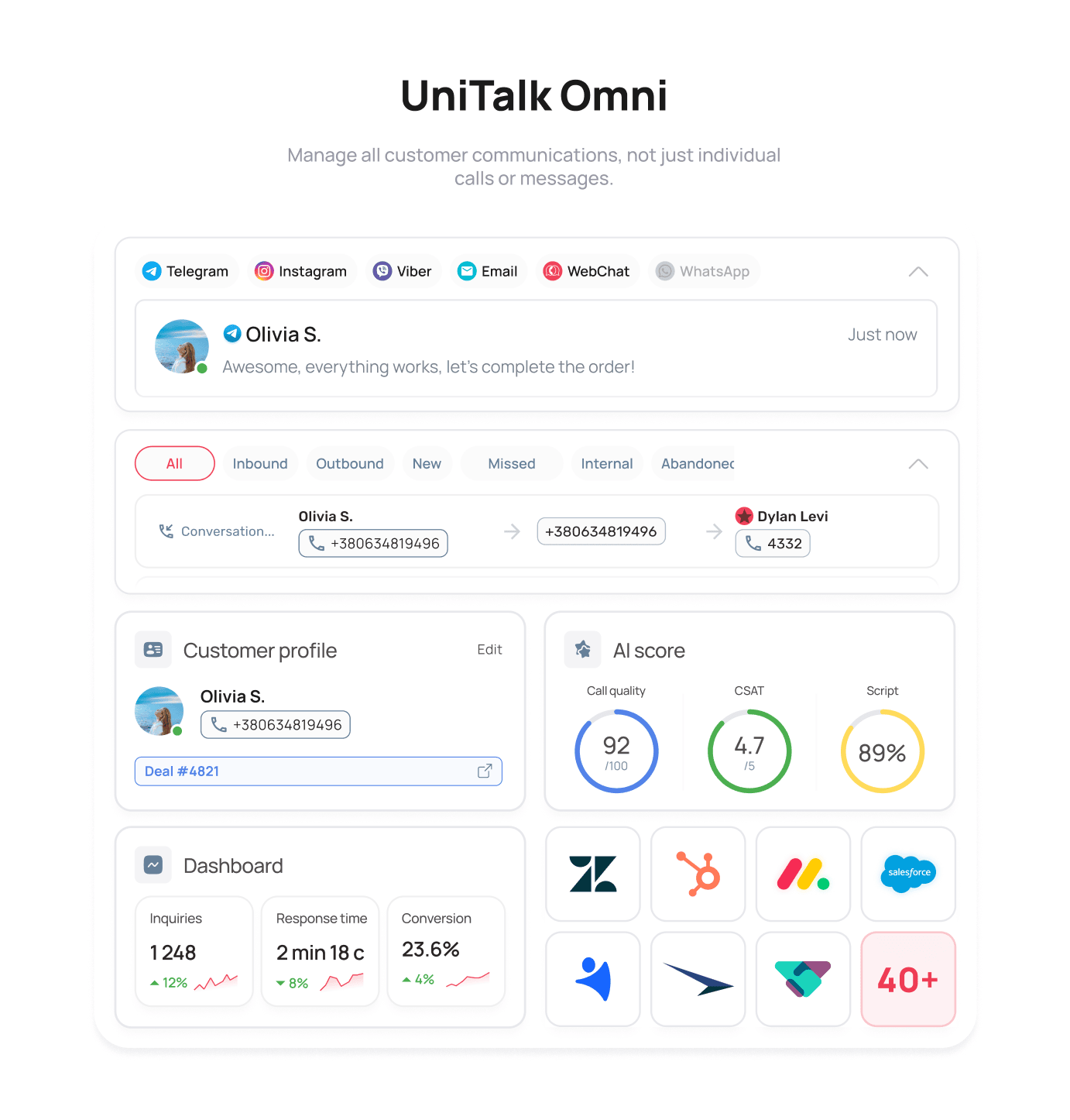
UniTalk is the single solution for managing customer communication. Omni brings together calls, chats, messengers, mass messaging, Voice AI Analytics, and CRM integration under one unified logic. So marketers get not scattered data points about clicks, calls, or deals, but a connected chain: inquiry source → communication → result in the CRM.
The inquiry source is linked to the communication, data flows into the CRM, and conversation content can be analyzed with AI. Marketers can see where a customer came from, what was discussed, and what happened to the inquiry in the CRM afterward — which means they can calculate CPL and conversion by channel, not just for overall traffic.
Omni won’t calculate a campaign’s final ROI for you: decisions about budgets, channels, and campaigns remain with the marketer. But the data for that decision is now in one place, instead of scattered across three systems.
From Analytics to Action: What You Can Do With the Database
Customer data isn’t just for reports. It can also power your next communication: if a marketer can see who reached out, with what request, and at which stage they stopped, that database can be put straight to work for a follow-up.
Mass SMS and Viber Campaigns
SMS and Viber campaigns let you reach a large customer base in a single send:
- announce a promotion;
- launch a marketing campaign;
- send a reminder about an appointment or event;
- send a service notification.
This is different from manually messaging one customer at a time: a mass campaign launches once and reaches your entire target audience at the same time.
When You Need to Reach a Large Number of Contacts
Automated calling (auto-dialer) works well for large databases: a script is configured in advance, and the system calls customers through a Voice Bot, with no rep involved. It’s useful for informational updates or promotional campaigns when you need to reach many contacts at once.
Automated calling is billed separately, as traffic and campaign setup, on top of the license cost.
What Changes for the Marketer
Advertising brings a customer to their first inquiry. What matters next is knowing whether they match your ICP, how they move through qualification, and what happens to them in the funnel.
UniTalk Omni connects the inquiry source, customer communication, and the CRM result into one unified data system. It doesn’t replace your marketing analytics, but it closes the gap that leaves those calculations running on incomplete data.
UniTalk: Manage Communications. Manage Results.